




SCX-3400FW
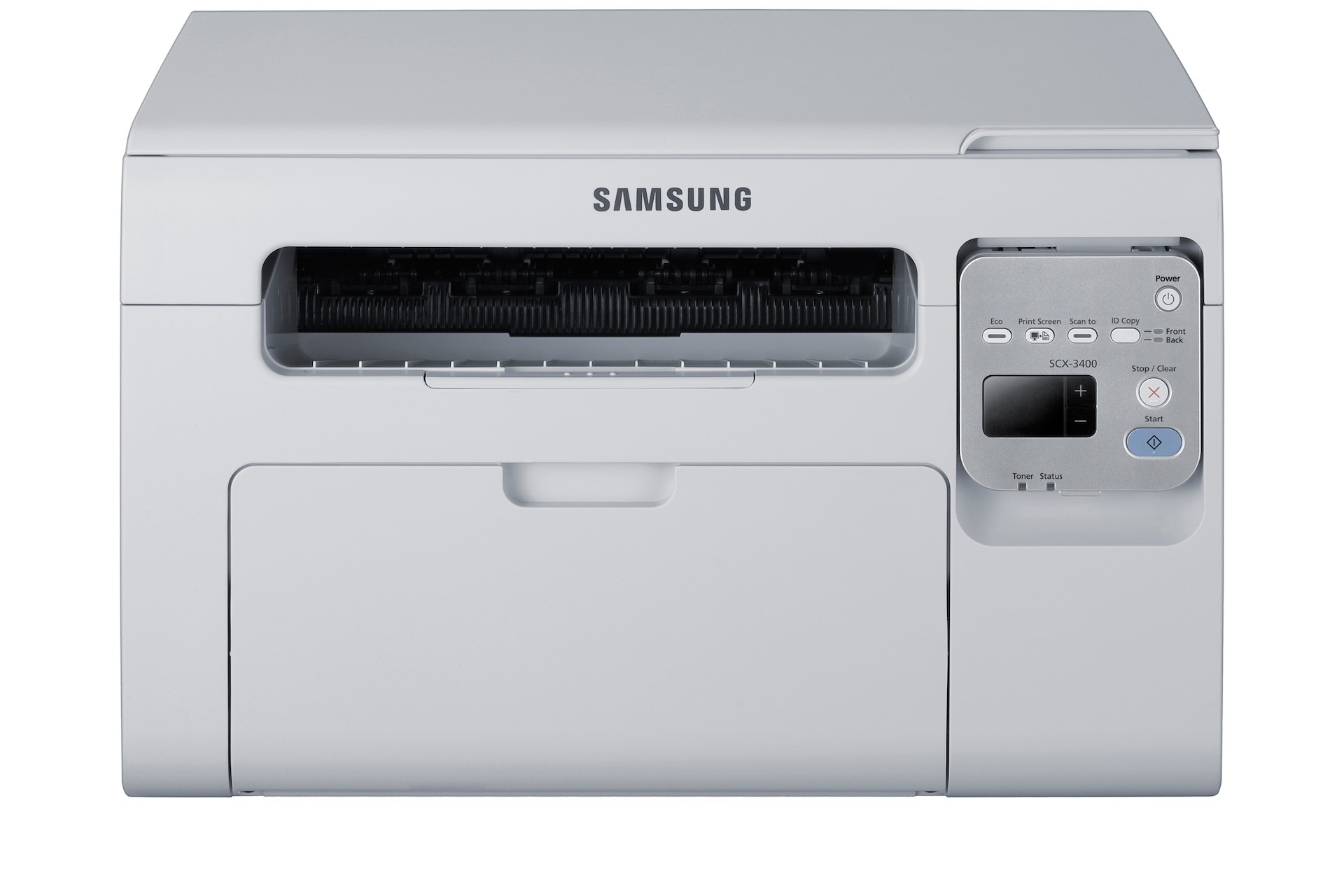
Samsung's SCX-3400FW combines the base 3400 multifunction with both fax and wireless, which makes it the most versatile configuration in the family. Print, scan, copy, fax, and network printing all share one compact chassis.
It still needs just a single cartridge type: MLT-D101S. We stock compatible cartridges and genuine OEM cartridges alike, shipping fast from Clever Supplies whenever the toner runs low.
Toner Cartridges for SCX-3400FW
This printer works with the following toner cartridges:
- Samsung MLT-D101S
More Samsung Printers
- ML-2160
- ML-2161
- ML-2164
- ML-2164W
- ML-2165
- ML-2165W
- SCX-3400
- SCX-3400F
- SCX-3401
- SCX-3401FH
- SCX-3405
- SCX-3405F
- SCX-3405FW
- SCX-3405W
- SCX-3406HW
- SCX-3406W
- SCX-3407
- SF-760P
- SF-761
- SF-761P
- SCX-3406
- SF-760
- ML-2160W
Frequently Asked Questions
Does toner expire if I stock up on MLT-D101S cartridges for the SCX-3400FW?
A MLT-D101S stored for a year or two usually still works in the SCX-3400FW if it stayed sealed and climate-controlled - give it a gentle rock before installing to redistribute settled toner. If the first pages look faded or streaky after long storage, the toner may have degraded. Buy spares in quantities you will use within a year or so.
Why are the edges cut off when I copy on the SCX-3400FW?
Edges get cut off on SCX-3400FW copies when the original sits outside the scan area or the reduce setting is wrong. Align the page to the corner mark on the glass and check the copy size setting. This is a placement issue, unrelated to the MLT-D101S cartridge.
What makes the SCX-3400FW request a new toner cartridge right after one was installed?
A toner error on the SCX-3400FW right after installing a new MLT-D101S typically comes down to the cartridge not being fully clicked in or leftover protective film. Power the machine off, pull the cartridge out, remove any seal or tape traces, and reinstall it. The printer should accept it on power-up.