




SCX-3405
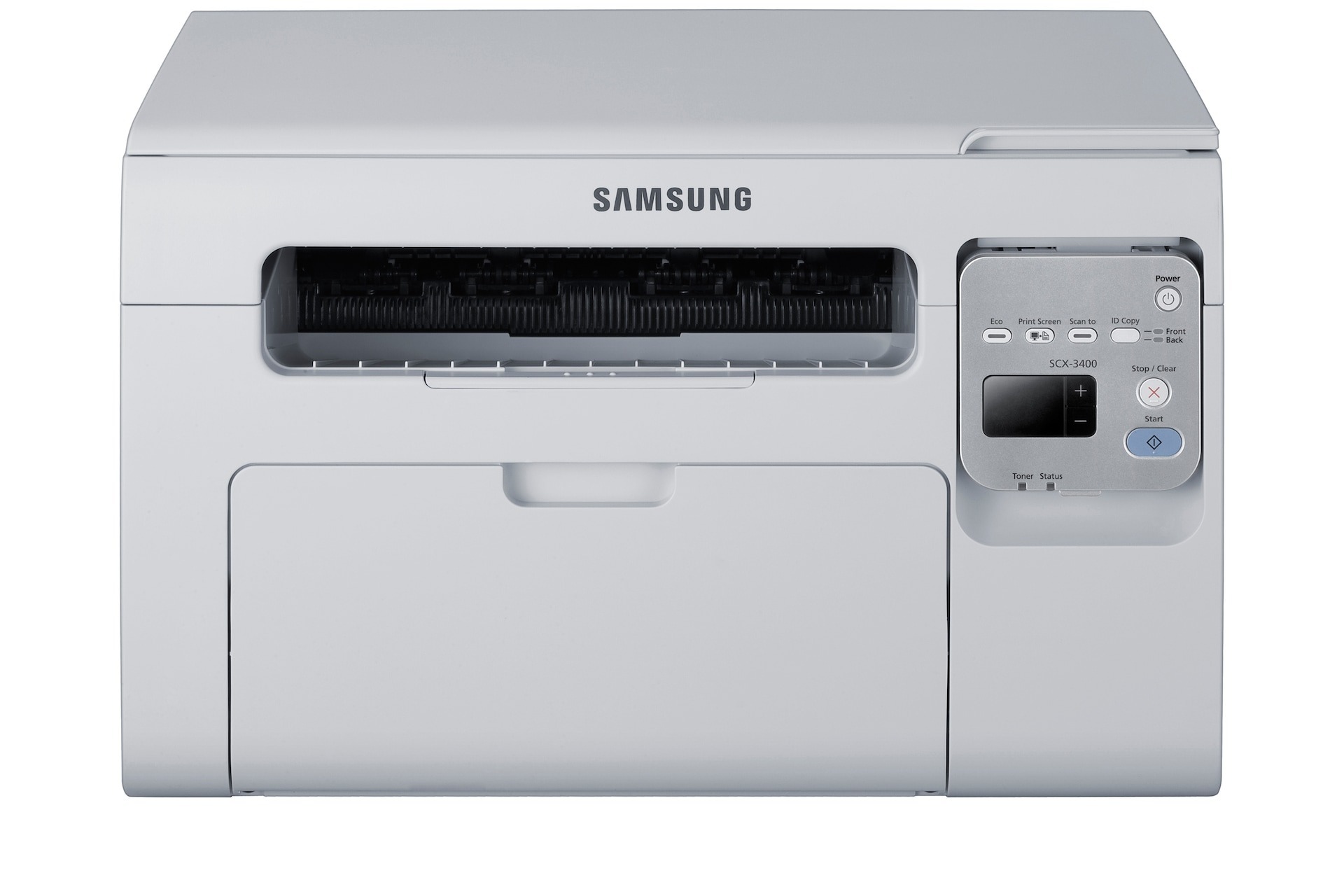
The SCX-3405 sits a half-step up Samsung's multifunction ladder from the 3400, offering the same print-scan-copy core in a slightly more office-ready package. It is a sensible pick for a small workgroup that wants one shared machine instead of three separate devices.
Its cartridge is the familiar MLT-D101S. Our compatible cartridges deliver the savings most offices are after, while genuine OEM cartridges are here for anyone standardizing on originals. Clever Supplies ships both fast.
Toner Cartridges for SCX-3405
This printer works with the following toner cartridges:
- Samsung MLT-D101S
More Samsung Printers
- ML-2160
- ML-2161
- ML-2164
- ML-2164W
- ML-2165
- ML-2165W
- SCX-3400
- SCX-3400F
- SCX-3401
- SCX-3401FH
- SCX-3405F
- SCX-3405FW
- SCX-3405W
- SCX-3406HW
- SCX-3406W
- SCX-3407
- SF-760P
- SF-761
- SF-761P
- SCX-3406
- SF-760
- ML-2160W
- SCX-3400FW
Frequently Asked Questions
Is the original installation CD required to set up the SCX-3405?
Windows resorts to a generic class driver when the manufacturer's installer is out of reach, and generic drivers drop features such as toner-level reporting for the MLT-D101S on the SCX-3405. The official driver puts full quality and supply-status control back. Restart the printer after swapping drivers to clear the queue.
The SCX-3405 is reporting a toner error even though the MLT-D101S was just installed. What should I check?
A new MLT-D101S triggering a toner error in the SCX-3405 is normally a seating problem: not clicked in completely, or the protective seal still attached. Power the printer down, remove the cartridge, inspect for tape or seal leftovers, and reinstall it. The printer should accept it on the next power-up.
How do I figure out whether a blank page on the SCX-3405 points to a cartridge issue or a hardware problem?
When the SCX-3405 spits out blank pages but the MLT-D101S is full, suspect the driver before the hardware. Put in a fresh copy of the model-specific Samsung driver and run a test page from the printer's panel to take the computer out of the equation. A clean panel page means the computer and driver were the problem.