




ML-2164
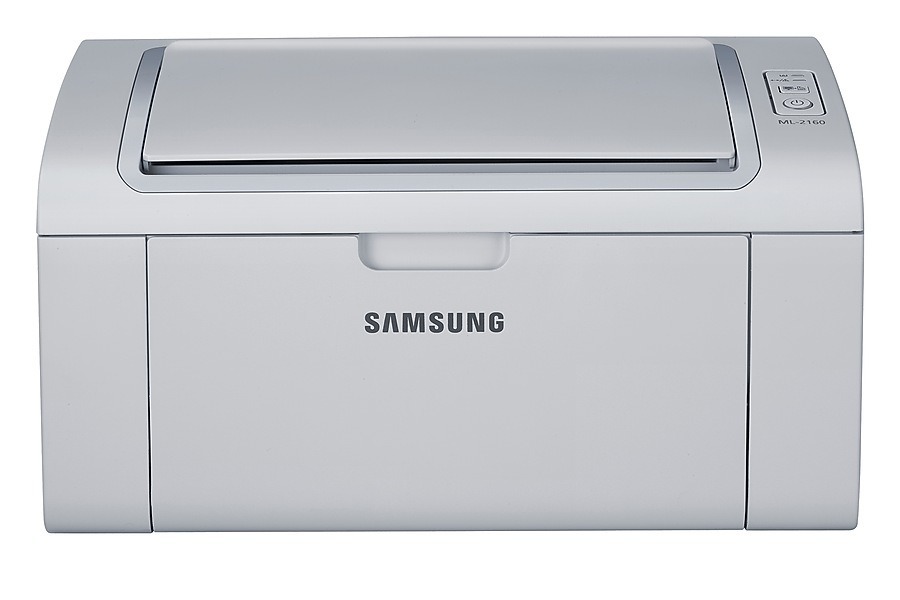
Another member of Samsung's ML-2160 engine family, the ML-2164 is a compact single-function mono laser aimed at light home and dorm-room duty. Small footprint, simple controls, and crisp text output are the whole pitch, and it delivers on all three.
Supplies are simple too: one MLT-D101S cartridge does the job. We carry compatible versions for everyday savings alongside genuine OEM cartridges for anyone who prefers the Samsung-branded box. Fast shipping from Clever Supplies, as always.
Toner Cartridges for ML-2164
This printer works with the following toner cartridges:
- Samsung MLT-D101S
More Samsung Printers
- ML-2160
- ML-2161
- ML-2164W
- ML-2165
- ML-2165W
- SCX-3400
- SCX-3400F
- SCX-3401
- SCX-3401FH
- SCX-3405
- SCX-3405F
- SCX-3405FW
- SCX-3405W
- SCX-3406HW
- SCX-3406W
- SCX-3407
- SF-760P
- SF-761
- SF-761P
- SCX-3406
- SF-760
- ML-2160W
- SCX-3400FW
Frequently Asked Questions
What role does the orange seal play on a new MLT-D101S cartridge for the ML-2164?
Make sure the sealing tape comes fully out of the new MLT-D101S — a partially removed seal is the number-one cause of blank prints from a fresh cartridge in the ML-2164. The tape generally has a pull tab at one end. Give the cartridge a gentle rock after removal, then install it.
What precautions should I take when clearing a jammed page from the ML-2164?
A low MLT-D101S will not make the ML-2164 jam — low toner shows as faded prints, not feed errors. If jams began around the same time, treat them as a separate problem and inspect the paper and rollers first. Swapping toner early will not fix a mechanical feeding issue.
Should I bother with Eco mode on the ML-2164, or is simply printing less the smarter move?
The ML-2164 driver includes a toner-save or eco option that prints text with reduced toner from the MLT-D101S per page. Great for drafts, internal documents, and anything you will recycle — but turn it off for final copies or client-visible documents.