




SCX-3405FW
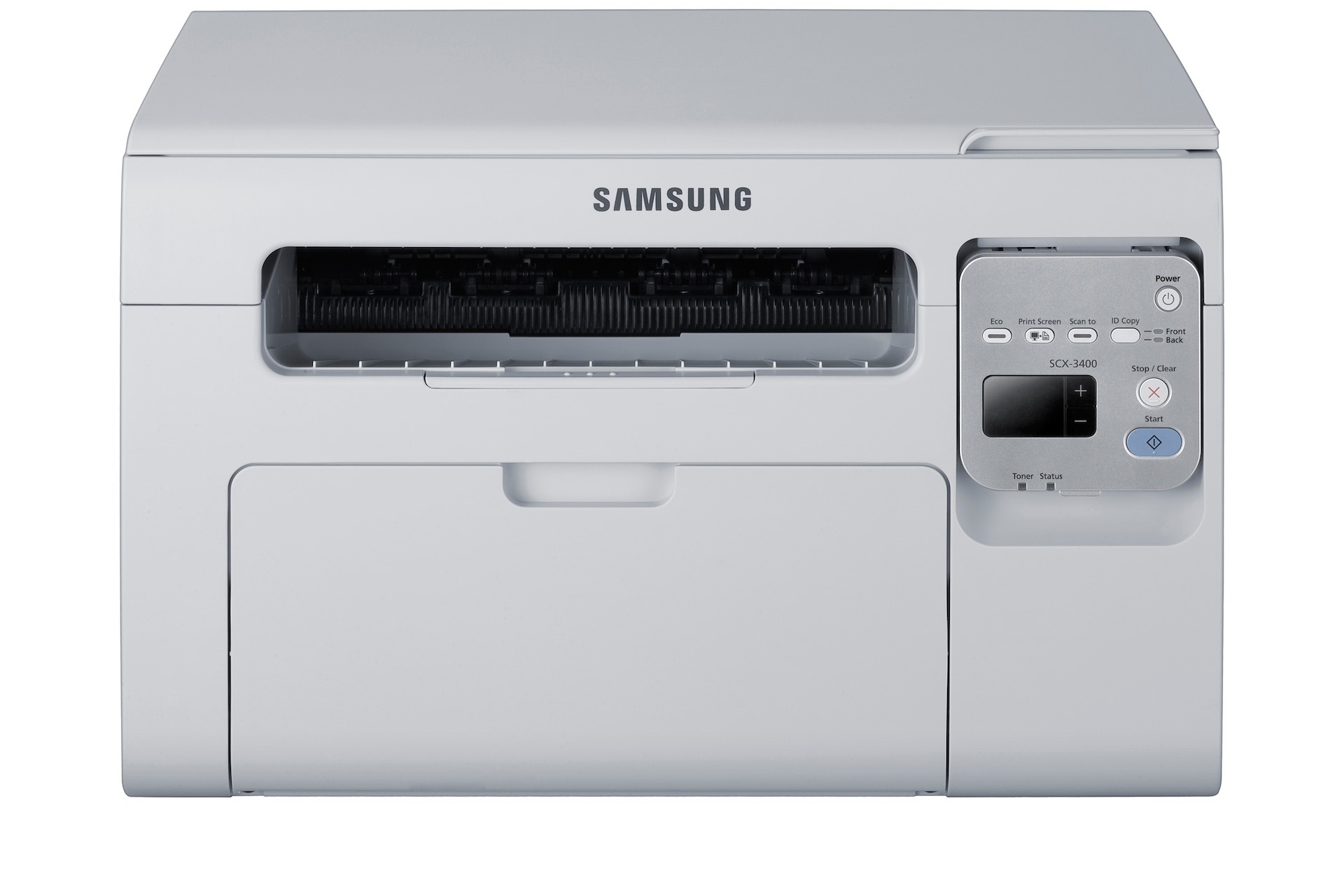
The SCX-3405FW is the fully loaded member of the family: printing, scanning, copying, faxing, and wireless networking in a single compact unit. For a busy home office, it eliminates both cables and extra machines in one move.
Despite the long feature list, it needs only one cartridge: the MLT-D101S. Compatible cartridges keep costs down; genuine OEM cartridges keep it all-original. Both ship quickly from Clever Supplies.
Toner Cartridges for SCX-3405FW
This printer works with the following toner cartridges:
- Samsung MLT-D101S
More Samsung Printers
- ML-2160
- ML-2161
- ML-2164
- ML-2164W
- ML-2165
- ML-2165W
- SCX-3400
- SCX-3400F
- SCX-3401
- SCX-3401FH
- SCX-3405
- SCX-3405F
- SCX-3405W
- SCX-3406HW
- SCX-3406W
- SCX-3407
- SF-760P
- SF-761
- SF-761P
- SCX-3406
- SF-760
- ML-2160W
- SCX-3400FW
Frequently Asked Questions
Why will the SCX-3405FW not accept the new cartridge, and how do I fix that?
If the SCX-3405FW throws a toner error immediately after a new MLT-D101S goes in, the likely cause is incomplete seating or a seal left in place. Turn the printer off, remove the cartridge, double-check for tape or seal remnants, and reinstall. The error should clear once the printer restarts.
What makes the SCX-3405FW keep nagging me about an update, and how do I stop it?
Skipping firmware updates on the SCX-3405FW is generally safe if everything works - updates are optional maintenance, not requirements. The main reason to update is a specific bug fix or security patch you need. Just know that each update is a good moment to confirm your MLT-D101S cartridges are still recognized afterward.
The SCX-3405FW prints fine over USB but will not print over Wi-Fi - where should I start?
Start by joining the SCX-3405FW to your network from the printer panel or with the WPS button on your router, then print a network configuration page to confirm it picked up an IP address. A weak router signal is the most common cause of later dropouts, so keep the printer within good range. Wireless trouble is never a toner issue, so leave the MLT-D101S cartridge alone while you troubleshoot the network.