




ML-2164W
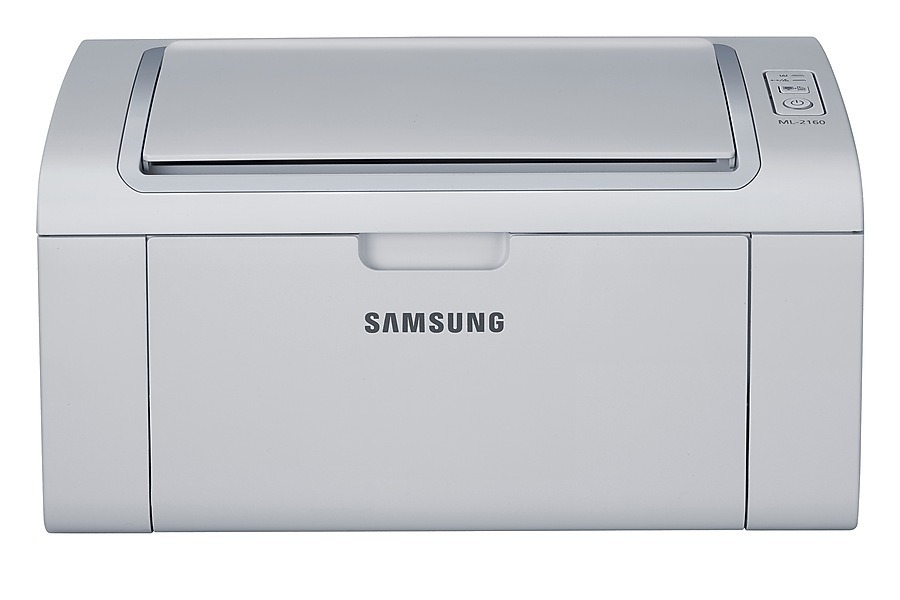
Take the compact ML-2164 mono laser and cut the USB tether, and you get the Samsung ML-2164W. Wireless printing means it can live on a shelf or a side table instead of hogging desk space next to your laptop, which is half the reason to buy a printer this small.
Under the hood it is the same MLT-D101S machine as its siblings, so cartridge shopping stays easy: compatible MLT-D101S for the budget-minded, genuine Samsung OEM for the purists. Both are in stock and ship fast from Clever Supplies.
Toner Cartridges for ML-2164W
This printer works with the following toner cartridges:
- Samsung MLT-D101S
More Samsung Printers
- ML-2160
- ML-2161
- ML-2164
- ML-2165
- ML-2165W
- SCX-3400
- SCX-3400F
- SCX-3401
- SCX-3401FH
- SCX-3405
- SCX-3405F
- SCX-3405FW
- SCX-3405W
- SCX-3406HW
- SCX-3406W
- SCX-3407
- SF-760P
- SF-761
- SF-761P
- SCX-3406
- SF-760
- ML-2160W
- SCX-3400FW
Frequently Asked Questions
What does the code on the ML-2164W cartridge label tell me?
The ML-2164W takes only the MLT-D101S cartridge family, and you never need to replace more than that one unit. Each cartridge runs out independently of anything else in the printer. Keep a spare MLT-D101S on hand so a mid-job empty does not stall your work.
For crisp text on the ML-2164W, which quality setting works best?
Web pages print poorly from the ML-2164W mainly because browsers shrink and reformat them - use print preview and a reader view before blaming the printer. For the ML-2164W itself, normal quality with the correct paper type gives the cleanest result. The MLT-D101S cartridge is rarely the cause of bad web prints.
Why would the ML-2164W report toner as low right after I installed the cartridge?
There is no need to swap the MLT-D101S the instant the ML-2164W warns you — the printer estimates toner indirectly and errs on the cautious side. Keep printing until pages visibly fade, giving the cartridge one more shake when they do. Keeping a spare on hand takes any deadline pressure out of the equation.