




SCX-3401
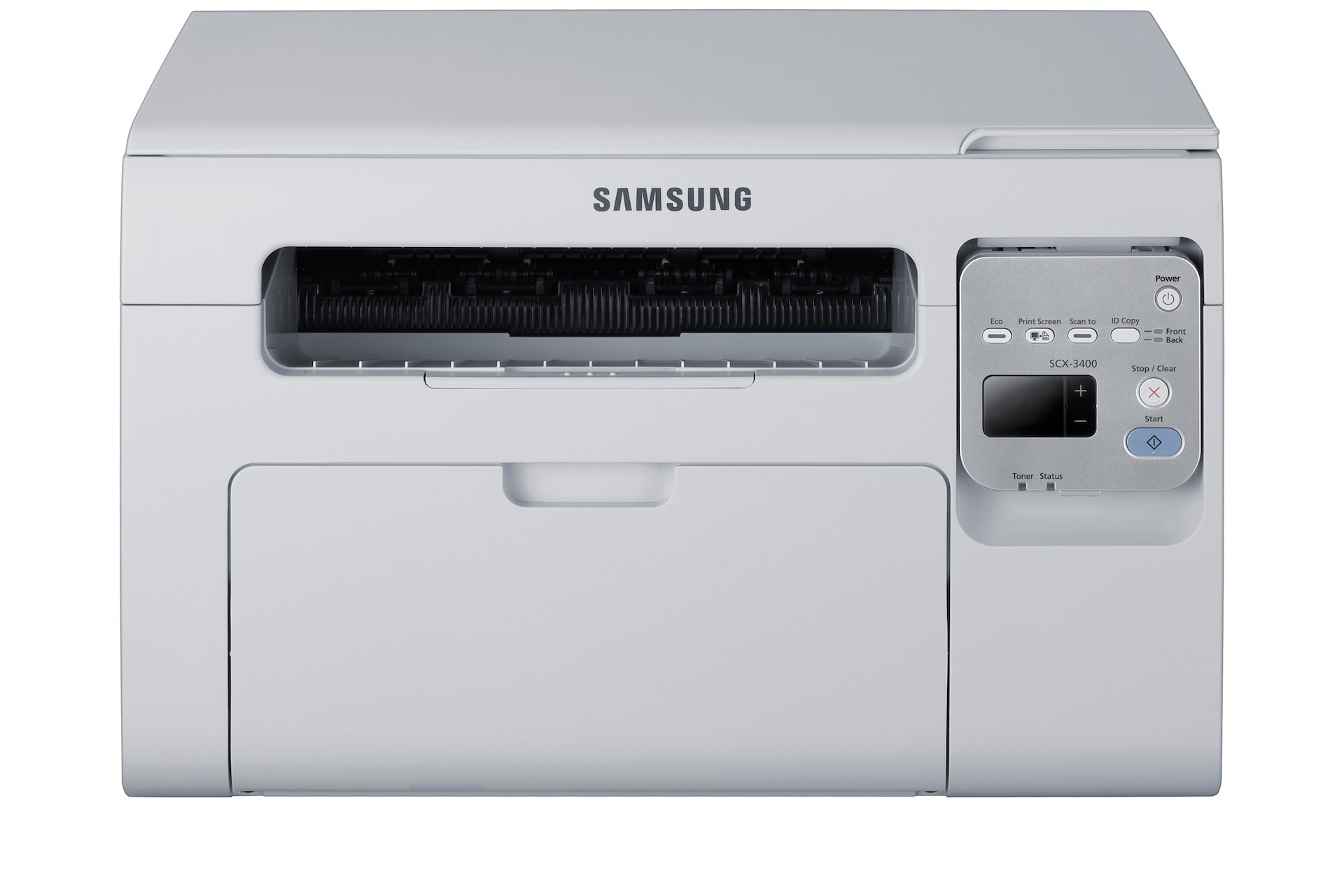
The SCX-3401 is a regional variant of Samsung's SCX-3400 multifunction line, which means the same compact print-scan-copy engine under a different badge. For a home office or student setup, it is the same dependable mono workhorse.
Cartridge choice is refreshingly narrow: just the MLT-D101S. We offer it as a compatible cartridge for value shoppers and as genuine Samsung OEM for those who want the original. Fast shipping from Clever Supplies either way.
Toner Cartridges for SCX-3401
This printer works with the following toner cartridges:
- Samsung MLT-D101S
More Samsung Printers
- ML-2160
- ML-2161
- ML-2164
- ML-2164W
- ML-2165
- ML-2165W
- SCX-3400
- SCX-3400F
- SCX-3401FH
- SCX-3405
- SCX-3405F
- SCX-3405FW
- SCX-3405W
- SCX-3406HW
- SCX-3406W
- SCX-3407
- SF-760P
- SF-761
- SF-761P
- SCX-3406
- SF-760
- ML-2160W
- SCX-3400FW
Frequently Asked Questions
Can you walk me through replacing the toner cartridge on the SCX-3401?
Give the new MLT-D101S five or six gentle side-to-side rocks before installing it in the SCX-3401 to distribute the toner evenly. Do not shake it violently - rough handling can spill toner inside the cartridge. This quick step helps the first pages print at full density.
The SCX-3401 only prints blank pages occasionally — what does that point to?
Blank pages following a jam clear on the SCX-3401 are most often caused by a torn fragment still stuck inside or the MLT-D101S sitting loose after the cleanup. Take the cartridge out, check the path carefully for paper remnants, and reinstall the cartridge with a firm push. A panel test page proves everything is feeding again.
The SCX-3401 feeder misfeeds during copying - is that a copy problem?
Use the copy density or darkness control in the copy menu to darken copies on the SCX-3401. When copies come out faded but the MLT-D101S is healthy, the density was probably left on a light preset. Once the urgent copies are done, set it back to normal.