




SCX-3401FH
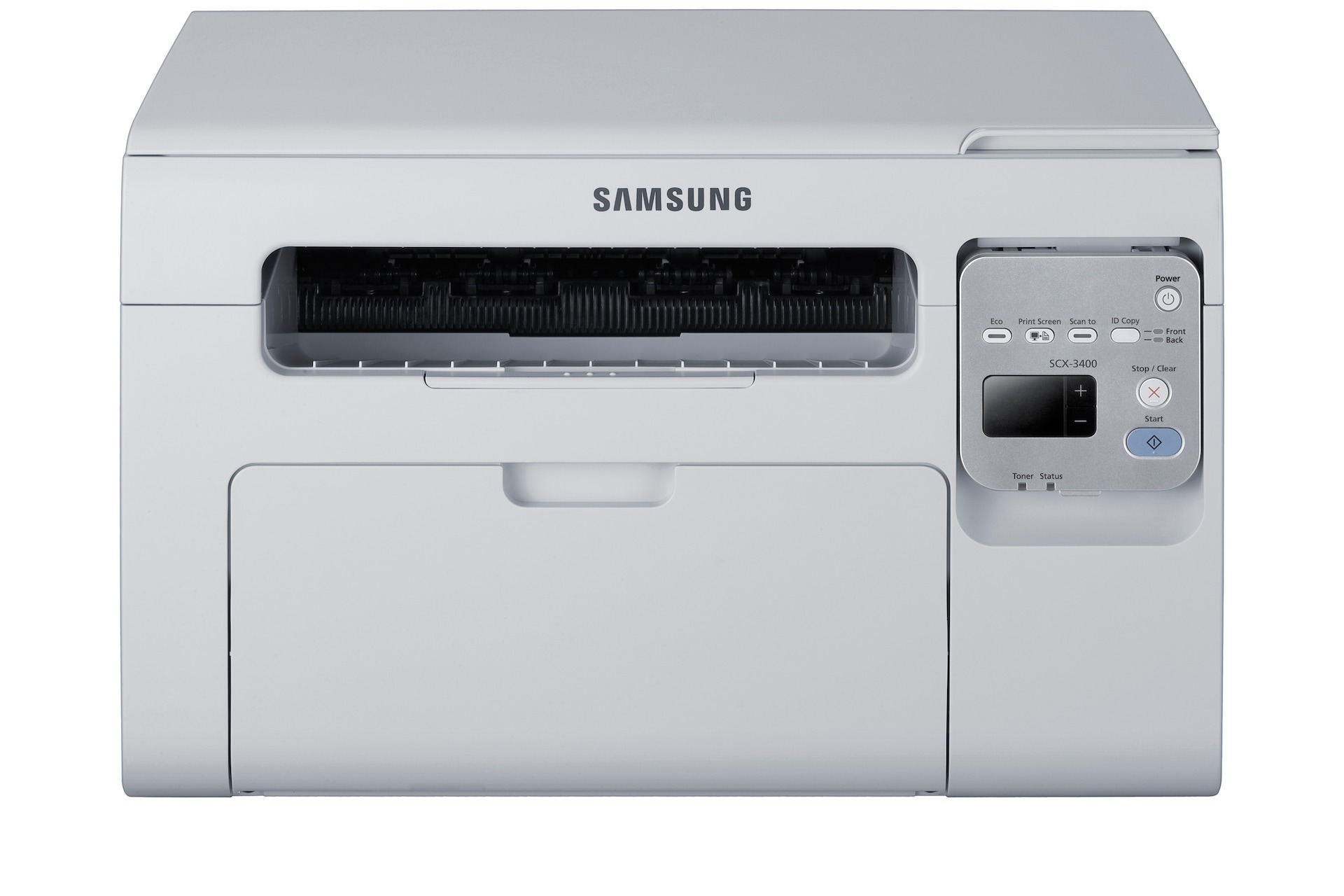
Samsung's SCX-3401FH is a fax-equipped multifunction from the 3400 family, aimed at small offices that need to send and receive faxes without a separate machine. Print, scan, copy, and fax all live in one modestly sized unit.
Like every printer in this family, it runs on the MLT-D101S toner cartridge. Compatible and genuine OEM versions are both available here, and both ship fast from Clever Supplies so the fax line never sits idle for long.
Toner Cartridges for SCX-3401FH
This printer works with the following toner cartridges:
- Samsung MLT-D101S
More Samsung Printers
- ML-2160
- ML-2161
- ML-2164
- ML-2164W
- ML-2165
- ML-2165W
- SCX-3400
- SCX-3400F
- SCX-3401
- SCX-3405
- SCX-3405F
- SCX-3405FW
- SCX-3405W
- SCX-3406HW
- SCX-3406W
- SCX-3407
- SF-760P
- SF-761
- SF-761P
- SCX-3406
- SF-760
- ML-2160W
- SCX-3400FW
Frequently Asked Questions
My first prints with the new MLT-D101S look light on the SCX-3401FH - is that normal?
A few slightly light pages are normal when the MLT-D101S in the SCX-3401FH is brand new — the toner is still distributing itself. Keep printing and density should reach full within several pages. If pages are still light after ten or so, reseat the cartridge and make sure no seal was left on. Lightness that persists with a new cartridge is uncommon and worth a call to the supplier.
My SCX-3401FH copies have streaks that the original does not - why?
SCX-3401FH copies pass through both the scanner and the printer, so either a dirty glass or low MLT-D101S toner will show in the copy. Clean the scanner glass and check toner levels first. If computer prints come out fine but copies do not, the scanner side is at fault.
What does it mean when the toner light on the SCX-3401FH keeps blinking?
The low-toner warning on the SCX-3401FH is estimated, not exact, so keep printing while the quality holds. Gently rocking the MLT-D101S evens out the leftover toner and commonly buys extra pages. Plan the replacement now — and shop by the MLT-D101S code so the spare is the right match.