




SCX-3407
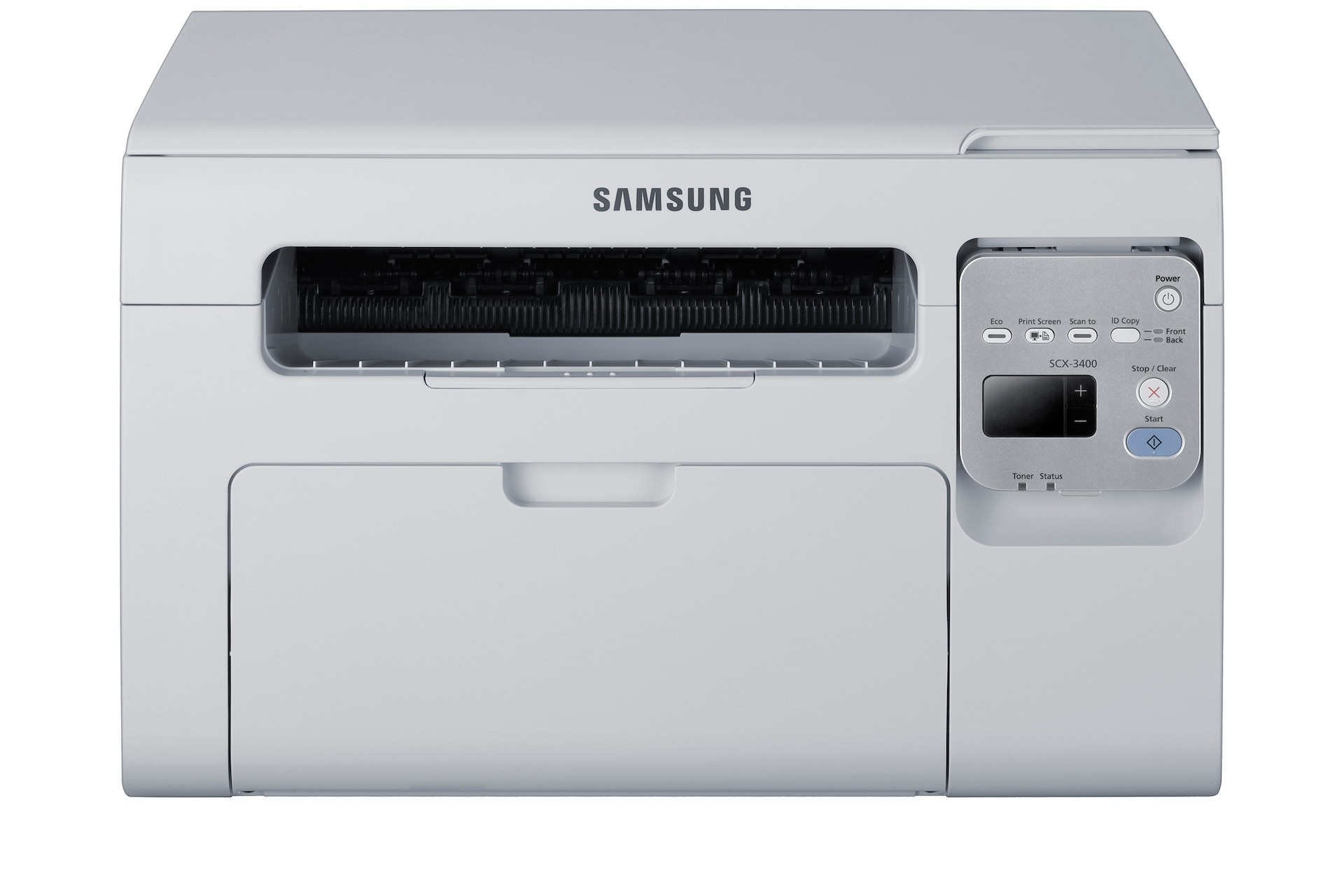
The SCX-3407 is another regional badge on Samsung's proven 3400-series multifunction engine, offering print, scan, and copy in a compact monochrome unit. Different model number, same dependable machine underneath.
Like its siblings it runs on the MLT-D101S cartridge. Our compatible cartridges are the economical pick; genuine Samsung OEM cartridges are the factory-original pick. Both are in stock with fast shipping from Clever Supplies.
Toner Cartridges for SCX-3407
This printer works with the following toner cartridges:
- Samsung MLT-D101S
More Samsung Printers
- ML-2160
- ML-2161
- ML-2164
- ML-2164W
- ML-2165
- ML-2165W
- SCX-3400
- SCX-3400F
- SCX-3401
- SCX-3401FH
- SCX-3405
- SCX-3405F
- SCX-3405FW
- SCX-3405W
- SCX-3406HW
- SCX-3406W
- SF-760P
- SF-761
- SF-761P
- SCX-3406
- SF-760
- ML-2160W
- SCX-3400FW
Frequently Asked Questions
My PC doesn't recognize the SCX-3407. What's the right way to set up its driver?
Download the Samsung print driver from the official Samsung or HP support site and run the installer with the SCX-3407 powered on and connected. Choose USB or network to match your actual connection, then print a test page to confirm. Detection failures are a software matter, so the MLT-D101S cartridge can wait until printing works.
Can firmware updates on the SCX-3407 bring on false cartridge warnings?
When the SCX-3407 reports low toner but pages still look good, you can usually keep printing - the warning is an estimate, and gently shaking the MLT-D101S often buys more pages. Start planning the replacement now rather than waiting for output to fade mid-job. Order by the MLT-D101S code so the spare matches.
Why might an SCX-3407 print blank pages immediately after a jam is cleared?
If the SCX-3407 prints blank pages right after you cleared a jam, suspect either a scrap of torn paper still blocking the path or a MLT-D101S that did not go back in properly. Reopen the printer, remove any paper fragments you find, and reseat the cartridge firmly. Confirm the fix by printing a test page from the printer's panel.