




ML-2161
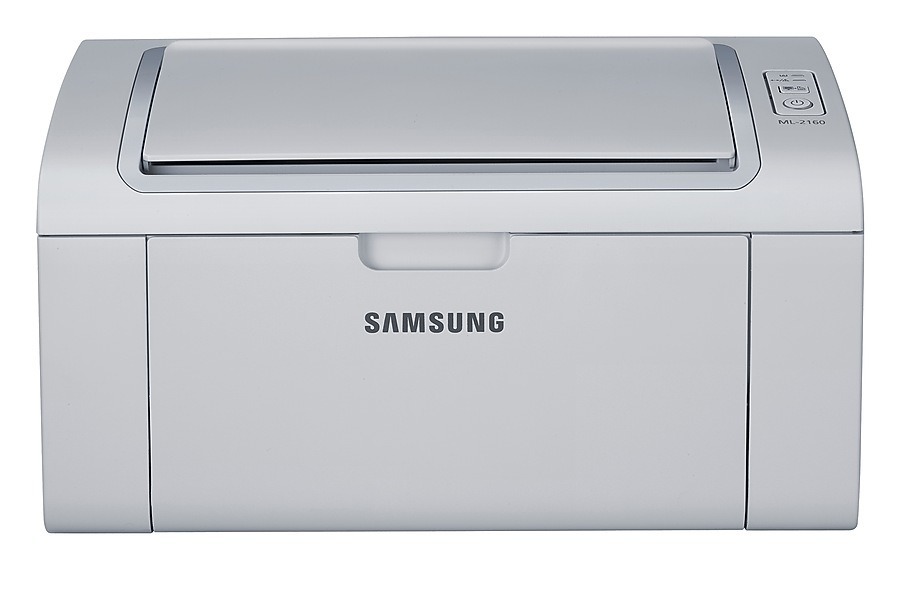
The ML-2161 is Samsung's regional-badged sibling of the ML-2160, sharing the same compact monochrome engine and the same straightforward personality. If you bought this model number instead of the 2160, nothing changes about how it prints or what it drinks.
It runs on the MLT-D101S cartridge, available here as a value-priced compatible or as genuine Samsung OEM stock. Both drop straight into the ML-2161, and both ship quickly from Clever Supplies when the toner-low light starts nagging you.
Toner Cartridges for ML-2161
This printer works with the following toner cartridges:
- Samsung MLT-D101S
More Samsung Printers
- ML-2160
- ML-2164
- ML-2164W
- ML-2165
- ML-2165W
- SCX-3400
- SCX-3400F
- SCX-3401
- SCX-3401FH
- SCX-3405
- SCX-3405F
- SCX-3405FW
- SCX-3405W
- SCX-3406HW
- SCX-3406W
- SCX-3407
- SF-760P
- SF-761
- SF-761P
- SCX-3406
- SF-760
- ML-2160W
- SCX-3400FW
Frequently Asked Questions
Should the ML-2161 be powered on or off while changing the toner?
Open the front cover of the ML-2161, grip the spent MLT-D101S by its handle, and pull it out. Remove the orange seals and tape from the new cartridge before sliding it in along the rails to a click. Close up and run a test page to verify even toner coverage.
Could a new MLT-D101S cartridge cause blank pages on the ML-2161?
When the ML-2161 drops blank pages intermittently, suspect a loose MLT-D101S cartridge or a driver hiccup — empty toner fades little by little, not in a flash. Reseat the cartridge and restart the print spooler. See if there is a pattern, such as blanks only on the first page after sleep.
The ML-2161 pulls several sheets at once - is that related to jamming?
Jams in the ML-2161 most often strike at the pickup rollers at the paper entrance, and now and then at the exit fuser — never at the MLT-D101S. Clean both spots gently and hunt for torn scraps from earlier jams. A worn pickup roller that no longer grips is the usual repeat-jam culprit.