




SCX-3405W
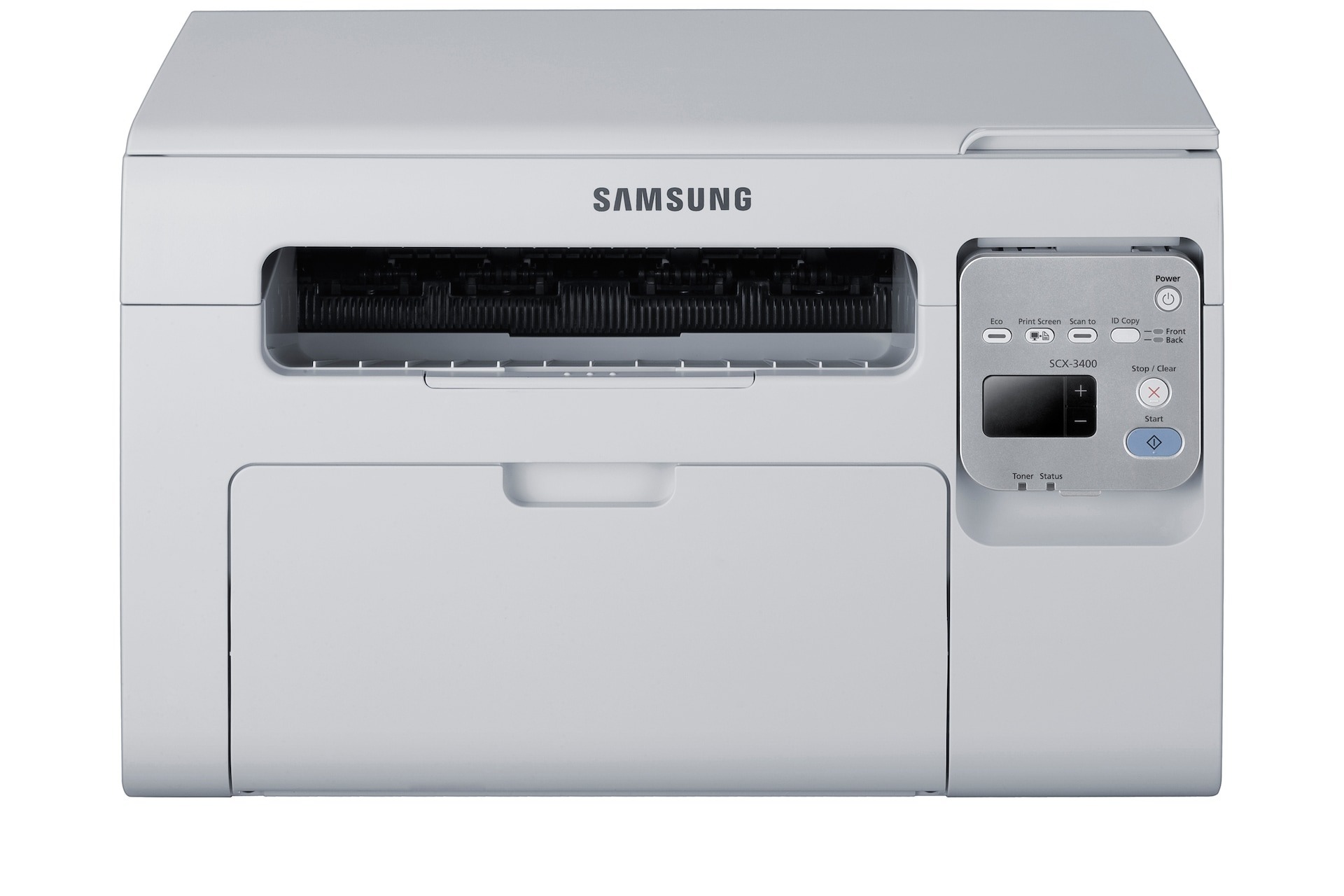
Wireless networking is the SCX-3405W's headline trick, freeing this print-scan-copy multifunction from the USB cable and letting it serve every computer in the room. Placement becomes a matter of convenience rather than cable length.
Cartridge support is straightforward: the MLT-D101S, in compatible or genuine OEM form. Stock up with Clever Supplies and enjoy fast shipping on whichever version you prefer.
Toner Cartridges for SCX-3405W
This printer works with the following toner cartridges:
- Samsung MLT-D101S
More Samsung Printers
- ML-2160
- ML-2161
- ML-2164
- ML-2164W
- ML-2165
- ML-2165W
- SCX-3400
- SCX-3400F
- SCX-3401
- SCX-3401FH
- SCX-3405
- SCX-3405F
- SCX-3405FW
- SCX-3406HW
- SCX-3406W
- SCX-3407
- SF-760P
- SF-761
- SF-761P
- SCX-3406
- SF-760
- ML-2160W
- SCX-3400FW
Frequently Asked Questions
Why would the SCX-3405W print blank pages intermittently?
If the SCX-3405W prints blank pages on and off, a loose MLT-D101S or a driver hiccup is the likely cause — an empty cartridge fades gradually, not all at once. Reseat the cartridge and restart the print spooler. Look for a pattern like blanks showing up only on the first page after sleep.
Does the SCX-3405W support WPS push-button wireless setup?
After a router change, rerun the wireless setup on the SCX-3405W from its panel or with WPS, then reinstall or update the driver on each computer. The printer cannot carry its old network profile over to the new router. Once it picks up an IP address on the new network, printing should resume — no need to touch the MLT-D101S.
My SCX-3405W printouts show vertical streaks — what does that typically indicate?
If the SCX-3405W prints vertical streaks, look at the imaging drum first — a scratch or dirt there is the usual cause, not the MLT-D101S. Use the cleaning function in the driver and give the drum surface a visual check. A streak that repeats in the same place on every page means the drum or imaging unit needs replacing, not the toner cartridge.