




SCX-3400
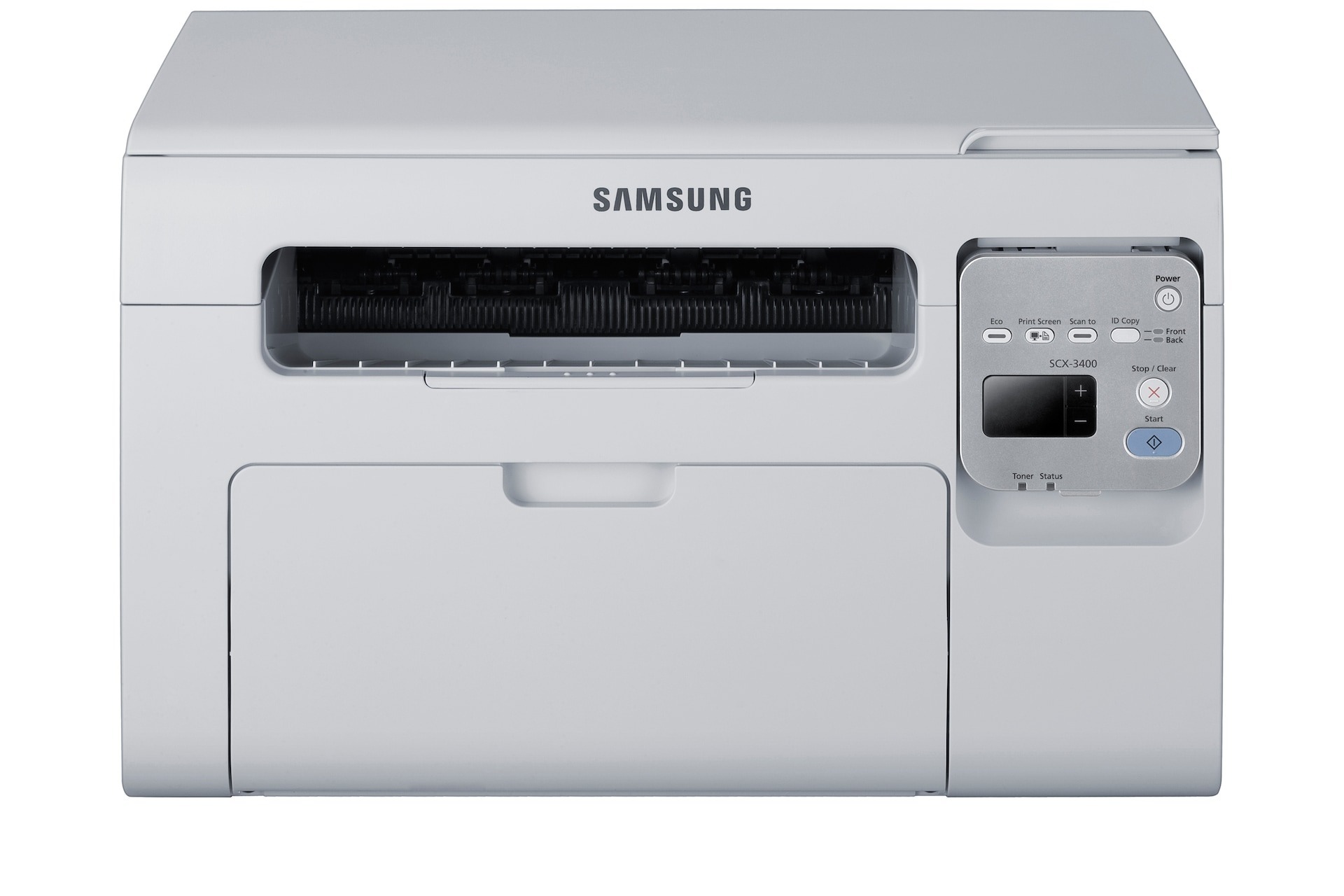
The SCX-3400 folds printing, scanning, and copying into one compact monochrome box, which makes it a natural fit for home offices that occasionally need to copy a form or scan a receipt. No fax, no fuss, just the three functions most people actually use.
It takes the MLT-D101S cartridge, and we carry that cartridge two ways: as a budget-friendly compatible and as genuine Samsung OEM. Whichever you choose, it is the correct cartridge for the SCX-3400 and it ships fast from Clever Supplies.
Toner Cartridges for SCX-3400
This printer works with the following toner cartridges:
- Samsung MLT-D101S
More Samsung Printers
- ML-2160
- ML-2161
- ML-2164
- ML-2164W
- ML-2165
- ML-2165W
- SCX-3400F
- SCX-3401
- SCX-3401FH
- SCX-3405
- SCX-3405F
- SCX-3405FW
- SCX-3405W
- SCX-3406HW
- SCX-3406W
- SCX-3407
- SF-760P
- SF-761
- SF-761P
- SCX-3406
- SF-760
- ML-2160W
- SCX-3400FW
Frequently Asked Questions
What seals or packaging must come off the MLT-D101S before it goes in the SCX-3400?
Rock the new MLT-D101S gently from side to side five or six times first, so the toner distributes evenly — but do the unboxing over a sheet of paper to catch spills. Peel away every seal and the orange tab, slide the cartridge into the SCX-3400 along the rails until it locks with a click, and close the cover. A test page afterward confirms full, even coverage.
Where do I adjust the copy zoom settings on the SCX-3400 to make a copy smaller or larger?
On the SCX-3400, streaks that appear on copies but not on computer prints are a scanner problem, not a toner one. Clean the thin feeder-glass strip in particular — one speck of dirt there draws a line down every copy made through the feeder. The MLT-D101S only causes streaks when computer prints show the same marks.
What is the SCX-3400 telling me when it flags the cartridge as not genuine?
The SCX-3400's blinking toner light signals low toner, an improperly installed MLT-D101S, or an unreadable cartridge. Reseat the cartridge and look for packaging leftovers like seals or tabs. When the light continues with a known-good MLT-D101S, a different cartridge reveals whether the cartridge or the printer is at fault.