




SCX-3405F
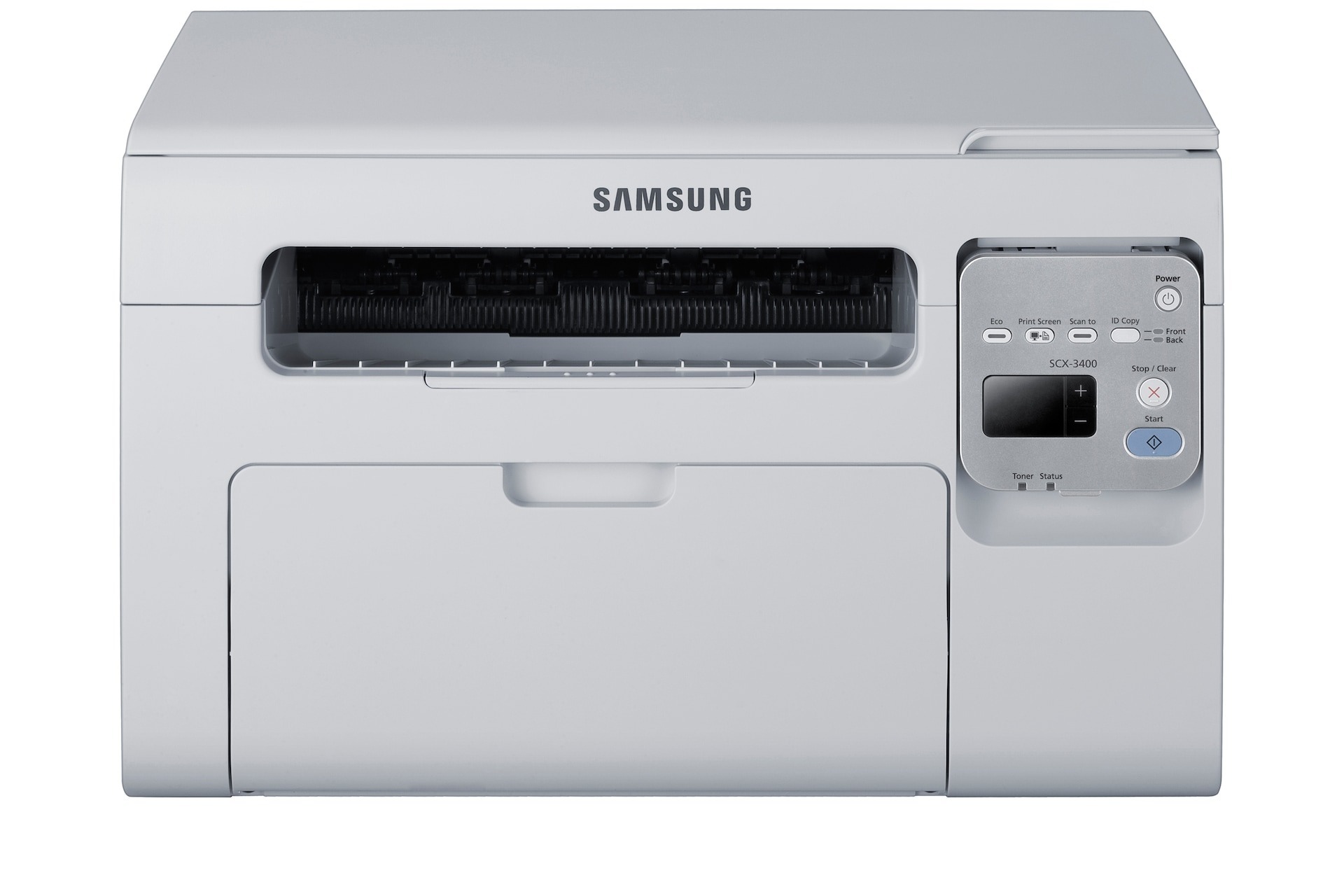
Fax capability joins the SCX-3405's print, scan, and copy functions in the SCX-3405F, making it a complete paper-handling station for a small office. One machine, one power cord, and every document task covered.
The SCX-3405F uses the MLT-D101S cartridge. Whether you go with our compatible version or the genuine Samsung OEM cartridge, you are getting the right toner for this machine, shipped fast from Clever Supplies.
Toner Cartridges for SCX-3405F
This printer works with the following toner cartridges:
- Samsung MLT-D101S
More Samsung Printers
- ML-2160
- ML-2161
- ML-2164
- ML-2164W
- ML-2165
- ML-2165W
- SCX-3400
- SCX-3400F
- SCX-3401
- SCX-3401FH
- SCX-3405
- SCX-3405FW
- SCX-3405W
- SCX-3406HW
- SCX-3406W
- SCX-3407
- SF-760P
- SF-761
- SF-761P
- SCX-3406
- SF-760
- ML-2160W
- SCX-3400FW
Frequently Asked Questions
What do I do with the old MLT-D101S after replacing it in the SCX-3405F?
On the SCX-3405F, open the front cover and withdraw the spent MLT-D101S by its handle. Strip the orange seals and tape off the replacement, slide it along the rails until it clicks, then close the cover. Print a test page to make sure coverage is even.
Why is the SCX-3405F feeding out pages with no print on them at all?
Blank pages appearing now and then on the SCX-3405F usually indicate a loose MLT-D101S or a driver hiccup instead of empty toner, which fades gradually rather than suddenly. Reseat the cartridge and restart the print spooler on your computer. Track the pattern — blanks may strike only on the first page after waking from sleep.
Does copying on the SCX-3405F use the same settings as printing?
On SCX-3405F copies, clipped edges usually mean the original lay outside the scan area or the reduce setting is off. Square the page against the corner mark on the glass and verify the copy-size setting. It is a placement matter, unrelated to the MLT-D101S.