




SCX-3406
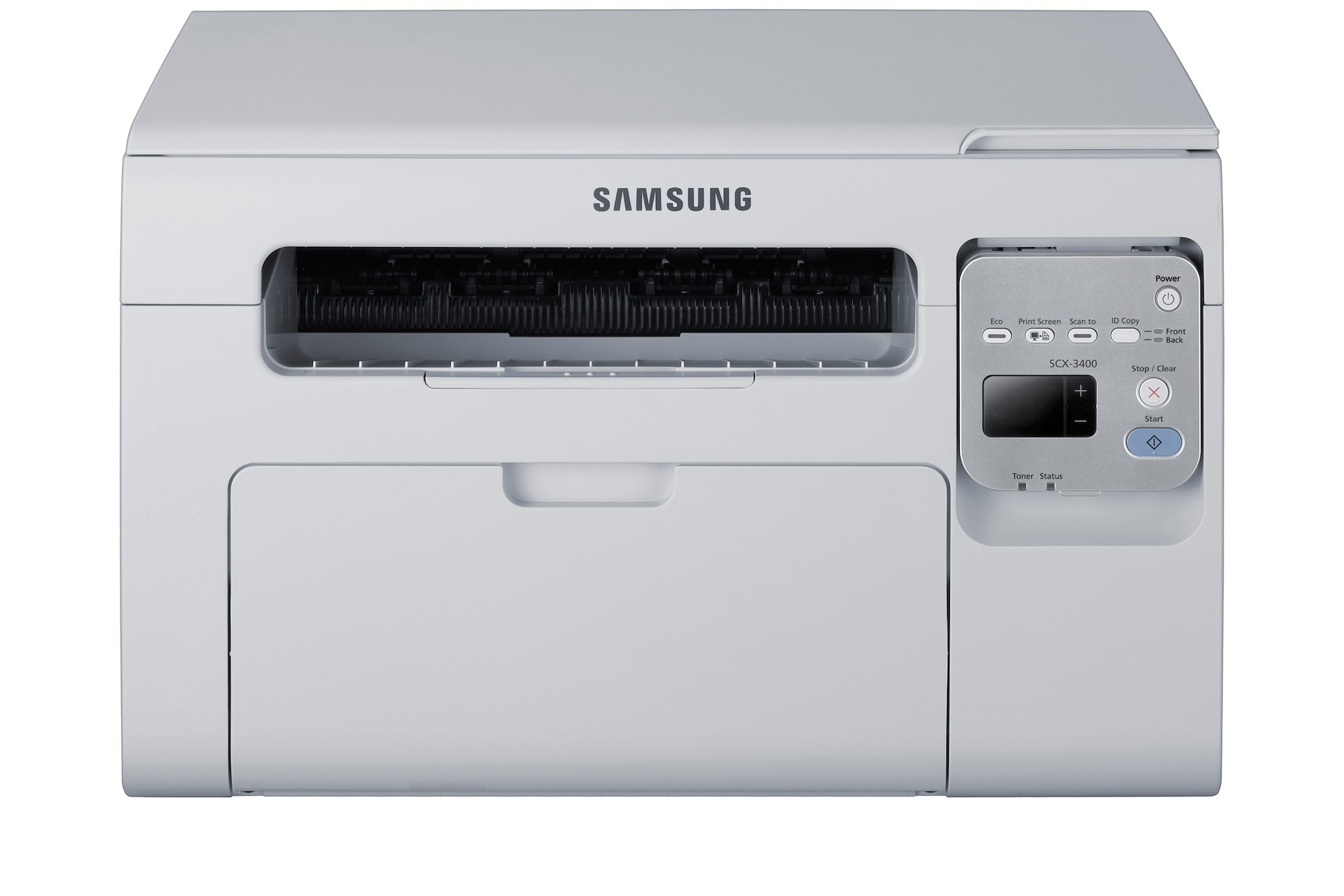
The SCX-3406 anchors the wireless side of Samsung's 3400 multifunction family as a compact print-scan-copy unit for connected homes and small offices. It keeps the series' small footprint while handling the document chores most desks actually need.
One cartridge does it all: the MLT-D101S. Grab the compatible version to save, or the genuine OEM version to stay original, and count on fast shipping from Clever Supplies.
Toner Cartridges for SCX-3406
This printer works with the following toner cartridges:
- Samsung MLT-D101S
More Samsung Printers
- ML-2160
- ML-2161
- ML-2164
- ML-2164W
- ML-2165
- ML-2165W
- SCX-3400
- SCX-3400F
- SCX-3401
- SCX-3401FH
- SCX-3405
- SCX-3405F
- SCX-3405FW
- SCX-3405W
- SCX-3406HW
- SCX-3406W
- SCX-3407
- SF-760P
- SF-761
- SF-761P
- SF-760
- ML-2160W
- SCX-3400FW
Frequently Asked Questions
How quickly can I change out the cartridge on the SCX-3406?
A cartridge swap on the SCX-3406 takes about a minute once you have done it: open the cover, exchange the MLT-D101S, and close the cover. The printer runs a short calibration, then you are back to printing. Keeping a spare MLT-D101S nearby means a mid-job empty never stalls your work.
Should I suspect the driver if the SCX-3406 keeps printing blank sheets?
A new MLT-D101S can cause blank pages on the SCX-3406 if its seal is intact or it is not seated, but a genuinely defective cartridge is rare. Reseat it and confirm the printer recognizes the cartridge in the supplies status. If a different MLT-D101S prints normally, the first cartridge is the problem.
What causes streaks on SCX-3406 copies when the original page itself is clean?
When the SCX-3406 prints fine from a computer but copies fade, the scanner glass or lamp is likely dirty rather than the toner being low. Wipe the glass and try copying again. If the problem stays copy-only, the scanner needs attention, not a new MLT-D101S.