




SCX-3400F
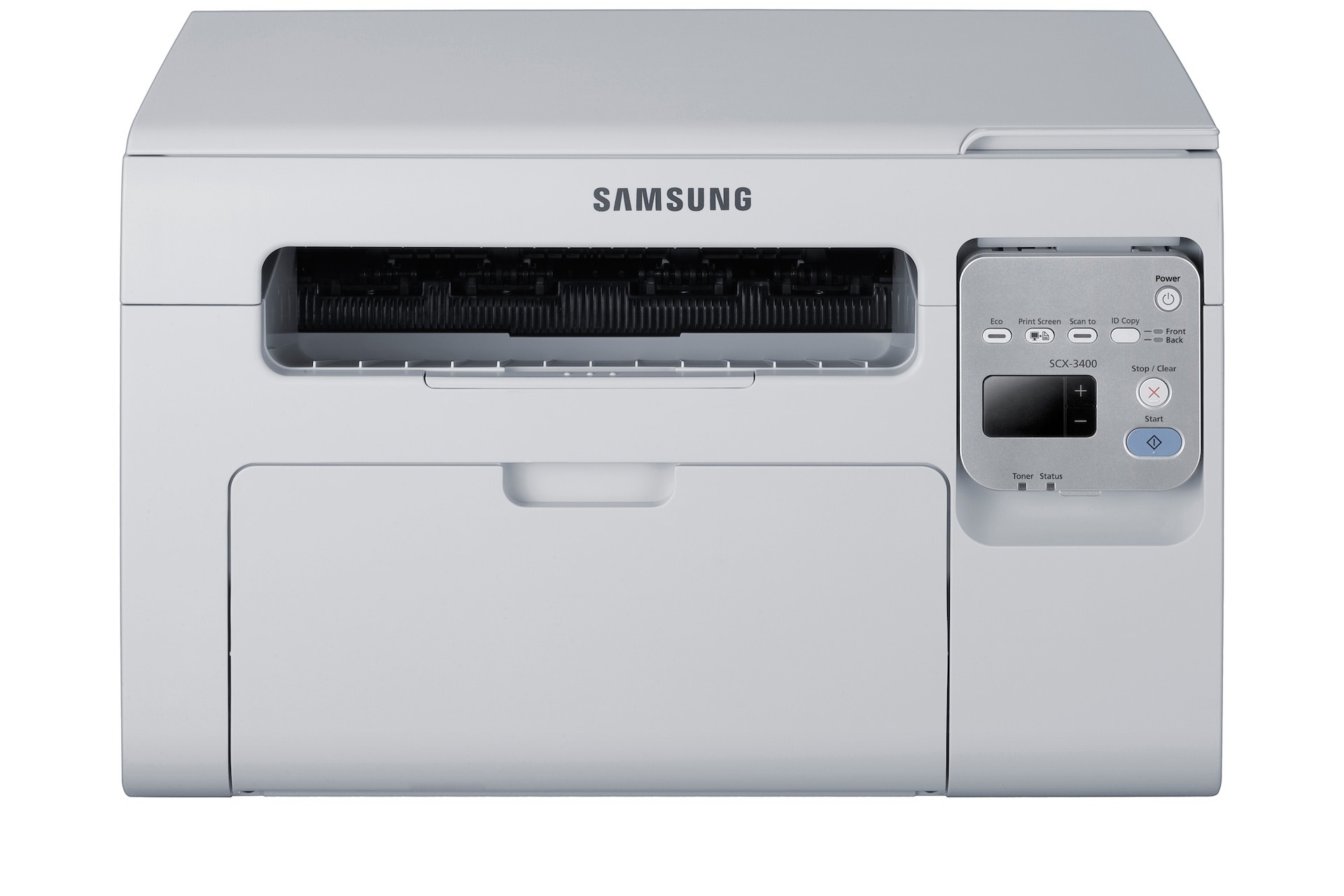
Add a fax line to the SCX-3400's print-scan-copy trio and you have the SCX-3400F, Samsung's answer to the small office that still deals in signed paperwork. It keeps the same compact footprint while covering every paper task a one- or two-person office throws at it.
Supplies stay simple with the single MLT-D101S cartridge. Compatible cartridges keep the running costs modest; genuine OEM cartridges keep the machine on factory supplies. Both are stocked and ship quickly from Clever Supplies.
Toner Cartridges for SCX-3400F
This printer works with the following toner cartridges:
- Samsung MLT-D101S
More Samsung Printers
- ML-2160
- ML-2161
- ML-2164
- ML-2164W
- ML-2165
- ML-2165W
- SCX-3400
- SCX-3401
- SCX-3401FH
- SCX-3405
- SCX-3405F
- SCX-3405FW
- SCX-3405W
- SCX-3406HW
- SCX-3406W
- SCX-3407
- SF-760P
- SF-761
- SF-761P
- SCX-3406
- SF-760
- ML-2160W
- SCX-3400FW
Frequently Asked Questions
Which source can I rely on for a legitimate SCX-3400F driver download?
The safest place for an SCX-3400F driver is the official Samsung or HP support page for your operating system, since third-party sites may package outdated versions. Pick the full driver over a universal one for the fullest features. After installing, check that the correct model name appears in your printer list — no change to the MLT-D101S is needed.
The SCX-3400F isn't detecting the replacement cartridge — how do I resolve this?
An unrecognized-cartridge message on the SCX-3400F right after installing a MLT-D101S often traces back to a firmware update that made chip validation stricter. First pull the cartridge, gently wipe the chip contacts with a dry cloth, and seat it again. If it printed fine before the update and still fails after reseating, check with the supplier for a compatible replacement.
Might a driver mismatch cause the SCX-3400F to output blank pages?
Blank pages from the SCX-3400F with a new MLT-D101S usually mean the protective seal was never pulled — it blocks all toner from reaching the page. Power off, take the cartridge out, pull the seal tab off completely, and reinstall. If the seal is already removed, double-check that the cartridge clicked in fully.