




SCX-3406HW
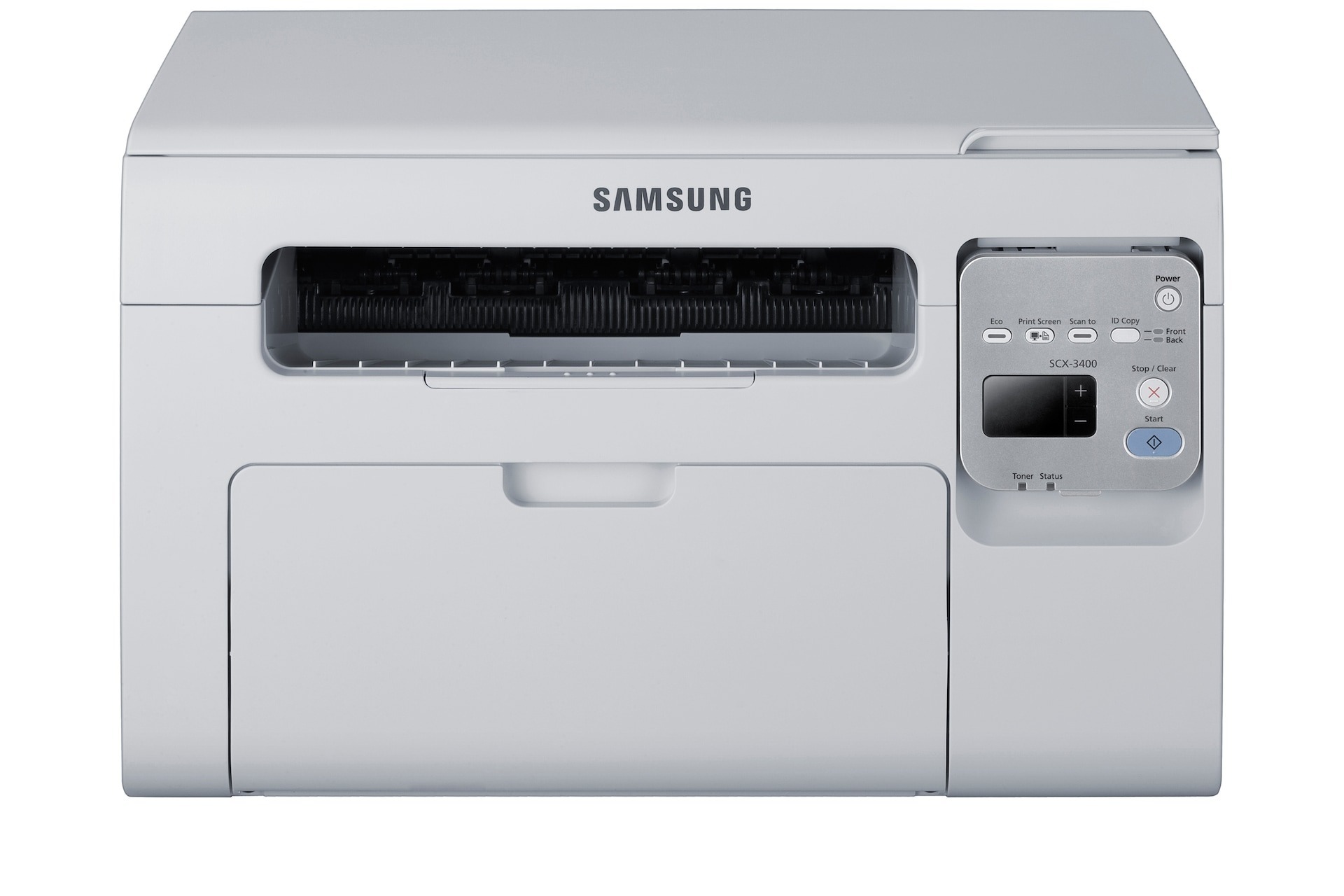
The SCX-3406HW is a regional wireless variant in Samsung's 3400-series multifunction range, delivering print, scan and copy over Wi-Fi from a compact desktop unit. Households and micro-offices that print from more than one device are its natural home. It takes the family's standard cartridge, the MLT-D101S, which is widely stocked, single-color, and shared with more than twenty sibling models, so finding a replacement is refreshingly undramatic.
Think of the kitchen-table business or the two-laptop household: documents arrive on phones, get printed from laptops, get signed and scanned back out again. The SCX-3406HW sits in the middle of that traffic without dominating the desk it lives on. Its supplies routine matches its temperament: one cartridge to watch, a warning when it runs low, and a swap that takes a couple of minutes from start to finish.
Toner Cartridges for SCX-3406HW
| Cartridge | Color | Page Yield |
|---|---|---|
| MLT-D101S — single cartridge, standard listing | Black | See product page |
| MLT-D101S 3 Pack | Black | See product page |
| MLT-D101S Premium Quality 5 Pack | Black | See product page |
| SCX-3406HW (model-named listing) | Black | See product page |
| SCX-3406HW (model-named listing), 5 Pack | Black | See product page |
Which cartridge should you buy?
Home and micro-office volume points to the single MLT-D101S for most owners, with a second one sealed in a drawer if deadlines matter. Busier households step up to the 3 Pack and forget about toner for a good stretch, while the Premium Quality 5 Pack is there for the home business that prints daily. Every compatible option here is covered by a 1-year warranty with 1-year returns.
Chip, toner and everyday use
When output starts to fade, the printer normally warns you first, and a gentle shake of the cartridge, side to side and never violent, redistributes what toner remains and buys a little more time. Treat that as a bridge while the replacement travels, not as a strategy. For scanning, keep the glass clean: dust and fingerprints on the glass reproduce as streaks on scans and copies even when the cartridge itself is perfectly healthy, so a soft cloth earns its keep next to this machine.
Frequently Asked Questions
Can the SCX-3406HW scan a multi-page document in one go?
Yes. Load the pages in the document feeder and choose the multi-page PDF option in the scan software, and the feeder pulls each sheet past the scanner in turn. Clean glass keeps those feeder scans free of the streaks that show up when the scanning surface is dirty.
Is it safe to shake the cartridge when prints fade?
A gentle rock from side to side is safe and effective for a while, because it levels the remaining toner inside the MLT-D101S. If output stays faded with a fresh cartridge fitted, check the driver's economy settings before blaming the supply itself.
Does the SCX-3406HW need separate cartridges for scanning and printing?
No. Printing and copying share the one MLT-D101S, and scanning a document to a computer uses no toner whatsoever, so the three functions draw on a single, simple supply.
Why does the badge say 3406HW when the cartridge code is different?
The badge names the printer; the code names its cartridge. This whole branch of the family standardized on the MLT-D101S, so the code printed on the cartridge box is the number to shop by, whatever the badge on the machine says.
More printers that use the same cartridges
The SCX-3406HW's cartridge also powers this entire family of Samsung machines: SCX-3405W, SCX-3400F, ML-2160W, Samsung-MLTD101S, SCX-3400, SCX-3405, SF-760, SCX-3401FH, SCX-3401, SF-760P, ML-2160, SCX-3407, SCX-3406W, ML-2164W, ML-2161, ML-2165W, ML-2165, SF-761P, SF-761, SCX-3400FW, SCX-3406, SCX-3405F, ML-2164, SCX-3405FW.