




SCX-3406W
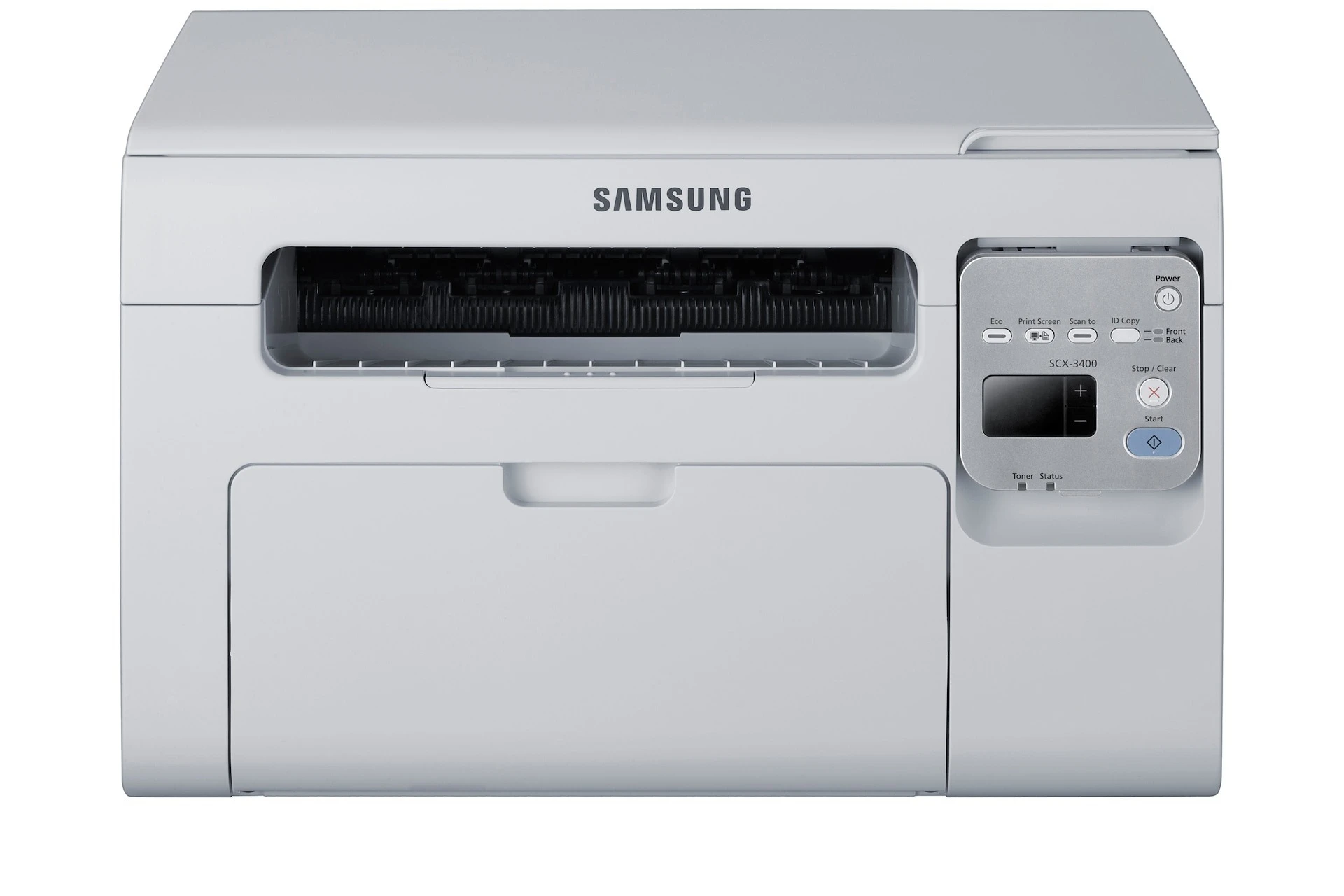
Samsung's SCX-3406W brings wireless printing to the 3400-series multifunction platform, so phones, tablets, and laptops can all share one compact print-scan-copy machine. Fewer cables, fewer excuses for a dead printer queue.
The cartridge is the standard MLT-D101S. Compatible or genuine OEM, the choice is yours, and Clever Supplies ships it fast so your wireless setup stays productive.
Toner Cartridges for SCX-3406W
This printer works with the following toner cartridges:
- Samsung MLT-D101S
More Samsung Printers
- ML-2160
- ML-2161
- ML-2164
- ML-2164W
- ML-2165
- ML-2165W
- SCX-3400
- SCX-3400F
- SCX-3401
- SCX-3401FH
- SCX-3405
- SCX-3405F
- SCX-3405FW
- SCX-3405W
- SCX-3406HW
- SCX-3407
- SF-760P
- SF-761
- SF-761P
- SCX-3406
- SF-760
- ML-2160W
- SCX-3400FW
Frequently Asked Questions
How can I double-check that the cartridge I'm buying actually fits the SCX-3406W?
The SCX-3406W uses just one cartridge — the MLT-D101S — so there are no colors to rotate or match. The printer warns you well before it runs out. With only one supply to track, keeping a single spare on hand is enough for most users.
How do I get darker printouts from the SCX-3406W?
For the SCX-3406W, grainy output commonly comes from a speed-oriented draft or low-quality setting. Move the driver to normal or high quality and confirm the paper type matches what is loaded. Graininess that survives high quality calls for a check of the MLT-D101S level.
Can I trust the toner level reading shown by the SCX-3406W, or is it just a rough estimate?
The SCX-3406W toner gauge only approximates — it estimates from page counts and coverage instead of measuring, so do not read it like a fuel gauge. Light-text users keep printing long after the warning; heavy-graphics users get fewer bonus pages. Treat the warning as a reminder to stage a spare MLT-D101S, not as an empty alert.