




ML-2165
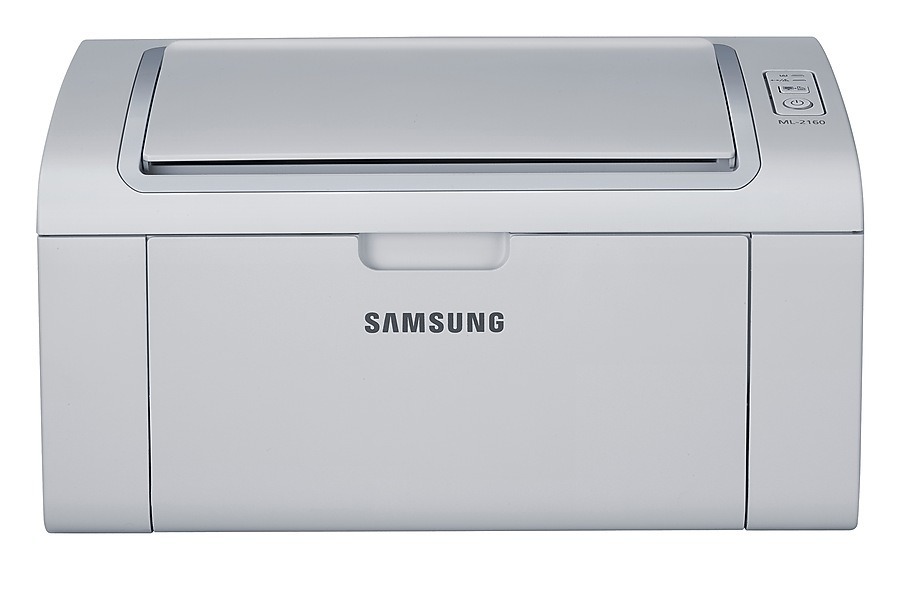
The Samsung ML-2165 rounds out the 2160-series badges as a straightforward monochrome laser for homes and micro-offices. Like its siblings it keeps the formula tight: a small box, quick warm-up, and legible black-and-white output for documents that just need to exist on paper.
One cartridge covers everything: the MLT-D101S. Choose the compatible cartridge to keep running costs low, or the genuine OEM cartridge if you want Samsung's own seal on the box. Clever Supplies ships either one out fast.
Toner Cartridges for ML-2165
This printer works with the following toner cartridges:
- Samsung MLT-D101S
More Samsung Printers
- ML-2160
- ML-2161
- ML-2164
- ML-2164W
- ML-2165W
- SCX-3400
- SCX-3400F
- SCX-3401
- SCX-3401FH
- SCX-3405
- SCX-3405F
- SCX-3405FW
- SCX-3405W
- SCX-3406HW
- SCX-3406W
- SCX-3407
- SF-760P
- SF-761
- SF-761P
- SCX-3406
- SF-760
- ML-2160W
- SCX-3400FW
Frequently Asked Questions
My ML-2165 prints look too light — how can I darken the output?
Pale prints from the ML-2165 usually respond to the driver's darkness or density slider — raise it and switch toner-save mode off. Those controls decide how much toner the MLT-D101S lays down per dot. Only start suspecting a failing cartridge once you have confirmed the settings are already at full density.
Will my spare MLT-D101S still be good after sitting unused for two years for the ML-2165?
Keep a spare MLT-D101S sealed in its bag, upright, somewhere cool and dry — a closet is far better than a garage for ML-2165 supplies. Heat and humidity break down toner and can warp the cartridge body. Shield it from direct sunlight even while it sits in the sealed box.
Is the ML-2165 a single-cartridge machine, or does it take multiple cartridges?
The ML-2165 uses only the MLT-D101S family, so you never have to replace more than that single unit. Each cartridge runs down independently of everything else in the printer. Keep a spare MLT-D101S around so an empty cartridge mid-job does not stall your work.