




ML-2165W
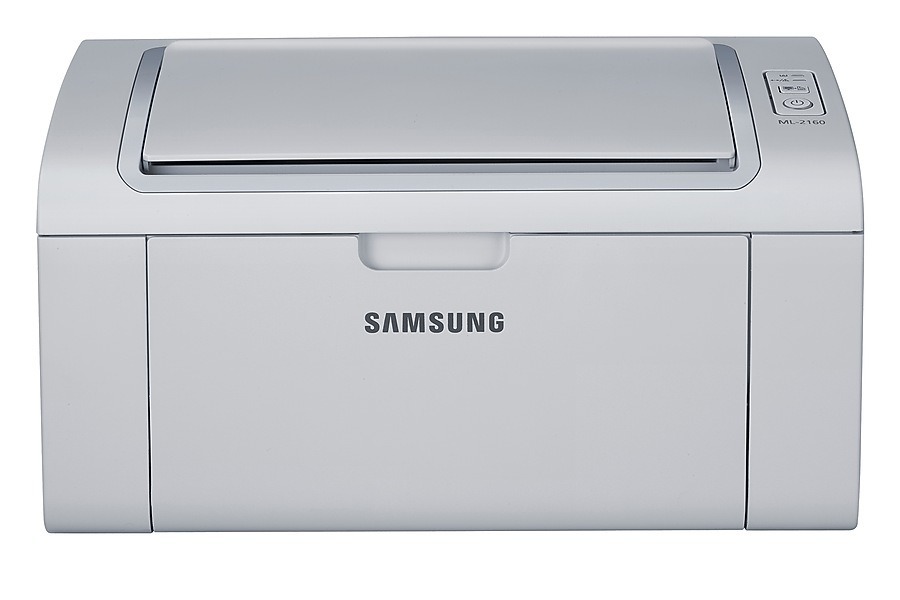
Samsung's ML-2165W pairs the compact 2160-series mono engine with built-in wireless, so the printer can sit wherever there is an outlet while laptops and phones send jobs over the network. It is a practical setup for shared apartments and family computers.
Cartridge-wise, nothing exotic: the ML-2165W takes the common MLT-D101S. We sell it as an affordable compatible and as genuine Samsung OEM stock, both ready to ship fast from Clever Supplies.
Toner Cartridges for ML-2165W
This printer works with the following toner cartridges:
- Samsung MLT-D101S
More Samsung Printers
- ML-2160
- ML-2161
- ML-2164
- ML-2164W
- ML-2165
- SCX-3400
- SCX-3400F
- SCX-3401
- SCX-3401FH
- SCX-3405
- SCX-3405F
- SCX-3405FW
- SCX-3405W
- SCX-3406HW
- SCX-3406W
- SCX-3407
- SF-760P
- SF-761
- SF-761P
- SCX-3406
- SF-760
- ML-2160W
- SCX-3400FW
Frequently Asked Questions
Can the ML-2165W print directly from a phone or tablet over wireless?
After changing routers, the simplest fix is to rerun wireless setup on the ML-2165W from its panel or with WPS, then reinstall or update the driver on each computer. The printer cannot carry its old network profile to a new router. Once it has an IP on the new network, printing should resume without touching the MLT-D101S cartridge.
Do I have to swap out all the cartridges when just one runs out on the ML-2165W?
Buy by the cartridge code printed on the front of your ML-2165W or on the empty cartridge - MLT-D101S in this case. Printer model names that look alike often take different cartridges, so the code is the reliable match. When in doubt, compare the shape and label of the old cartridge with the new one.
Can a firmware update stop my ML-2165W from accepting cartridges?
The ML-2165W runs fine without every firmware update, since updates are optional upkeep rather than mandatory. The worthwhile reason to update is a specific bug fix or security patch. Just treat each update as a good moment to check that your MLT-D101S cartridges are still recognized.