




Color LaserJet M651XH
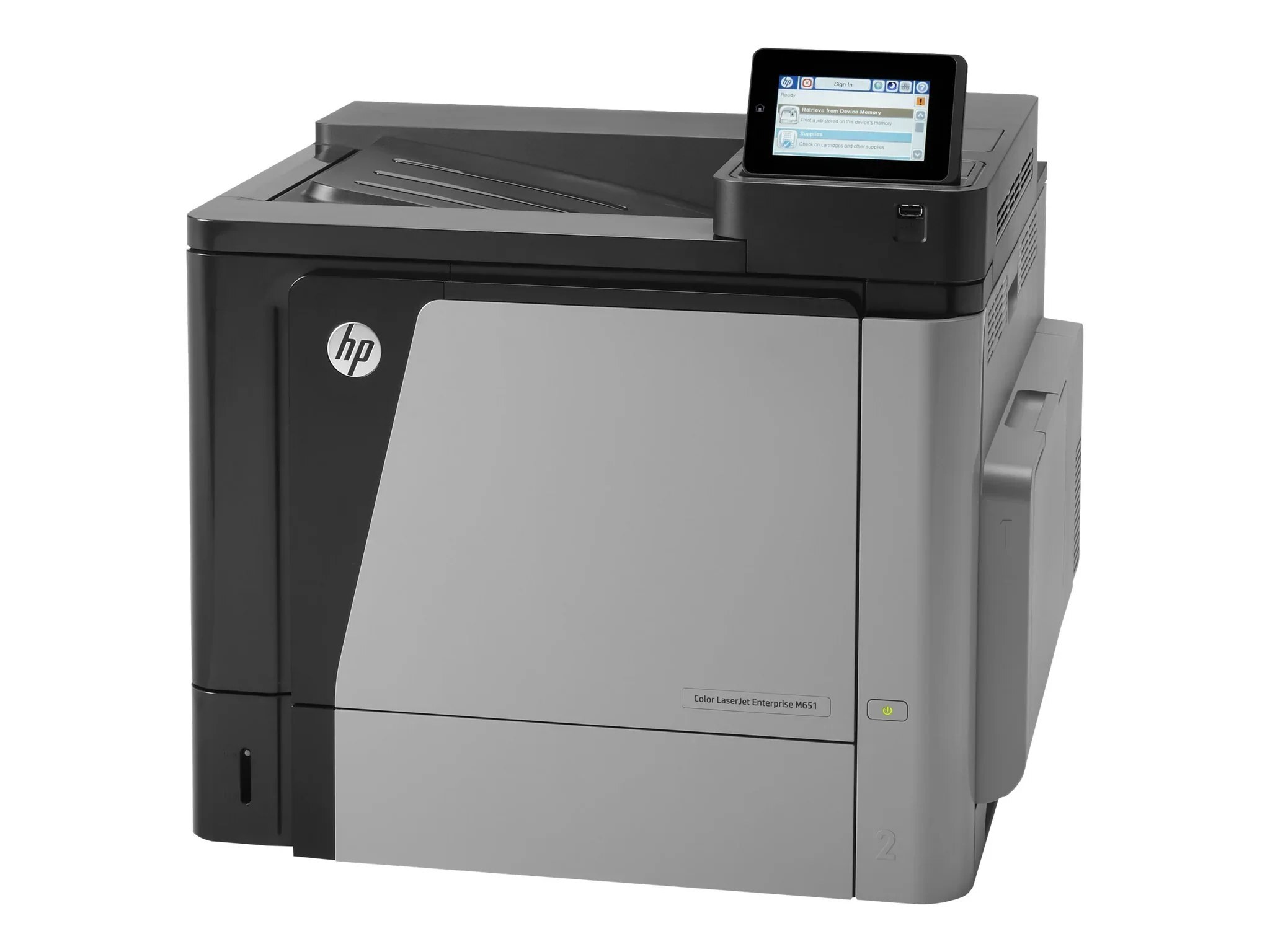
Built for mid-size workgroups with heavy color demand, the M651XH is the high-capacity config — extra paper trays keep long jobs printing without interruption.
It runs HP 654A/654X toner: CF330A black (high-yield CF330X) with CF331A, CF332A, CF333A color. We stock genuine OEM and compatible cartridges for the M651XH.
Toner Cartridges for Color LaserJet M651XH
This printer works with the following toner cartridges:
- HP CF330A
- HP CF330X
- HP CF331A
- HP CF332A
- HP CF333A
- HP CF320A
More HP Printers
- Color LaserJet Enterprise M651
- Color LaserJet Enterprise M651DN
- Color LaserJet Enterprise M651N
- Color LaserJet Enterprise M651XH
- Color LaserJet M651
- Color LaserJet M651DN
- Color LaserJet M651N
- LaserJet Enterprise 600 Color M651
- LaserJet Enterprise 600 Color M651DN
- LaserJet Enterprise 600 Color M651N
- LaserJet Enterprise 600 Color M651XH
Frequently Asked Questions
What toner does the Color LaserJet M651XH take?
The Color LaserJet M651XH needs all four of these cartridges installed: CF330A, CF330X, CF331A, CF332A, CF333A, CF320A. Any cartridge set marketed as a replacement for these exact codes will work in the Color LaserJet M651XH.
Can I mix a high-yield black cartridge with standard color cartridges in the Color LaserJet M651XH?
Yes — the Color LaserJet M651XH handles mixed sets without any issue. Use CF330X high-yield black together with standard CF331A, CF332A and CF333A color cartridges; each slot is tracked on its own.
How do I check toner levels on the Color LaserJet M651XH?
Open the supplies or consumables menu on the Color LaserJet M651XH's control panel to see the remaining level of each CF330A, CF330X, CF331A, CF332A, CF333A, CF320A cartridge. You can also print a supplies-status page from the device menus for a quick snapshot.