




Color LaserJet M651
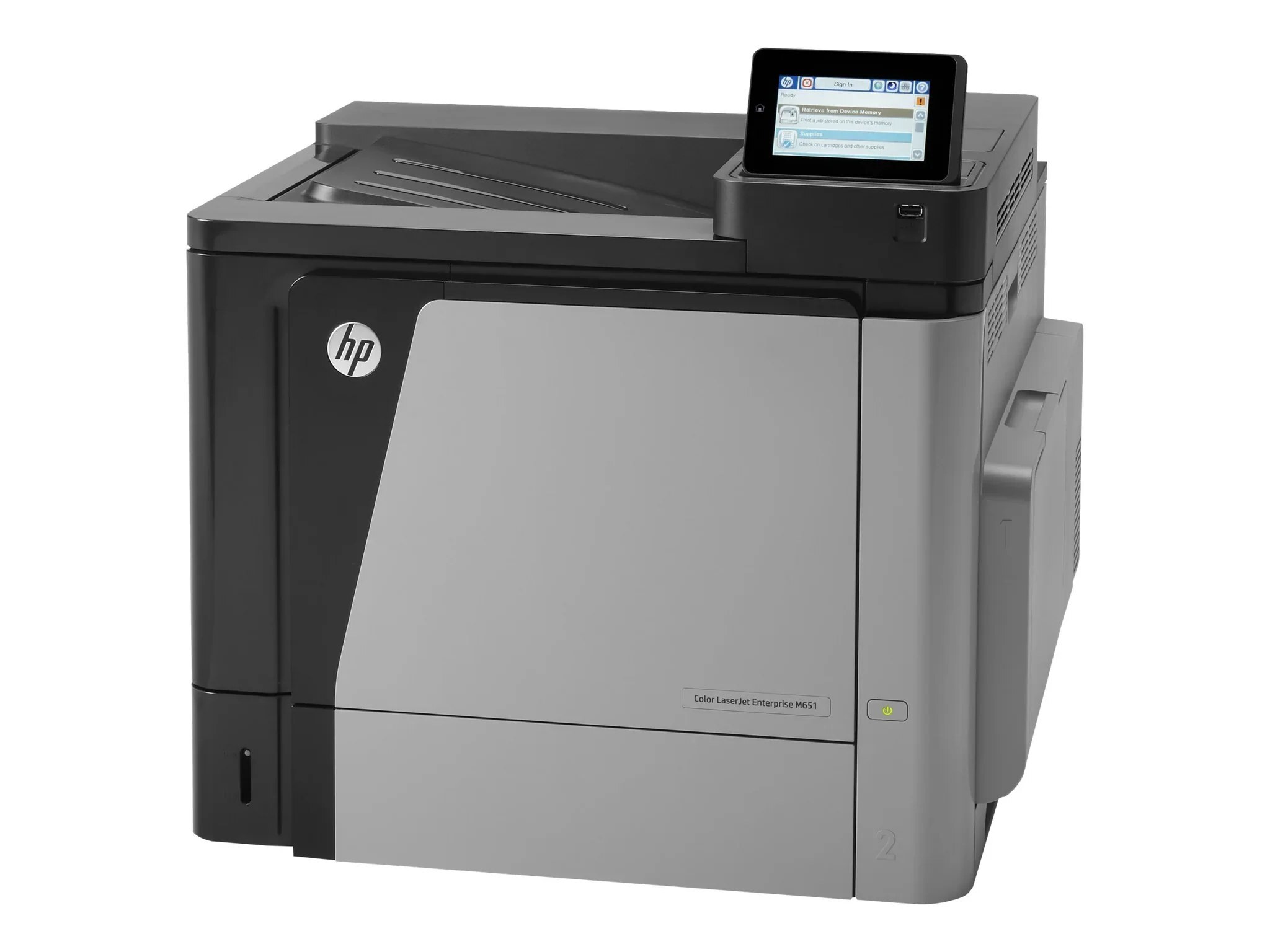
The Color LaserJet M651 is a 2013-era color workgroup machine designed around one idea: dependable printing for mid-size workgroups. Second-hand units still circulate because the consumable market never dried up. HP matched this printer with the HP 654A/654X cartridge series (CF330A, CF330X).
Running low on CF330A, CF330X? We stock genuine OEM and compatible toner for the Color LaserJet M651, ready to ship. A backup cartridge on the shelf is simple insurance against a stalled workday.
Toner Cartridges for Color LaserJet M651
This printer works with the following toner cartridges:
- HP CF330A
- HP CF330X
- HP CF331A
- HP CF332A
- HP CF333A
- HP CF320A
More HP Printers
- Color LaserJet Enterprise M651
- Color LaserJet Enterprise M651DN
- Color LaserJet Enterprise M651N
- Color LaserJet Enterprise M651XH
- Color LaserJet M651DN
- Color LaserJet M651N
- Color LaserJet M651XH
- LaserJet Enterprise 600 Color M651
- LaserJet Enterprise 600 Color M651DN
- LaserJet Enterprise 600 Color M651N
- LaserJet Enterprise 600 Color M651XH
Frequently Asked Questions
What toner does the Color LaserJet M651 take?
The Color LaserJet M651 needs all four of these cartridges installed: CF330A, CF330X, CF331A, CF332A, CF333A, CF320A. Any cartridge set marketed as a replacement for these exact codes will work in the Color LaserJet M651.
Can I mix a high-yield black cartridge with standard color cartridges in the Color LaserJet M651?
Yes — the Color LaserJet M651 tracks each slot separately, so a CF330X high-yield black works fine with standard CF331A, CF332A and CF333A color cartridges.
Can the Color LaserJet M651 keep printing in black when a color cartridge runs out?
The Color LaserJet M651 needs all four cartridges (CF330A, CF330X, CF331A, CF332A, CF333A, CF320A) installed to print, even for black-only jobs. To stretch your color toner, choose the grayscale or black-only setting on the Color LaserJet M651 for everyday documents.