




Color LaserJet Enterprise M651
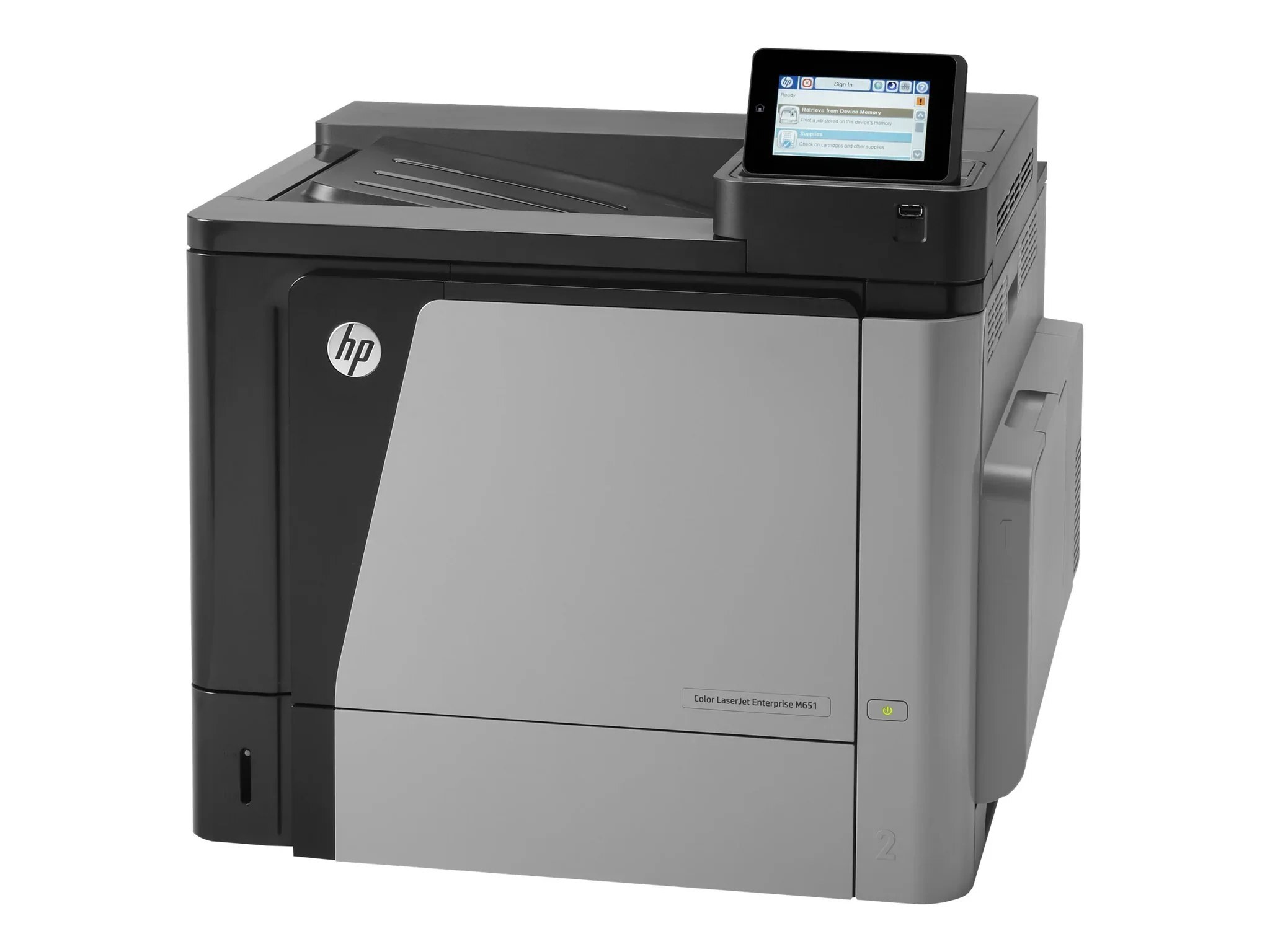
The Enterprise M651 is the 2013-era color workgroup machine for mid-size teams — dependable pages without ceremony, built for the day-to-day demands of a busy office.
Its engine runs HP 654A/654X cartridges: CF330A black (high-yield CF330X) with the CF331A, CF332A, CF333A color set. Genuine OEM and compatible toner are both on the shelf here.
Toner Cartridges for Color LaserJet Enterprise M651
This printer works with the following toner cartridges:
- HP CF330A
- HP CF330X
- HP CF331A
- HP CF332A
- HP CF333A
- HP CF320A
More HP Printers
- Color LaserJet Enterprise M651DN
- Color LaserJet Enterprise M651N
- Color LaserJet Enterprise M651XH
- Color LaserJet M651
- Color LaserJet M651DN
- Color LaserJet M651N
- Color LaserJet M651XH
- LaserJet Enterprise 600 Color M651
- LaserJet Enterprise 600 Color M651DN
- LaserJet Enterprise 600 Color M651N
- LaserJet Enterprise 600 Color M651XH
Frequently Asked Questions
Which toner cartridges are compatible with the Color LaserJet Enterprise M651?
Look for the exact codes CF330A, CF330X, CF331A, CF332A, CF333A, CF320A — one black and three color cartridges — for the Color LaserJet Enterprise M651. Sticking to these codes guarantees a proper fit and correct recognition in the Color LaserJet Enterprise M651.
What is the difference between CF330A and CF330X for the Color LaserJet Enterprise M651?
Both cartridges fit the Color LaserJet Enterprise M651, but CF330X is the high-yield version of the standard CF330A black cartridge, so it prints longer before running out. Choose CF330X for heavy printing on the Color LaserJet Enterprise M651 and CF330A if you print only occasionally.
How do I install a toner cartridge in the Color LaserJet Enterprise M651?
Open the front access door of the Color LaserJet Enterprise M651, pull the empty cartridge straight out by its handle, and slide the new cartridge in until it clicks. Close the door and let the Color LaserJet Enterprise M651 finish its calibration before printing.