




LaserJet Enterprise M651xh
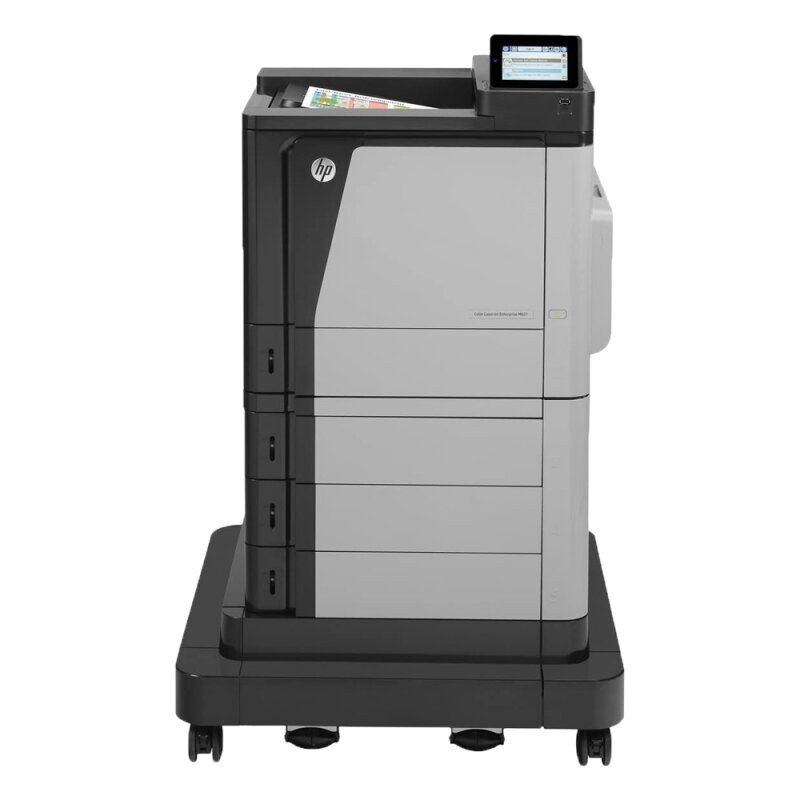
For anyone running a LaserJet Enterprise M651xh, the appeal is clear: a early-2010s mono single-function printer with none of the fragility of newer machines. What keeps the LaserJet Enterprise M651xh relevant is everyday office document printing: unglamorous, essential, and exactly what offices need.
The LaserJet Enterprise M651xh's cartridge story is refreshingly simple: the HP 652A/654A/654X family, starting with the CF320A, shared across 6 models. The LaserJet Enterprise M651xh runs reliably on our compatible HP 652A/654A/654X cartridges as well as on genuine OEM CF320A — pick the one that fits your budget.
Toner Cartridges for LaserJet Enterprise M651xh
This printer works with the following toner cartridges:
- HP CF320A
- HP CF330X
- HP CF331A
- HP CF332A
- HP CF333A
More HP Printers
- LaserJet ENTERPRISE 600 COLOR M651
- LaserJet ENTERPRISE 600 COLOR M651DN
- LaserJet ENTERPRISE 600 COLOR M651N
- LaserJet ENTERPRISE 600 COLOR M651XH
- LaserJet Enterprise M651dn
- LaserJet Enterprise M651n
Frequently Asked Questions
Which toner cartridges does the LaserJet Enterprise M651xh use?
The LaserJet Enterprise M651xh uses separate cartridges: CF320A (black), CF330X (black high-yield), CF331A (cyan), CF332A (yellow), and CF333A (magenta). Replace only the color that runs out — the LaserJet Enterprise M651xh tracks each one independently.
Why do colors look washed out on my LaserJet Enterprise M651xh?
Washed-out color on the LaserJet Enterprise M651xh often means one or more cartridges are running low — check every supply level. Replacing the low cartridge and running calibration on the LaserJet Enterprise M651xh usually restores vivid color.
How do I calibrate colors on the LaserJet Enterprise M651xh?
The LaserJet Enterprise M651xh includes a color calibration routine in its settings — run it when colors look off after installing a new cartridge. Calibration aligns the toners so the LaserJet Enterprise M651xh's prints look accurate.