




Kyocera is the brand where the manufacturer documents the whole encounter itself. Its ECOSYS Operation Guides print the “Non-genuine Toner” alert and the exact key press that answers it; its current TASKalfa guide documents the radio tag that identifies a toner container and the regional-specification message — and, on that line, pointedly documents no override at all. Under all of it sits the ECOSYS design itself: the drum is a long-life part of the machine, so the only consumable is the toner container, and there is no drum for us to sell you. This page quotes what Kyocera publishes, line by line, then walks all 37 of our monochrome Kyocera families with the products we sell for each.
Most brands on this shelf make a compatibility page an exercise in reading silence. Kyocera is the exception: its Operation Guides state the warning, the checkpoint and the remedy in its own words. The front matter of those guides reads: “We recommend the use of our genuine toner containers, which have passed rigorous quality control testing, to maintain quality. The use of non-genuine toner containers may cause failure. We will not be liable for any damages caused by the use of third party supplies in this machine.” Note the exact strength of that wording, because this page will hold it there: a recommendation, a “may cause failure” caution and a liability limit — not a statement that the machine locks a third-party container out. On the ECOSYS line, Kyocera goes on to document the opposite of a lockout: an alert with a panel override, quoted in full in the message decoder below.
Before the families, our own audit — because a page about identification should identify its own shelf first. Our Kyocera catalog holds 512 listings and every one of them is a toner container: there are no Kyocera drum listings, no ink, nothing else. The word “chip” appears in 252 of the 512 descriptions, and all 252 are a single repeated sentence that lists the parts a cartridge is built from — OPC drums, wiper blades, “a smart chip” and other internal parts. That is a manufacturing parts list, identical from listing to listing; it is not a statement that any particular cartridge carries a fitted chip, and no listing in the catalog names a chip generation or tells you to move a chip from one cartridge to another. So no family on this page carries a fitted-chip claim — the evidence for one does not exist in our listings, and we will not manufacture it.
The word “firmware” appears in none of the 512. We also searched Kyocera’s own guides, FAQs and support pages for any statement about firmware updates and third-party cartridges, and found none: everything published on that subject traces to chip vendors and retailers, never to Kyocera. This page therefore makes no firmware claim in either direction — no warning that an update will block these cartridges, and no promise that one never could. Kyocera has not spoken, and the absence is recorded here rather than filled.
One gap inside Kyocera’s own documentation matters enough to carry through the whole page. The override — hold two keys for three seconds — is documented for the ECOSYS lines. The current TASKalfa Operation Guide, hosted on Kyocera’s own US site, lists the same event as “Non-genuine toner installed.” and gives only the liability sentence as its corrective action: no key press, no override. So the sections below give the override per model line, never as a universal Kyocera instruction, and the TASKalfa families state the limit plainly: on current TASKalfa documentation, there is no documented override to promise you.
The ECOSYS idea Kyocera has built its range on separates the drum from the toner. The drum is engineered as a long-life part of the machine — Kyocera’s regional publications describe drums designed to run up to 300,000 pages in some devices, and its amorphous-silicon drum up to 500,000 pages on office models — while only the toner container is replaced and discarded as it empties. Our catalog mirrors the design exactly: 512 toner listings and zero drum listings. If a basket for one of these machines contains a drum unit, it contains a part the machine does not ask you to buy.
Identification, where it happens, is done by the container itself. Kyocera’s current TASKalfa guide carries a “Radio Tag Technology” section: “In some countries the radio tag technology used in this equipment to identify the toner container may be subject to authorization and the use of this equipment may consequently be restricted.” Kyocera’s own anti-counterfeit material describes genuine containers carrying an RFID identifier the device reads, and its US FAQs give the owner-side genuineness test: check for the Kyocera hologram on the toner container. That radio-tag read is the mechanism behind the “Non-genuine Toner” alert — the machine reporting what it identified, which is why the documented response on ECOSYS is an acknowledgement at the panel, not a repair.
The same identification system checks region. US-spec Kyocera containers carry part numbers ending in US0 where the European equivalent ends in NL0, and the US retail codes take the “…2” form — TK-5152, TK-1142, TK-1162 — against the “…0” form sold in Europe. Kyocera’s documented message for a container whose regional specification does not match the machine is “Unknown Toner Installed”, with the checkpoint “Does the installed toner container’s regional specification match the machine’s?” No Kyocera-published conversion table between the regional number sets was captured in our research, so this page prints none: the rule is simply that a US machine expects the US-spec container, and every family below is the US-spec shelf.
Every monochrome toner family on our Kyocera shelf. One discipline applies to the whole table: we captured no Kyocera-published yield figure for any of these families, so every figure below is our store’s own Page Yield field, labeled as such — a storekeeper’s number, not a Kyocera specification. The last column records, family by family, exactly what our own product pages say about chips, so the distance between a parts list and a claim stays visible.
| Family | Printer models | Page yield | What our product pages say about chips |
|---|---|---|---|
| TK-1172 | ECOSYS M2040dn, M2540dw, M2640idw | Our store field: 7,200 pages | The parts-list sentence on every listing |
| TK-1152 | ECOSYS M2635dw | Our store field: 3,000 pages | Nothing about chips |
| TK-1162 | ECOSYS P2040dn, P2040dw | Our store field: 7,200 pages | Nothing about chips |
| TK-172 | ECOSYS P2135D / DN, FS-1320D, FS-1370DN | Our store field: 7,200 pages | Nothing about chips |
| TK-162 | ECOSYS P2035D / DN, FS-1120D | Our store field: 2,500 pages | The parts-list sentence on 5 of 9 listings |
| TK-1142 | FS-1035MFP, FS-1135MFP, ECOSYS M2035dn, M2535dn | Our store field: 7,200 pages | Nothing about chips |
| TK-132 | FS-1028MFP, FS-1128MFP, FS-1300D / DN, FS-1350DN, KM-2810, KM-2820 | Our store field: 7,500 pages | The parts-list sentence on 5 of 9 listings |
| TK-3102 | ECOSYS M3040idn, M3540idn, FS-2100DN | Our store field: 12,500 pages | The parts-list sentence on 5 of 10 listings |
| TK-3112 | FS-4100DN | Our store field: 15,500 pages | The parts-list sentence on 5 of 9 listings |
| TK-3122 | FS-4200DN, ECOSYS M3550idn | Our store field: 21,000 pages | Nothing about chips |
| TK-3132 | ECOSYS M3560idn, FS-4300DN | Our store field: 25,000 pages | The parts-list sentence on 5 of 9 listings |
| TK-3162 | ECOSYS P3045dn | Our store field: 12,500 pages | The parts-list sentence on every listing |
| TK-3172 | ECOSYS P3050dn | Our store field: 15,500 pages | The parts-list sentence on every listing |
| TK-3182 | ECOSYS P3055dn | Our store field: 21,000 pages | The parts-list sentence on every listing |
| TK-3192 | ECOSYS P3060dn | Our store field: 25,500 pages | The parts-list sentence on every listing |
| TK-6307 | TASKalfa 3500i–5501i + Copystar CS-3500i–5501i twins | Our store field: 35,000 pages | The parts-list sentence on 5 of 9 listings |
| TK-7107 | TASKalfa 3010i | Our store field: 20,000 pages | The parts-list sentence on 5 of 9 listings |
| TK-7207 | TASKalfa 3510i | Our store field: 35,000 pages | The parts-list sentence on 5 of 9 listings |
| TK-712 | FS-9130DN, FS-9530DN | Our store field: 40,000 pages | Nothing about chips |
| TK-717 | KM-3050, KM-4050, KM-5050, TASKalfa 420i, 520i | Our store field: 34,000 pages | Nothing about chips |
| TK-677 | KM-2540, KM-2560, KM-3040, KM-3060 | Our store field: 20,000 pages | Nothing about chips |
| TK-477 | TASKalfa 255, 305, FS-6025, FS-6030, FS-6525MFP, FS-6530MFP, Copystar CS255, CS305 | Our store field: 15,000 pages | The parts-list sentence on 5 of 16 listings |
| 1T02BR0US0 | FS-1800 / N, FS-1900 / N, FS-3800 / N | Our store field: 20,000 pages | Nothing about chips |
| 370QC0KM / 370QD0KM | FS-1920, FS-3820 / N, FS-3830N | Our store field: 20,000 pages | Nothing about chips |
| TK-67 | FS-3820 / N, FS-3830 / N | Our store field: 20,000 pages | The parts-list sentence on every listing |
| TK-18 | FS-1018MFP, FS-1020D, FS-1118MFP, KM-1500, KM-1815, KM-1818, KM-1820, CS-1820 | Our store field: 7,200 pages | The parts-list sentence on 5 of 8 listings |
| TK-421 | KM-2550, Copystar CS-2550 | Our store field: 15,000 pages | Nothing about chips |
| 370AB011 | KM-2530, KM-3035, KM-3530, KM-4030, KM-4035, KM-5035 | Our store field: 34,000 pages | The parts-list sentence on every listing |
| TK-312 | FS-2000D / DN, FS-3900D / DN / DTN, FS-4000DN / DTN | Our store field: 12,000 pages | The parts-list sentence on 5 of 9 listings |
| TK-322 | FS-3900D / DN / DTN, FS-4000DN / DTN | Our store field: 15,000 pages | The parts-list sentence on 5 of 9 listings |
| TK-332 | FS-4000DN, FS-4000DTN | Our store field: 20,000 pages | The parts-list sentence on 5 of 9 listings |
| TK-342 | FS-2020D | Our store field: 12,000 pages | The parts-list sentence on 5 of 9 listings |
| TK-352 | FS-3040MFP, FS-3140MFP, FS-3540MFP, FS-3640MFP, FS-3920DN | Our store field: 15,000 pages | The parts-list sentence on 5 of 9 listings |
| TK-362 | FS-4020DN | Our store field: 20,000 pages | The parts-list sentence on 5 of 9 listings |
| TK-1122 | No printer field on its listings — no model list can be stated from store data | Our store field: 3,000 pages | Nothing about chips |
| TK-112 | FS-720, FS-820, FS-920, FS-1016MFP, FS-1116MFP — nothing purchasable | Our store field: 6,000 pages | Nothing about chips |
| TK-410 | KM-1620, KM-1635, KM-1650, KM-2035, KM-2050 — nothing purchasable | Our store field: 15,000 pages | The parts-list sentence on every listing |
Three overlaps in the table are deliberate and are explained in their sections: the FS-3820 / FS-3830N machines appear under both the 370QC0KM / 370QD0KM family and TK-67, and the FS-3900 / FS-4000 machines under both TK-312 and TK-322. These are different containers that reach into the same installed base from different catalog generations. Where two numbers reach the same machine, the number on the container you remove is the one to reorder.
These fifteen families serve the ECOSYS machines most offices are running today, and this is the line Kyocera’s documented override belongs to: when the panel shows “Non-genuine Toner. Press [Help]”, the ECOSYS guides answer it with a key press, given in full in the decoder below. Which key pair your machine uses depends on its generation — current ECOSYS models pair [OK] with [Stop], older ones pair [OK] with [Cancel] — so read the decoder before you need it, not after.
TK-1172 is the cartridge for Kyocera’s current compact MFP trio, the ECOSYS M2040dn, M2540dw and M2640idw — machines that differ in fax and wireless fittings but share one toner container between them. Our store yield field rates it at 7,200 pages, the joint-highest figure among the small ECOSYS families on this page, which makes it the economy pick of the desktop range: fewer container changes per ream than the 3,000-page families below.
The 2-pack at $32.02 works out to $16.01 per container against $24.05 for the single — the saving is the standard $16.08 two-pack figure that runs across most of this shelf. Five of this family’s five listings carry the repeated parts-list sentence in their descriptions; the newer listings say nothing about chips at all, and neither wording is a chip claim.


Printer model pages: ECOSYS M2040dn, ECOSYS M2540dw, ECOSYS M2640idw
TK-1152 serves exactly one machine in our catalog, the ECOSYS M2635dw, and the family is three listings deep: the single, the 2-pack and a duplicate of one of them. There is no sibling-model ambiguity to resolve here — if the front of the machine says M2635dw, this is its container, and if it says anything else, it is not.
Our store yield field gives 3,000 pages, the joint-lowest figure on this page, so this is a cartridge you will change often; the 2-pack at $31.04 ($15.52 per container, against $23.56 for the single) is the practical way to keep a spare on the shelf. None of this family’s listings mentions chips in any form.
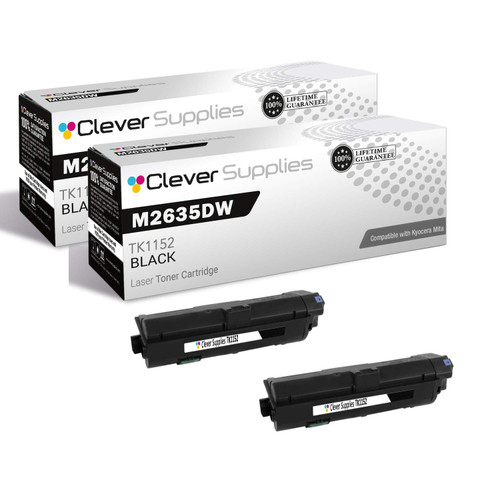

Printer model pages: M2635dw
TK-1162 feeds the ECOSYS P2040dn and P2040dw, the single-function printers that anchor a lot of desk-side printing. The store yield field is 7,200 pages — the same figure as TK-1172 above — so on Kyocera’s own US numbering the “…2” code is doing the same capacity work here as in the MFP family.
One honest pricing note: this family sits in the shelf’s smaller discount tier. The 2-pack is $28.44 ($14.22 per container) against a single at $19.73, which is a saving of $11.02 — real, but smaller than the $16.08 two-pack saving most families here carry, and the card prints the true figure rather than borrowing the bigger one.
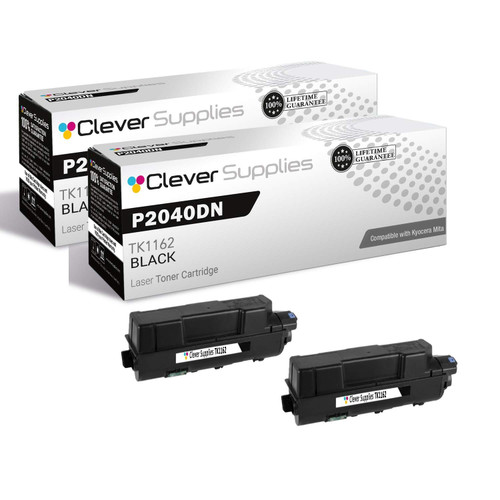
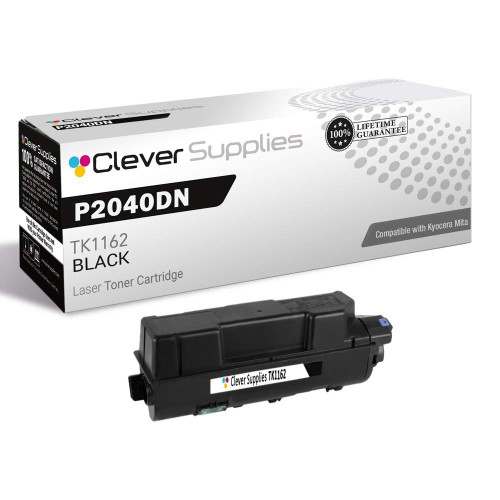
Printer model pages: ECOSYS P2040dn, ECOSYS P2040dw
TK-172 covers the generation where the FS line became the ECOSYS line: the FS-1320D and FS-1370DN and their ECOSYS successors, the P2135D and P2135DN. All four take the same container, and our store yield field rates it at 7,200 pages.
It is also the value outlier of Group A: the 2-pack is $29.73 — $14.87 per container, the lowest per-container price in this group — against $22.90 for the single. None of the family’s six listings mentions chips; its descriptions are among the newer, quieter generation on the shelf.

Printer model pages: 1370DN, ECOSYS P2135D, ECOSYS P2135DN, FS- 1320D, FS-1320D, FS-1370DN
TK-162 serves the ECOSYS P2035D and P2035DN and the FS-1120D they descend from. Its store yield field is 2,500 pages — the lowest figure on this entire page — and that single fact shapes the buying advice: this is a small container for light-duty machines, and an office printing steadily will change it often.
At $32.17 for the single, it is also not a cheap cartridge per page by the store’s own field — the honest reading is that these printers were built for low volumes, and the cartridge economics follow. The 2-pack at $48.26 ($24.13 per container) trims the per-container price and keeps the spare ready, which is the practical answer to a 2,500-page cycle.

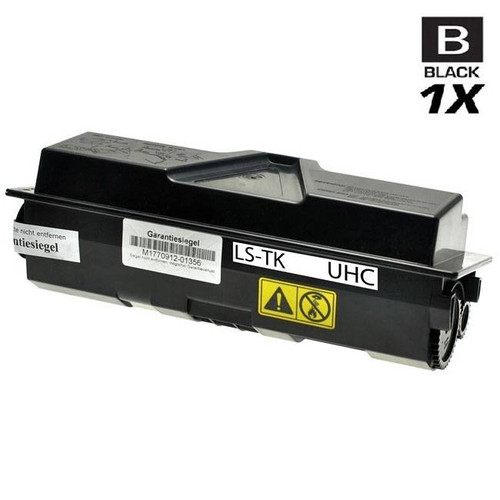
Printer model pages: ECOSYS P2035D, ECOSYS P2035DN, FS-1120D
TK-1142 is the cartridge that follows a platform across its own renaming: the FS-1035MFP and FS-1135MFP and the same hardware wearing ECOSYS badges as the M2035dn and M2535dn all take it. If your machine’s badge changed between the brochure and the box, the container did not — the store yield field is 7,200 pages under either name.
The 2-pack is $34.73, $17.36 per container against $25.41 singly, saving the standard $16.09. None of the five listings in this family mentions chips at all.
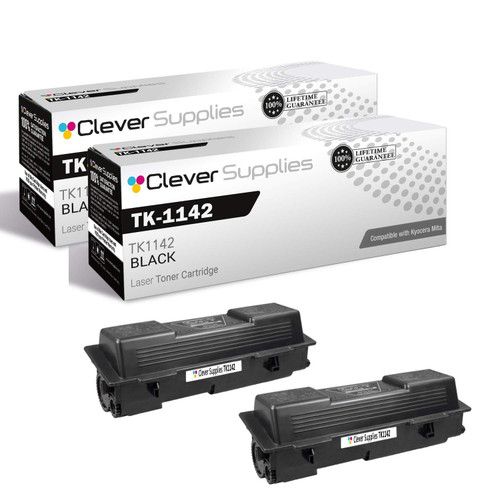
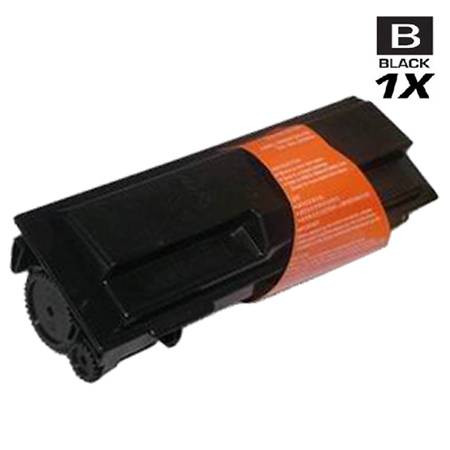
Printer model pages: FS-1035 MFP, FS-1035MFP, FS-1135 MFP, M2035dn, M2535dn
TK-132 reaches across seven models and two nameplates: the FS-1028MFP and FS-1128MFP, the FS-1300D, FS-1300DN and FS-1350DN printers, and the same platforms badged KM-2810 and KM-2820. The store yield field is 7,500 pages, a step above the 7,200-page desktop families around it.
Two housekeeping notes, stated plainly. This family’s older part-number generation of listings is switched off in our store — four listings you may land on but cannot buy; the cards below are the purchasable generation. And like TK-1162, this family sits in the smaller discount tier: the 2-pack at $44.60 saves $11.02 over two singles at $27.81, not the larger figure most of the shelf carries.

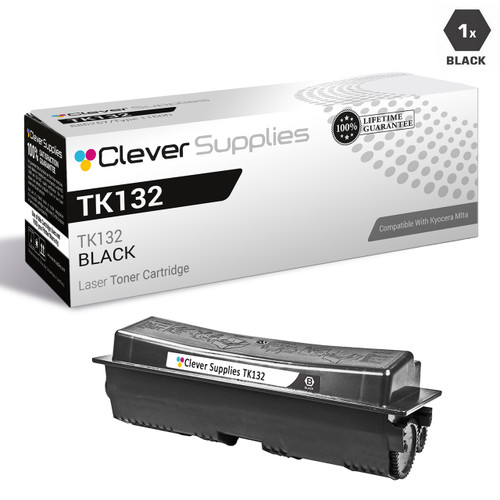
Printer model pages: FS-1028MFP, FS-1128MFP, FS-1300D, FS-1300DN, FS-1350DN, KM-2810,KM-2820
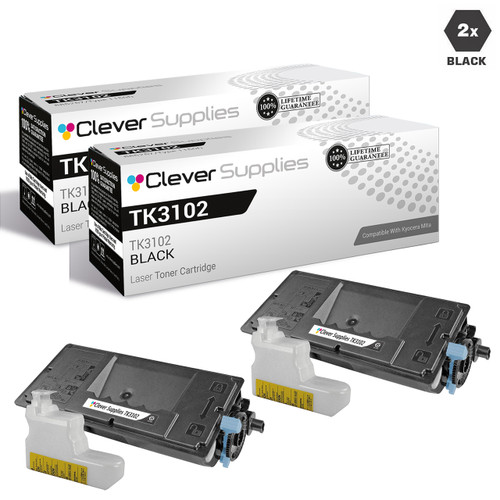
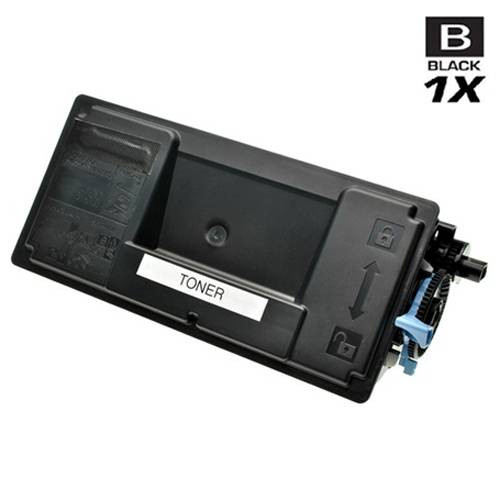
TK-3102 serves the ECOSYS M3040idn and M3540idn departmental MFPs and the FS-2100DN printer, and its store yield field — 12,500 pages — is where this group’s numbers stop being desktop-sized. Fewer, larger containers is the whole design of this tier.
The 2-pack is $41.41 ($20.70 per container) against $28.74 for the single, saving $16.07. Five of the family’s ten listings carry the parts-list sentence; the rest are silent on chips, and the section header above reports the split rather than smoothing it.
Printer model pages: ECOSYS M3040idn, ECOSYS M3540idn,FS-2100DN
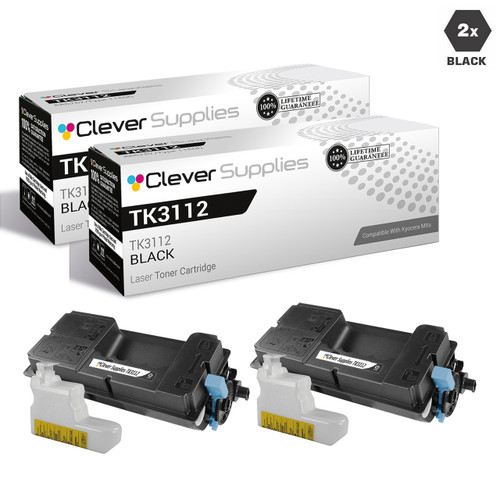
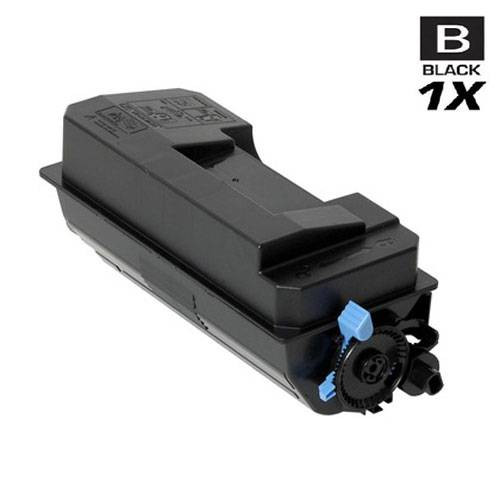
TK-3112 belongs to a single machine, the FS-4100DN, and that narrowness is its convenience: there is no model list to cross-check and no sibling cartridge to confuse it with. Our store yield field rates it at 15,500 pages.
The single is $31.59 and the 2-pack $47.10 — $23.55 per container, saving $16.08. The FS-4100DN is a printer-only device, so this is also one of the families where the panel you will meet is the printer panel the ECOSYS override was documented on.
Printer model pages: FS-4100DN
TK-3122 pairs the FS-4200DN printer with the ECOSYS M3550idn MFP, and its store yield field of 21,000 pages is the highest among the desktop families in this group — a container sized for machines that print all day.
The 2-pack is $47.79 ($23.89 per container) against $31.93 singly. Worth stating because the header above reports it: none of this family’s eight listings mentions chips in any form — no parts-list sentence, nothing. Silence in a listing is not a defect; it is simply the absence of a claim, and this page treats it that way.

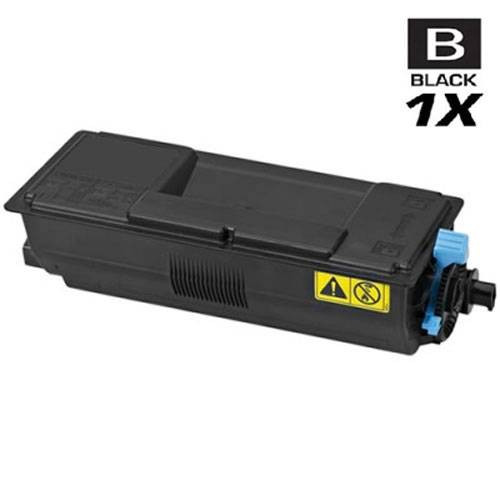
Printer model pages: FS- 4200DN, M3550idn
TK-3132 serves the ECOSYS M3560idn and the FS-4300DN, the heaviest-duty pair in Group A, and its store yield field of 25,000 pages is the group’s largest. Containers at this size are bought on a different rhythm — the question is less the price of one than the cost of running the machine for a quarter.
The single is $49.84; the 2-pack at $83.61 brings the per-container price to $41.80 and saves $16.07 against two singles. At these capacities the saving is the smaller part of the story — the yield field is the larger one.

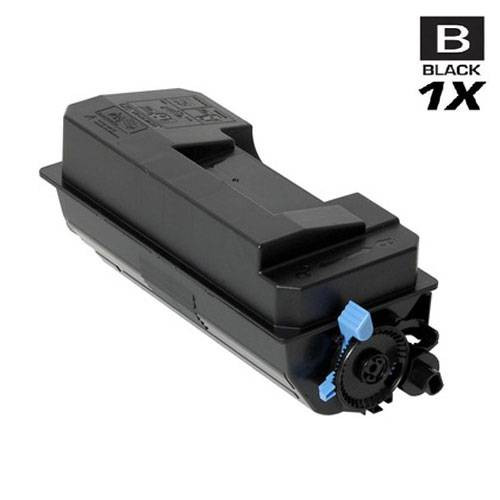
Printer model pages: ECOSYS M3560idn, FS-4300DN
TK-3162, TK-3172, TK-3182 and TK-3192 are four sibling families for the four ECOSYS P30xx printers, and they are not interchangeable: the P3045dn takes TK-3162, and only TK-3162. The four sections sit together on this page so the ladder is visible — check the model on your printer against the section, because the containers look alike and the numbers differ by one digit.
For the P3045dn the store yield field is 12,500 pages. The single is $28.68 and the 2-pack $41.29, $20.64 per container. Every listing in this family carries the parts-list sentence — reported in the header, and worth exactly what a parts list is worth.

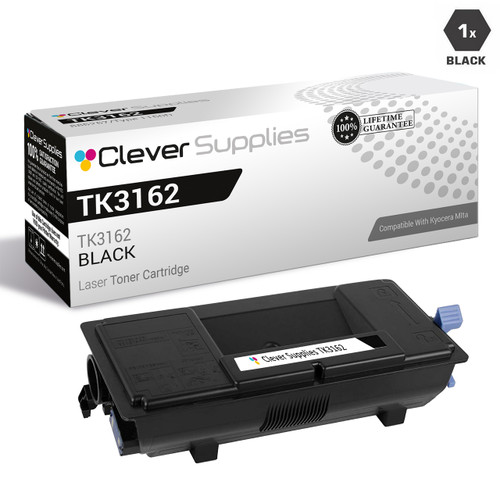
Printer model pages: ECOSYS P3045dn
TK-3172 is the ECOSYS P3050dn’s cartridge, rated 15,500 pages in our store yield field — a step up from the P3045dn’s family without a step change in price: the single is $29.37 and the 2-pack $42.66.
The warning that belongs to this whole ladder bears repeating at the rung where it bites: TK-3162, TK-3172, TK-3182 and TK-3192 differ by a single digit and serve four different printers. Kyocera’s documented message for a container of the wrong type is “Toner type mismatch” — the machine will tell you, but the cheaper moment to catch it is here, against the model name on the printer.
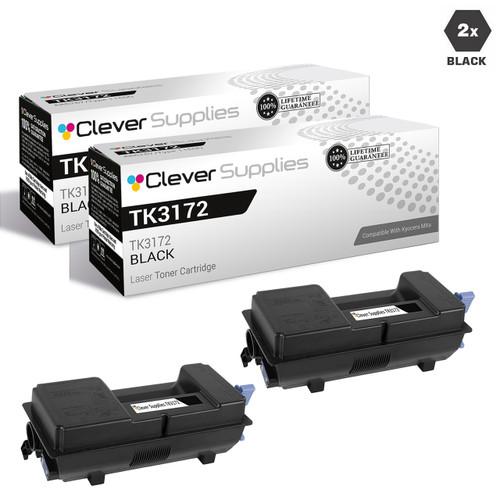

Printer model pages: ECOSYS P3050dn
TK-3182 serves the ECOSYS P3055dn, with a store yield field of 21,000 pages. Its pricing is the ladder’s step-change: the single is $53.33, noticeably above its siblings, and the 2-pack is $90.58.
That step is worth reading correctly. The yield field rises from 15,500 to 21,000 pages between TK-3172 and this family — the per-page arithmetic, on the store’s own figures, is closer than the shelf prices suggest. What you are buying at this rung is capacity and fewer changes, and the 2-pack’s $16.08 saving applies on top.


Printer model pages: ECOSYS P3055dn
TK-3192 completes the sibling set on the ECOSYS P3060dn, with the ladder’s largest store yield field: 25,500 pages. Its single is $36.05 and its 2-pack $56.01 — $28.00 per container, saving $16.09.
If you arrived here from a search for one of the other three P30xx numbers, the sections immediately above are the map: P3045dn → TK-3162, P3050dn → TK-3172, P3055dn → TK-3182, P3060dn → this one. The printer’s model name, not the cartridge’s resemblance, is the deciding document.


Printer model pages: ECOSYS P3060dn
These families serve the bigger iron: TASKalfa MFPs, departmental FS printers and the KM copier line. They also carry this page’s most important limit, so it is stated here before the families: the documented key-press override belongs to the ECOSYS guides. Kyocera’s current TASKalfa Operation Guide lists the non-genuine event as “Non-genuine toner installed.” and documents no override for it — only the liability sentence. Where a family below serves TASKalfa machines, its section repeats that limit rather than letting the ECOSYS instruction drift across the range.
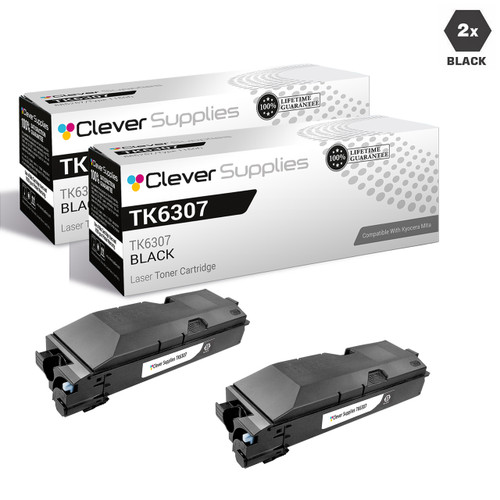
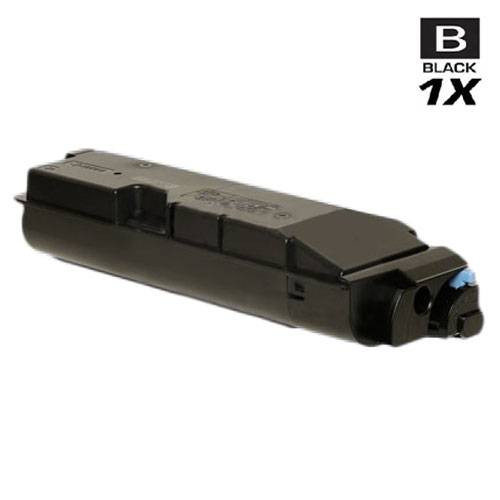
TK-6307 is the shared container for Kyocera’s departmental TASKalfa generation — the 3500i, 3501i, 4500i, 4501i, 5500i and 5501i — and for the same machines wearing Copystar badges as the CS-3500i through CS-5501i. Copystar is Kyocera’s dealer nameplate in the US; the badge changes nothing about the container. Our store yield field is 35,000 pages, in line with the duty these machines are bought for.
The single is $102.07 and the 2-pack $188.06 — $94.03 per container. And the TASKalfa limit applies to this family in full: these are touchscreen TASKalfa machines, and Kyocera’s current TASKalfa guide documents no panel override for the non-genuine alert on them. What that guide does document for this line — the radio-tag identification and the “Unknown Toner Installed” regional message — is quoted in the architecture section and the decoder.
Printer model pages: CS-3500I, CS-3501I, CS-4500I, CS-4501I, CS-5500I, CS-5501I, TASKalfa 3500i, TASKalfa 3501i,TASKalfa 4500i, TASKalfa 4501i, TASKalfa 5500i, TASKalfa 5501i
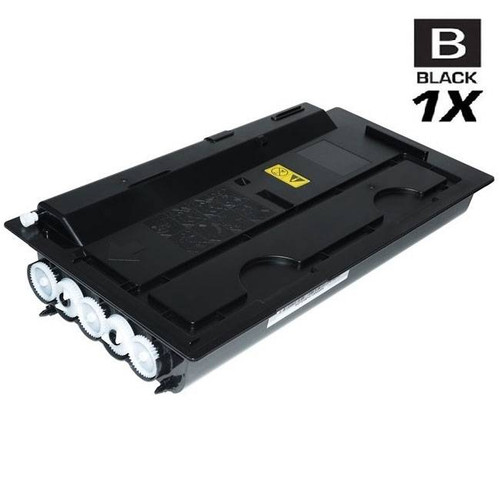
TK-7107 serves a single machine, the TASKalfa 3010i, and its store yield field is 20,000 pages. Single-model families are the easiest on this page to buy for: the model name on the machine and the number on the container either match or they do not.
The single is $54.00; the 2-pack at $91.92 brings the per-container price to $45.96. The TASKalfa limit applies here as it does across this group: Kyocera’s current TASKalfa documentation records the non-genuine message and the liability sentence, and no override — this page does not promise the ECOSYS key press for this machine.

Printer model pages: TASKalfa 3010i
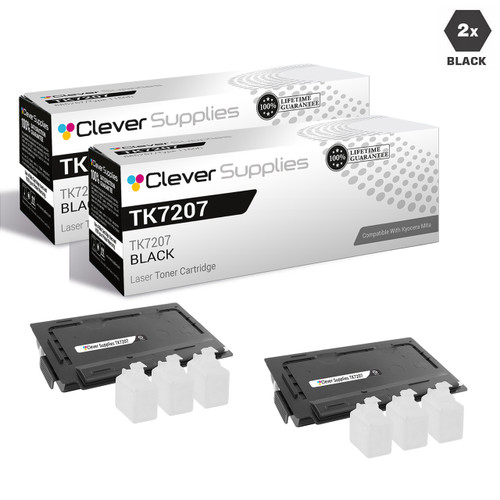
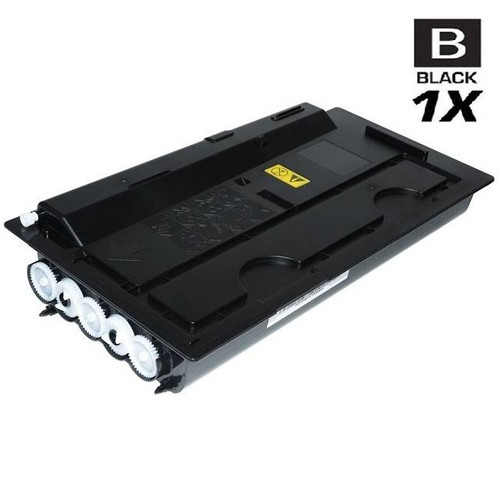
TK-7207 is the TASKalfa 3510i’s cartridge, and the comparison with the family above is the instructive one: the store yield field doubles, from 20,000 to 35,000 pages, while the single price rises from $54.00 to $88.53. On the store’s own figures, the bigger machine’s container is the cheaper one per page by a wide margin — capacity is what the departmental tier is for.
The 2-pack is $160.97, $80.48 per container, saving $16.09. The TASKalfa documentation limit stated in the group introduction applies to this family unchanged.
Printer model pages: TASKalfa 3510i
TK-712 feeds the FS-9130DN and FS-9530DN, Kyocera’s departmental printers, and its store yield field — 40,000 pages — is the largest figure anywhere on this page. These are containers bought a few times a year by machines that print constantly, and the economics follow: the single at $71.18 is a mid-priced cartridge carrying the page’s biggest rated capacity.
The 2-pack is $126.29 ($63.15 per container). None of this family’s seven listings mentions chips — its generation of descriptions is the quieter one, and the header above says so.
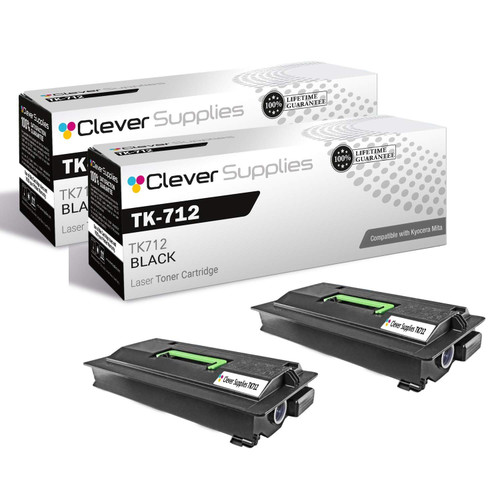
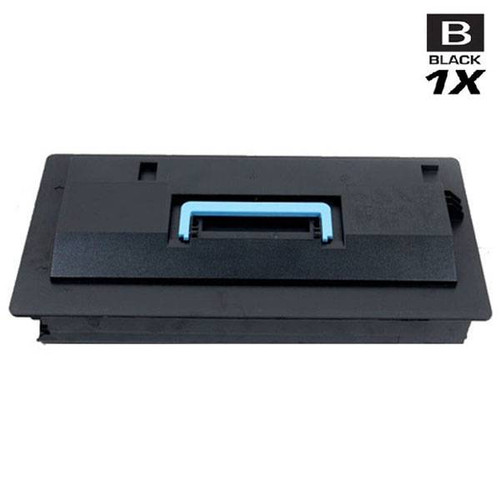
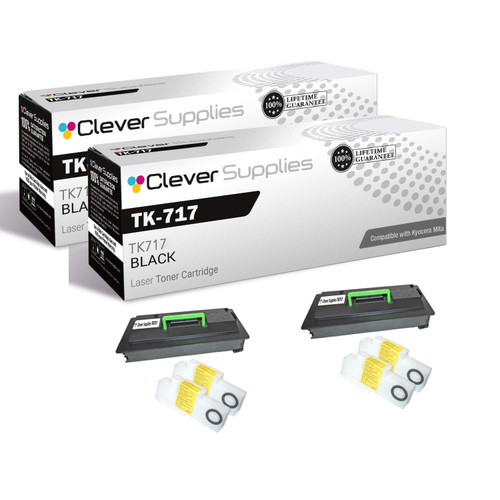
TK-717 spans the moment Kyocera’s copier line changed its badge: the KM-3050, KM-4050 and KM-5050 on one side, the TASKalfa 420i and 520i on the other, all taking the same container. Our store yield field is 34,000 pages, close to the top of this page’s range.
The single is $94.83 and the 2-pack $173.58. A mixed family like this one is where the per-line documentation discipline matters most: the KM machines predate the current TASKalfa guide, and the TASKalfa machines sit under it — and that guide documents no override. No key press is promised for either badge from this page.

Printer model pages: KM-3050, KM-4050, KM-5050, TASKalfa 420i, TASKalfa 520i
TK-677 serves the KM-2540, KM-2560, KM-3040 and KM-3060 departmental copiers, and its single, at $139.01, is the most expensive single cartridge on this page. The store yield field behind that price is 20,000 pages — the honest reading is that this is a big container for big machines, priced like one, and the per-page figure is unremarkable next to its departmental peers.
The 2-pack is $261.94, bringing the per-container price to $130.97 and saving $16.08. None of the family’s five listings mentions chips.
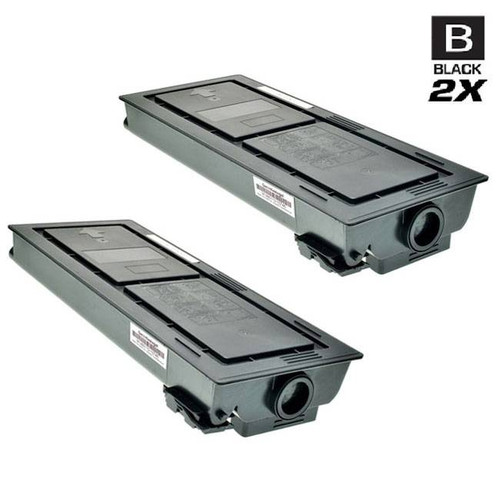
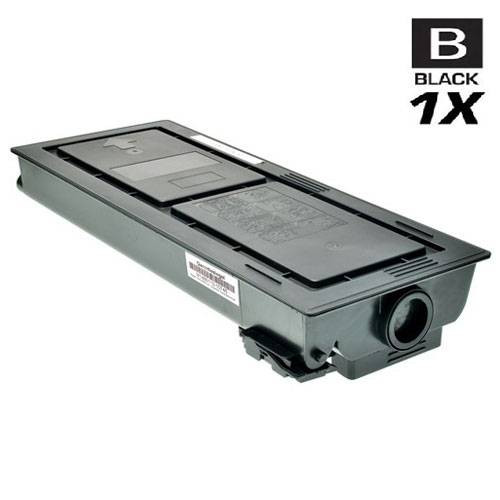
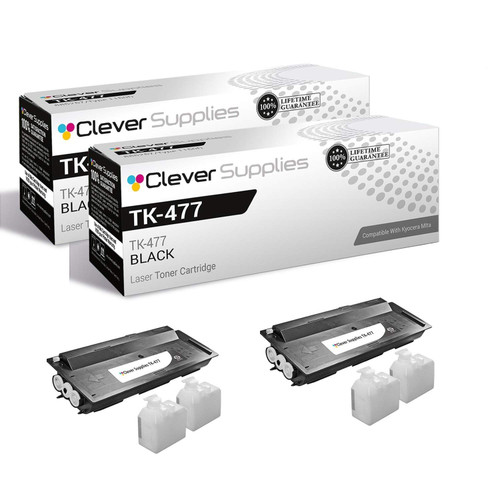
TK-477 is the most widely filed family in Group B: the TASKalfa 255 and 305, the FS-6025 and FS-6030 printers, the FS-6525MFP and FS-6530MFP, and the Copystar CS255 and CS305. Sixteen listings deep, it is also a family where five listings are switched off in our store — the cards below are the purchasable generation, and the distinction matters here more than anywhere else in the group.
The store yield field is 15,000 pages. The single is $45.27 and the 2-pack $74.46 — at $37.23 per container, among the gentlest per-container prices in this group. Because the family mixes FS and TASKalfa machines, the documentation follows the machine, not the cartridge: ECOSYS-line FS models sit under the documented override; the TASKalfa models sit under a guide that documents none.
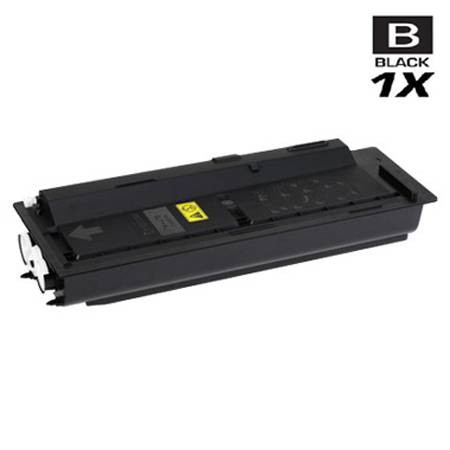
Printer model pages: CS255, CS305, FS-6025, FS-6030, FS-6525MFP, FS-6530MFP, TASKalfa 255, TASKalfa 305
The oldest platforms on the shelf, and in many offices still the hardest-working. Two of these families are named by Kyocera part numbers rather than TK codes, because that is how their listings — and their era — name them. The group also holds the page’s two honest exceptions: a family whose pack costs more than its singles, and two families with nothing left to buy, which are documented here rather than quietly dropped.
This family is filed under its Kyocera part number, 1T02BR0US0, because that is the identifier its listings carry — the FS-1800, FS-1800N, FS-1900, FS-1900N, FS-3800 and FS-3800N predate the TK retail naming our newer families use. If the container you remove is stamped with that part number, this is its family, whatever a search for a TK code suggests.
Our store yield field is 20,000 pages — a departmental figure on a workgroup-era platform. The single is $56.89 and the 2-pack $97.71, $48.85 per container. None of its eighteen listings mentions chips.

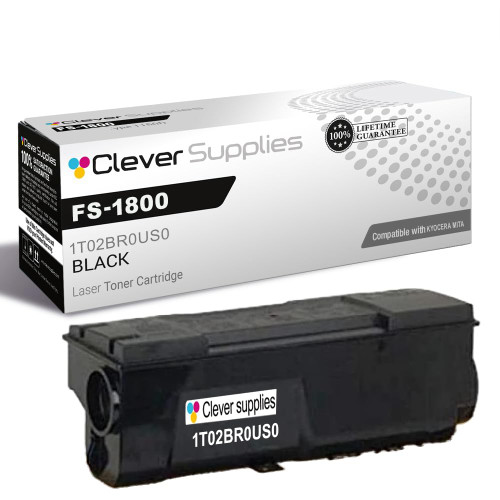
Printer model pages: FS-1800, FS-1800N, FS-1900, FS-1900N, FS-3800, FS-3800N
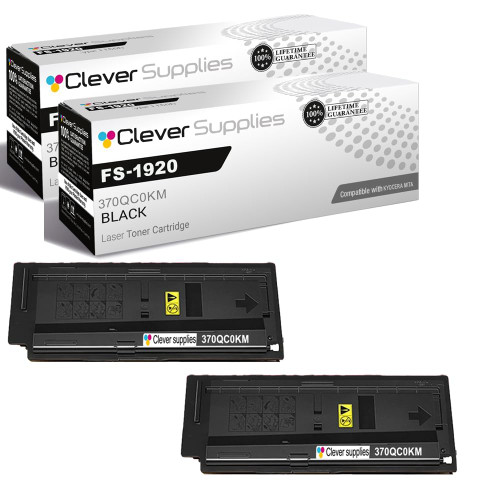
The FS-1920 and the FS-3820 / FS-3830N generation carries two Kyocera part numbers — 370QC0KM and 370QD0KM — filed here as one family, because our listings sell the platform’s container under both. The store yield field is 20,000 pages.
Now the overlap, stated as plainly as we can: the FS-3820 and FS-3830N also appear in the TK-67 section immediately below, at identical prices — the single is $58.69 in both families and the 2-pack $101.31 in both. Two listing lines reach the same machines from different catalog generations. Neither is an error; the deciding document is the number printed on the container you take out.
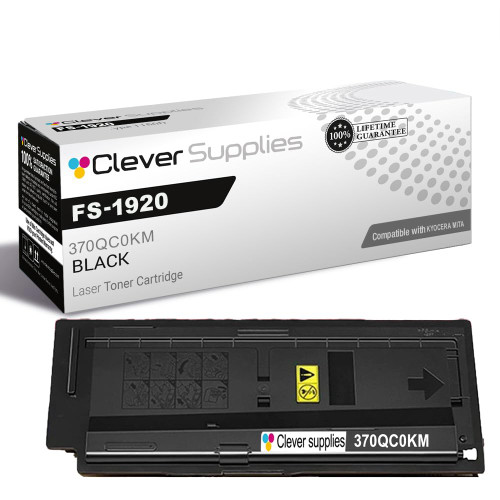
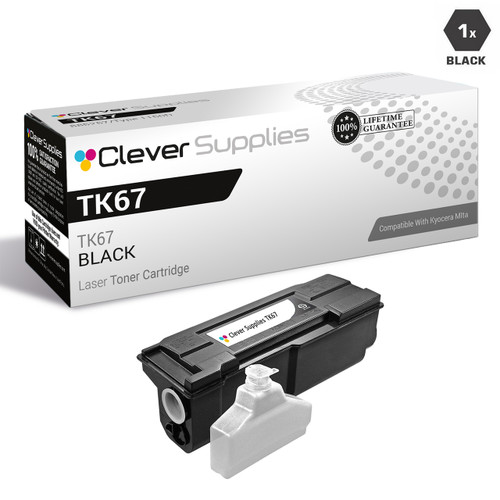
TK-67 is the same FS-3820 / FS-3830N platform filed under its TK code, where the section above files it under Kyocera part numbers. Everything material matches: the store yield field of 20,000 pages, the single at $58.69, the 2-pack at $101.31.
We keep both sections because our store keeps both listing lines, and a customer holding either identifier should land on a page that names it. What differs is only the paperwork generation: every TK-67 listing carries the parts-list sentence, while the part-number family’s listings say nothing about chips. The container does not change with the vocabulary around it.
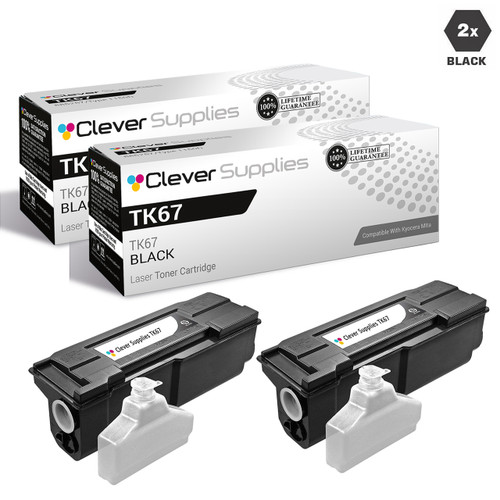
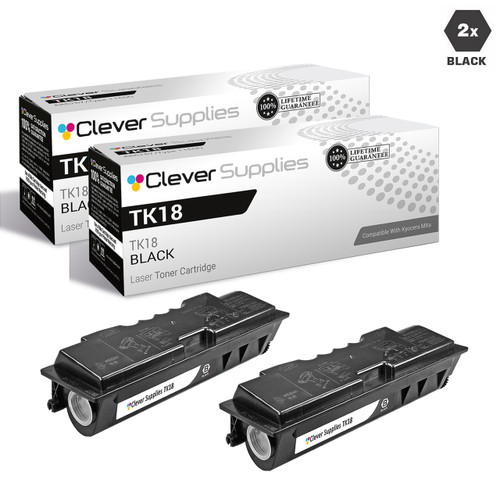
TK-18 is where the badge lesson of this page is easiest to see: the FS-1018MFP, FS-1020D and FS-1118MFP, the KM-1500, KM-1815, KM-1818 and KM-1820, and the Copystar CS-1820 are one platform family wearing three nameplates, and all of them take this one container. The store yield field is 7,200 pages.
The single is $55.01 and the 2-pack $93.95 — $46.98 per container. Shop the number on the container, not the badge on the machine; the model pages below file the same cartridge under every name it serves.
Printer model pages: CS-1820, FS-1018MFP, FS-1020D, FS-1118MFP, KM-1500,KM-1815, KM-1818, KM-1820
TK-421 serves the KM-2550 and its Copystar-badged twin, the CS-2550 — a two-name family, and a reminder that the badge pairs on this shelf (KM and CS) are the same Kyocera platforms. Our store yield field is 15,000 pages.
The single is $71.21 and the 2-pack $126.34, saving $16.08. None of the family’s six listings mentions chips.

370AB011 is the part-number family for the KM-2530 through KM-5035 copier bench — six models sharing one container, at a store yield field of 34,000 pages that reflects the copier duty cycle these machines were built for.
Its prices will look familiar if you have read the TK-7207 section: the single is $88.53 and the 2-pack $160.97. Identical price points recur across unrelated families on this shelf because the store prices by capacity tier, not by platform — the container you need is still decided by the number on the one you remove, never by a price twin.


Printer model pages:KM-2530, KM-3035, KM-3530, KM-4030, KM-4035, KM-5035
TK-312 serves the FS-2000D line and the FS-3900 / FS-4000 printers, and it is the first of two families on this page whose flagship breaks the 2-pack pattern. The reason is in our own catalog: this family’s 2-pack listings are hidden and switched off, so they cannot be carded or linked — what can be bought is the single, and the 5-pack below.
The 5-pack is $248.53 — $49.71 per container against $62.57 for the single, a saving of $64.32 against five singles. Our store yield field is 12,000 pages. If your machine is an FS-3900 or FS-4000, read the TK-322 section too: the two families overlap on those printers, and the container you remove decides which one is yours.

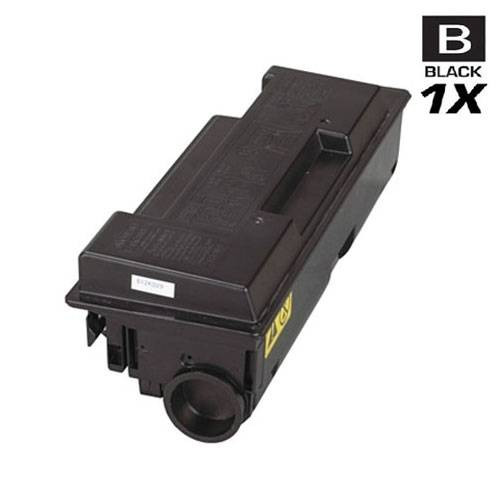
Printer model pages: FS-2000D, FS-2000DN, FS-3900D, FS-3900DN, FS-3900DTN, FS-4000DN, FS-4000DTN
TK-322 covers the FS-3900 and FS-4000 printers — a subset of the machines in the TK-312 section above — with a store yield field of 15,000 pages against TK-312’s 12,000. Two different containers genuinely serve this installed base, which is why both families exist on our shelf and on this page.
Like TK-312, its 2-pack listings are hidden and switched off, so the flagship is the 5-pack: $167.62, $33.52 per container, saving $64.33 against five singles at $46.39. The rule that sorts this overlap is the one this page repeats everywhere: match the number on the container you remove.

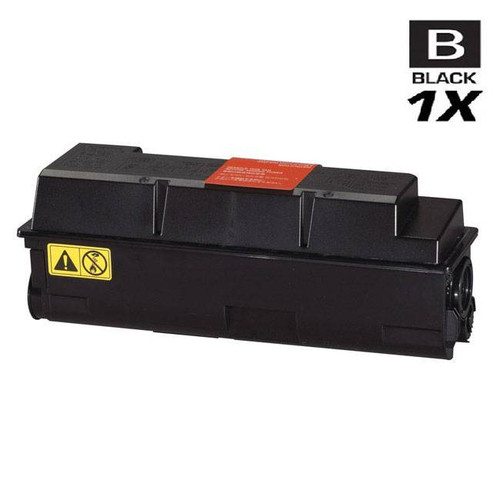
Printer model pages: FS-3900D, FS-3900DN, FS-3900DTN, FS-4000DN, FS-4000DTN
TK-332 narrows the FS-4000 platform to its two network models, the FS-4000DN and FS-4000DTN, with a store yield field of 20,000 pages — the highest of the three families that touch this platform. Three numbers reaching one printer is unusual enough that this page names it each time rather than letting a search result sort it out.
The single is $51.48 and the 2-pack $86.89 — $43.45 per container. If the container you remove says TK-332, this is your section; if it says TK-312 or TK-322, the sections above are.
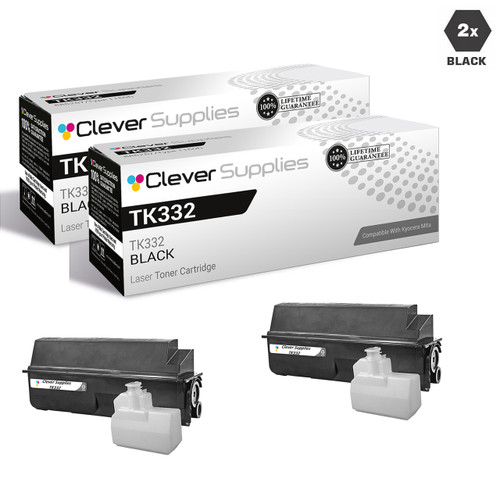
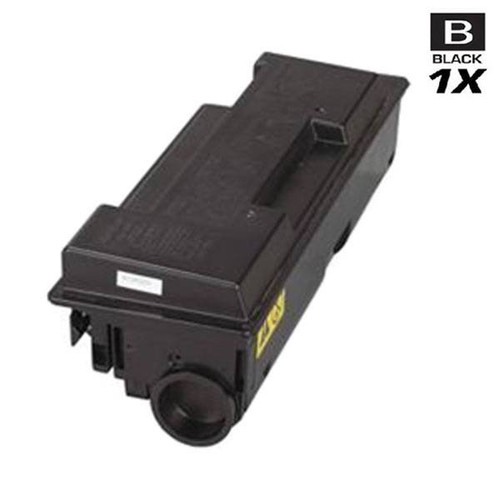
Printer model pages: FS-4000DN, FS-4000DTN
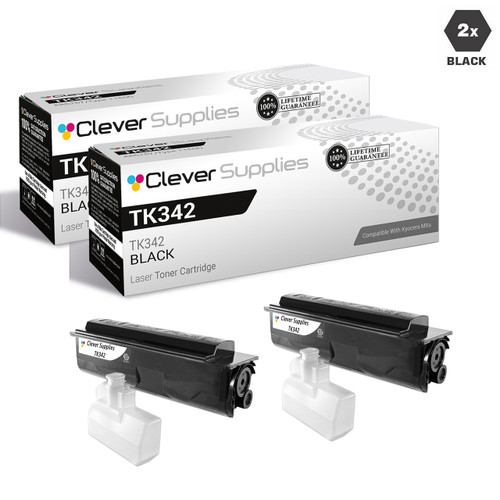
TK-342 belongs to the FS-2020D alone. Six of this family’s listings — its larger TK-generation packs — are hidden and switched off in our store; they are named here so a customer who lands on one understands what they are looking at, and they are not linked or carded anywhere on this page.
What can be bought is below: the single at $41.54 and the 2-pack at $67.01, $33.51 per container, against a store yield field of 12,000 pages.
Printer model pages: FS-2020D
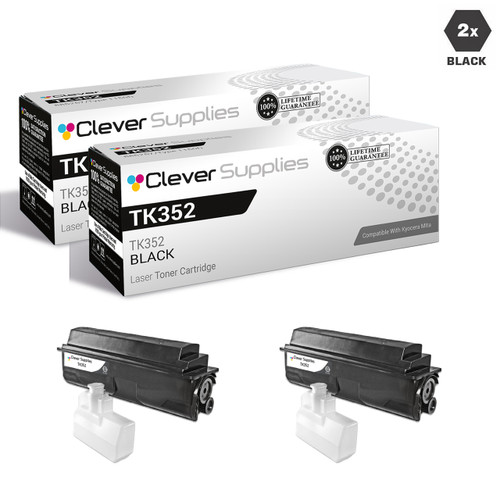
TK-352 serves the FS-3040MFP and FS-3140MFP families (base and Plus variants), the FS-3540MFP, FS-3640MFP and the FS-3920DN printer — the standard office MFP bench of its generation, at a store yield field of 15,000 pages.
Its 2-pack, at $41.29, is the lowest-priced flagship in Group C — $20.64 per container against $28.68 for the single. Platforms of this age are exactly where the removed container’s number matters most, because several sibling families divide this bench between them.
Printer model pages: FS-3040MFP, FS-3040MFP Plus, FS-3140MFP, FS-3140MFP Plus, FS-3540MFP, FS-3640MFP, FS-3920DN
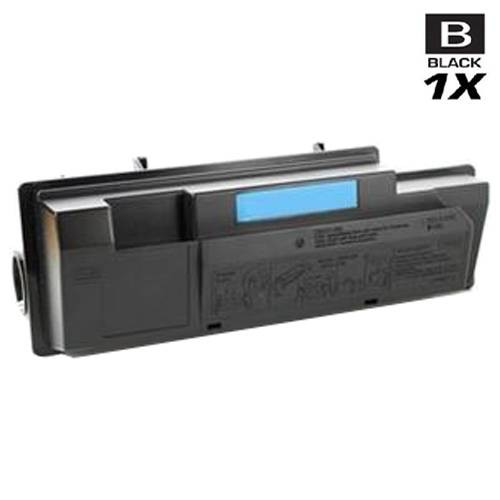
TK-362 is a single-model family for the FS-4020DN, rated 20,000 pages in our store yield field. Note the model arithmetic of this corner of the catalog: the FS-4020DN is not an FS-4000 variant, and its container is not any of the three numbers in the sections above.
The single is $48.93 and the 2-pack $81.79, $40.90 per container, saving $16.07.

Printer model pages: FS-4020DN
TK-1122 needs two honest statements before its card. First, its listings carry no Compatible Printers field at all, so this page cannot state which machines it serves from store data — and prints no model list for it rather than guessing one. If your container says TK-1122, the number itself is the identification.
Second, the pricing: this family’s “Premium” 5-pack is listed at $149.57, while five of its own singles cost $106.90 — the pack costs $42.67 MORE than its contents bought one at a time. No saving badge appears here because there is no saving. The single below, at $21.38, is the only card this family gets, and it is the buy we would point to. The store yield field is 3,000 pages.
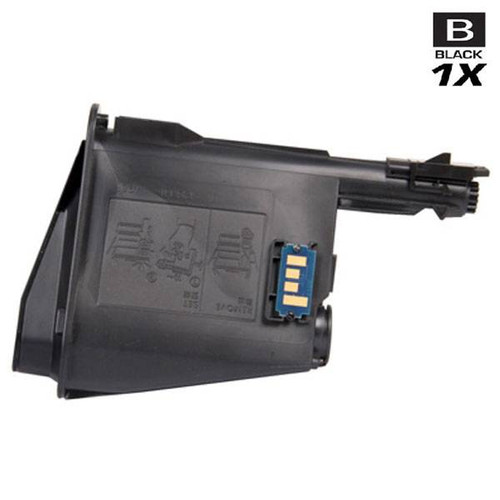
TK-112 served the FS-720, FS-820 and FS-920 printers and the FS-1016MFP and FS-1116MFP. All four of its listings in our store are switched off: their pages still render, so a search can land you on one, but the product cannot be bought, and this page therefore carries no card and no product link for the family.
It stays in the table and in this section because the machines are still out there and the number still gets searched. If you run one of these printers, the model pages below are the route to whatever our catalog currently holds for it.
Printer model pages: FS-1016MFP, FS-1116MFP, FS-720, FS-820, FS-920
TK-410 is the KM-1620 generation’s container — the KM-1620, KM-1635, KM-1650, KM-2035 and KM-2050 copiers. Our catalog holds exactly one listing for it, and that listing is switched off: it renders but cannot be bought. As with TK-112 above, there is no card and no product link here, deliberately.
For the record, that single listing is also the one place in this group where the parts-list sentence appears on a family’s only listing — a detail that changes nothing about what can be bought, and is noted only so the table’s last column stays accurate.
Printer model pages: KM-1620, KM-1635, KM-1650,KM-2035, KM-2050
Kyocera documents its cartridge messages more completely than any other brand on this shelf — including, on one line, the remedy. These are the texts a monochrome Kyocera owner is likely to meet, quoted from Kyocera’s Operation Guides, with the key variants kept attached to the model lines they belong to.
This is the ECOSYS line’s message when the radio tag identifies a container that is not Kyocera’s own brand. The guides’ checkpoint is “Is the installed toner container our own brand?”, and the corrective action is printed in full: “The manufacturer assumes no responsibility for damage caused by a non-genuine toner. We recommend that you only use genuine toner containers. When you want to use the toner container currently installed, select the [OK] key and the [Stop] key simultaneously for 3 seconds or more.” The key pair varies by generation, and the variant is part of the instruction: current ECOSYS models use [OK] + [Stop]; older ECOSYS guides (the P3150dn and P7240cdn among them) document [OK] + [Cancel]; models managed through the Kyocera Client Tool use Mode Select + [Stop/Reset]. In every case the press is simultaneous and held for 3 seconds or more. Read the alert at its documented strength: it is an identification message with a documented acknowledgement — Kyocera’s ECOSYS text does not describe a lockout.
The current TASKalfa Operation Guide — Kyocera’s own US publication — lists this event in its message table with the same checkpoint (“Is the installed toner container our own brand?”) and exactly one corrective action: “We will not be liable for any damage caused by the use of third party supplies in this machine.” No key press follows it. No override is documented for the TASKalfa line in that table, and this page will not lend it the ECOSYS one: if your machine is a TASKalfa, the documented position is the liability sentence and nothing beyond it. That is a gap in Kyocera’s documentation, recorded here as a gap.
Same TASKalfa message table, different cause: this message is not about genuineness but about region. Its checkpoint reads “Does the installed toner container’s regional specification match the machine’s?”, and its corrective action is “Install the specified container.” The letters name the container slots — on a monochrome machine the relevant slot is K. Kyocera containers are region-coded in their part numbers (US-spec numbers end US0; the European equivalents end NL0), so a container bought for another region can be a genuine Kyocera product and still be the wrong container for a US machine. Every family on this page is the US-spec shelf.
Kyocera’s checkpoint for this one is “Does the type of toner you have match the model?”, and the corrective action is “Please install correct toner.” This is the message the sibling families on this page exist to prevent: TK-3162, TK-3172, TK-3182 and TK-3192 differ by one digit and serve four different printers, and the FS-3900 / FS-4000 platform is served by three different numbers. The machine will catch a wrong container; the cheaper place to catch it is at the order, against the number on the container you removed.
The most ordinary message on this page, and the one most often misread as a verdict on the cartridge: Kyocera documents it as an installation state, answered by reseating the container. Before treating any container as faulty, take it out and refit it firmly — the entry concerns how the container sits, not where it came from.
For completeness: no Kyocera guide we could find documents a panel message reporting a cartridge’s chip state as a fault, and none reports a firmware state. The word “firmware” does not appear in any of our 512 Kyocera listings, and no Kyocera statement about firmware and third-party cartridges was found in its guides, FAQs or support pages. If a screen seems to be blaming an update, it is one of the five documented texts above being read past what it says. This page decodes the vocabulary Kyocera publishes — it does not add to it.
No — and there is nothing to replace it with. Kyocera’s design keeps the drum inside the machine as a long-life component: its regional publications describe drums running up to 300,000 pages in some devices, and the amorphous-silicon drum up to 500,000 pages on office models, while only the toner container is discarded as it empties. Our catalog reflects the design exactly — 512 Kyocera toner listings and zero drum listings. A “drum” offered for one of these machines is a part the machine does not consume.
Kyocera’s ECOSYS guides document the answer directly: “When you want to use the toner container currently installed, select the [OK] key and the [Stop] key simultaneously for 3 seconds or more.” Two variants exist and the model line decides which is yours: older ECOSYS guides document [OK] + [Cancel], and models managed through the Kyocera Client Tool use Mode Select + [Stop/Reset] — in each case the keys are pressed together and held for at least 3 seconds. The guides print the liability sentence alongside the instruction; the override is Kyocera’s documented response, not a workaround.
Kyocera does not document one. The current TASKalfa Operation Guide lists the event as “Non-genuine toner installed.” and gives a single corrective action — the liability sentence: “We will not be liable for any damage caused by the use of third party supplies in this machine.” No key press appears in that table. This page reports the ECOSYS override only where Kyocera documents it, and it will not present the ECOSYS key pair as a TASKalfa instruction on the strength of a guess.
Kyocera has published no statement on the subject — not in the Operation Guides, not in its FAQs, not on its support pages that we could find. The word “firmware” does not appear in any of our 512 Kyocera listings either. What circulates online about Kyocera firmware and compatible cartridges traces to chip vendors and retailers, not to Kyocera. So this page carries no firmware warning, no instruction to turn updates off, and no promise that updates are harmless: there is no Kyocera position to report, in either direction.
They can be two listings of one platform’s container from different catalog generations — our Kyocera shelf carries part-number-titled, TK-titled and model-titled generations side by side, sometimes at different prices. The FS-3820 platform is the worked example on this page: it appears as the 370QC0KM / 370QD0KM family and as TK-67, at identical prices. Kyocera’s own part numbers tie the systems together (the US0 suffix marks the US-spec container). The safe rule is the page’s standing one: order by the identifier printed on the container you remove.
Kyocera’s own wording is worth quoting at its exact strength, because the rumor is stronger than the document. The guides’ front matter says: “The use of non-genuine toner containers may cause failure. We will not be liable for any damages caused by the use of third party supplies in this machine.” That is a performance caution plus a liability limit for damage caused by third-party supplies — it is not a statement that fitting one voids the warranty, and Kyocera’s ECOSYS guides document an override for continuing with the installed container, which is an odd thing to print for a practice the documents supposedly prohibit outright. We report the wording; the conclusion is yours to draw.