




1370DN
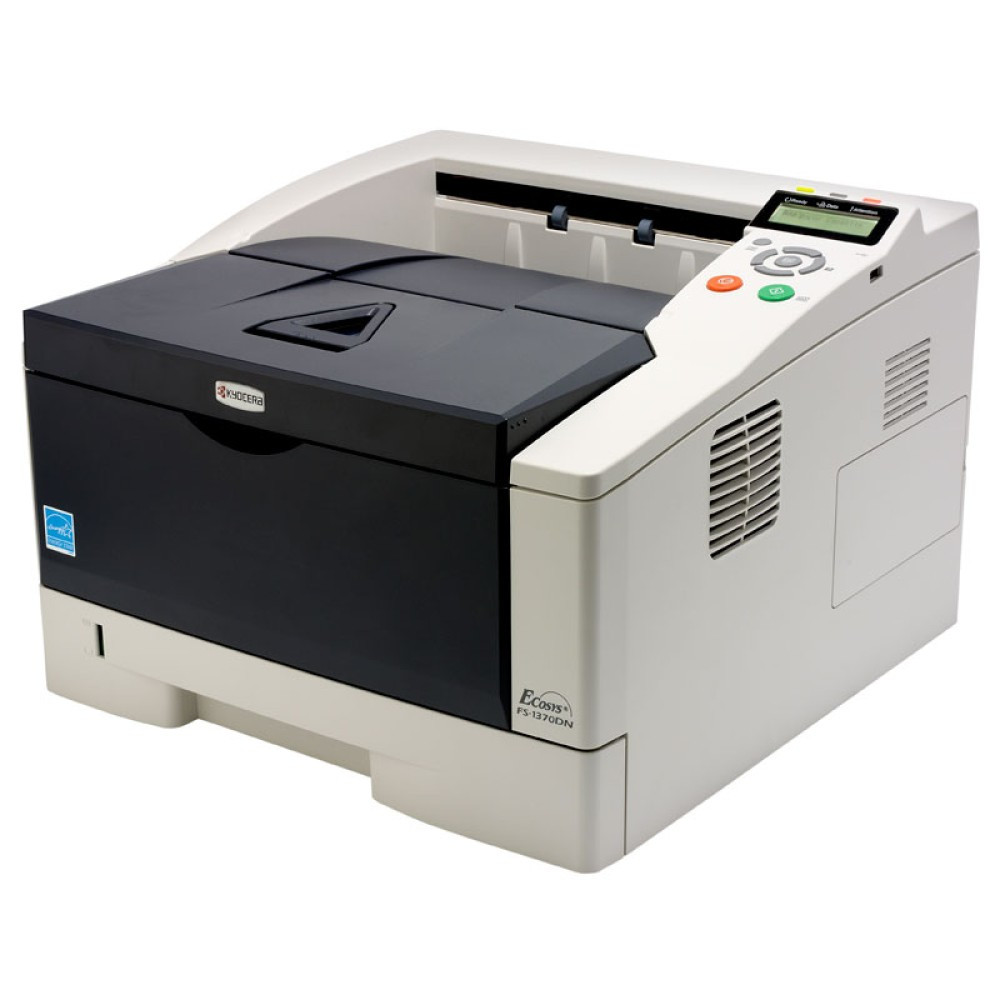
The 1370DN is Kyocera's compact monochrome laser for a shared desk corner: the DN suffix promises duplex and networking built in, so two-sided output serves the whole workgroup from one small, quiet box. It runs the TK-172 (TK172) black toner cartridge, the efficient ECOSYS desktop supply rated at about 7,200 pages, which keeps running costs low across everyday documents.
Where this model earns its keep is pace in a small footprint. Kyocera rates the FS-1370DN faster than its FS-1320D sibling — 35 pages per minute against 28 — and adds the automatic duplexing and networking that turn a personal printer into a shared one. A two- or three-person team can treat it as the office printer without giving it an office-sized corner, and the supply routine stays at one cartridge type ordered a few times a year.
Toner Cartridges for 1370DN
| Cartridge | Color | Page Yield |
|---|---|---|
| TK-172 (TK172) | Black — 4 Pack | About 7,200 pages per cartridge |
| TK-172 (TK172) | Black — 2 Pack | About 7,200 pages per cartridge |
Both cartons hold the same TK-172 cartridge; the difference is purely how many spares land on your shelf.
Which cartridge should you buy?
Start from how the printer is used. A single-user or light team setup will take months to finish one 7,200-page cartridge, so the 2 pack — one fitted, one in reserve — is the balanced buy. Desks that print all day, or offices running two of these machines side by side, should take the 4 pack: the per-cartridge cost is lower, and a shared spare pool means no single printer ever waits on a delivery. There is no higher-yield alternative to hunt for on this model; the TK-172 is simply the cartridge, and pack size is the whole decision.
Chip, toner and everyday use
The compatible TK-172 carries its recognition chip, so the 1370DN reports toner status properly on its panel and across the network. Fit the new cartridge with a firm push until it locks; the printer needs no menu reset afterwards. If a long run starts to look washed out near the end of a cartridge, remove it and tilt it gently side to side to redistribute the toner before you conclude it is empty. Store the reserve cartridge sealed in its packaging, flat and out of sunlight, and rotate stock so the oldest carton goes in first.
Frequently Asked Questions
Which toner does the 1370DN use?
The TK-172 black toner cartridge (also written TK172), rated for about 7,200 pages.
What is the difference between the FS-1370DN and the FS-1320D?
Both are compact ECOSYS desktop printers on the same TK-17x toner family. The FS-1370DN is the quicker machine at 35 pages per minute against 28, and it adds automatic duplexing and networking as standard.
How will I know the cartridge is nearly empty?
The printer's toner gauge and low-toner warning give you notice well before output is affected, and a gentle shake of the cartridge usually carries you through to the replacement's arrival.
Are compatible TK-172 cartridges covered?
Yes — a 1-year warranty and 1-year returns back every compatible cartridge for this printer.
More printers that use the same cartridges
Several Kyocera desktop models share this toner family, and each has its own page with cartridges and specifics: ECOSYS P2135D, ECOSYS P2135DN, FS- 1320D, FS-1320D and FS-1370DN.