




ECOSYS P2135DN
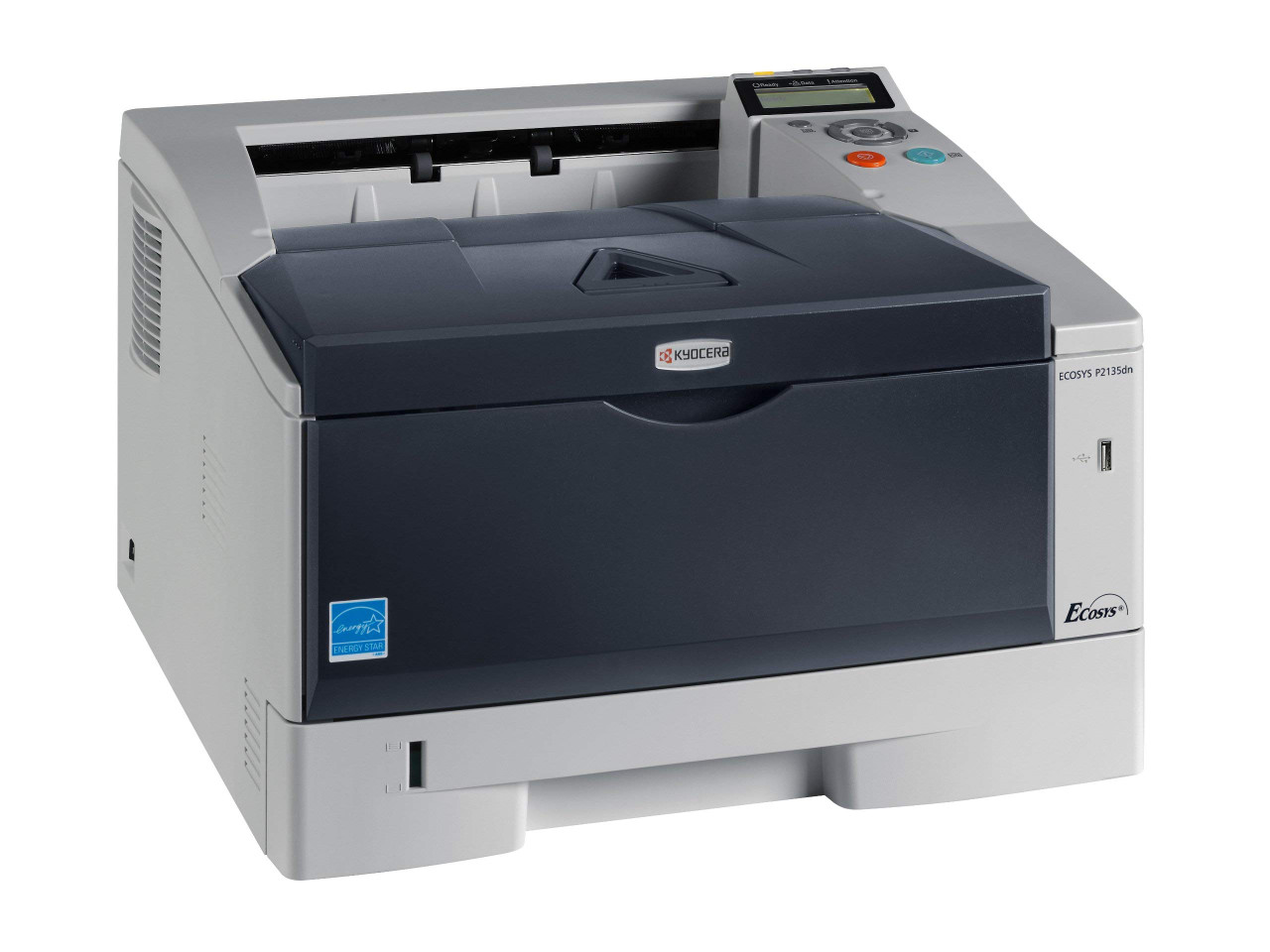
The ECOSYS P2135dn is a monochrome laser printer whose defining letter is the N: where its near-twin connects to a single computer, this one joins the network and serves every desk. It was designed around the TK-170 cartridge, which North American listings sell as the TK-172 (Kyocera part 1T02LZ0US0) — a black cartridge rated at 7,200 pages, and the only toner this printer ever asks for.
Kyocera positioned the P2135dn as the newer ECOSYS-branded generation of the same 35-ppm print engine that powered the FS-1370DN, so offices retiring that older machine keep the same cartridge and the same supply shelf. Duplex printing is built in, and 7,200 pages per cartridge is a long interval for a shared printer — most workgroups will change toner a handful of times a year, which makes this a set-and-forget corner of the office rather than a recurring chore.
Toner Cartridges for ECOSYS P2135DN
| Cartridge | Color | Page Yield |
|---|---|---|
| Compatible Kyocera Mita 1T02LZ0US0 (TK-172) Laser Toner Cartridge Black | Black | ~7,200 pages |
| Compatible Kyocera Mita 1T02LZ0US0 (TK-172) Laser Toner Cartridges Black 3 Pack | Black | ~7,200 pages |
| Compatible Kyocera Mita 1T02LZ0US0 (TK-172) Laser Toner Cartridges Black 5 Pack | Black | ~7,200 pages |
| Compatible Kyocera Mita 1T02LZ0US0 (TK-172) Premium Quality Laser Toner Cartridges Black 5 Pack | Black | ~7,200 pages |
Which cartridge should you buy?
Every listing on this page is the same TK-172 cartridge; the choice is purely how you stock it. A single cartridge is the right buy for a lightly used printer or a first compatible trial. For a shared machine, the 3-pack and 5-pack listings stretch the reorder cycle across most of a year at typical workgroup volumes, and the premium 5-pack is the same count from the premium-quality line. A 7,200-page yield means each swap is a small event, so most offices simply keep one spare in the cabinet. Each cartridge is covered by a 1-year warranty and 1-year returns.
Chip, toner and everyday use
The cartridge's chip is how the P2135dn estimates its toner gauge, so a compatible cartridge that seats properly will report levels just like the original. If a new cartridge is not recognized, remove it, check the chip contacts are clean and unobstructed, and reinstall until it clicks. Yield figures assume roughly 5% coverage; dense forms, heavy graphics and long runs of bold headings all pull the real number down. Store spares in their sealed packaging, flat and away from sunlight, and when output starts to fade, rocking the cartridge gently end to end redistributes the toner for a few more clean pages.
Frequently Asked Questions
Which toner does the ECOSYS P2135dn use?
The TK-172 black cartridge, part 1T02LZ0US0, rated at 7,200 pages. It is the North American listing of the TK-170 cartridge the printer was designed around.
Is the P2135dn a replacement for the FS-1370DN?
Effectively, yes. It is the ECOSYS-branded generation built on the same 35-ppm engine, and it uses the same TK-172 cartridge, so an upgrade does not strand your spare toner.
Are TK-170 and TK-172 different cartridges?
No — they are two numbers for one cartridge. TK-170 appears in the printer's documentation; TK-172 is the number North American suppliers stock it under.
How many pages will I actually get?
About 7,200 pages at the standard 5% coverage used for yield ratings. Offices printing mostly light text often land near that figure; heavy-coverage work will finish a cartridge sooner.
More printers that use the same cartridges
The TK-172 also serves these printers, so spares carry across the group: 1370DN, ECOSYS P2135D, FS- 1320D, FS-1320D, FS-1370DN.