




FS-1320D
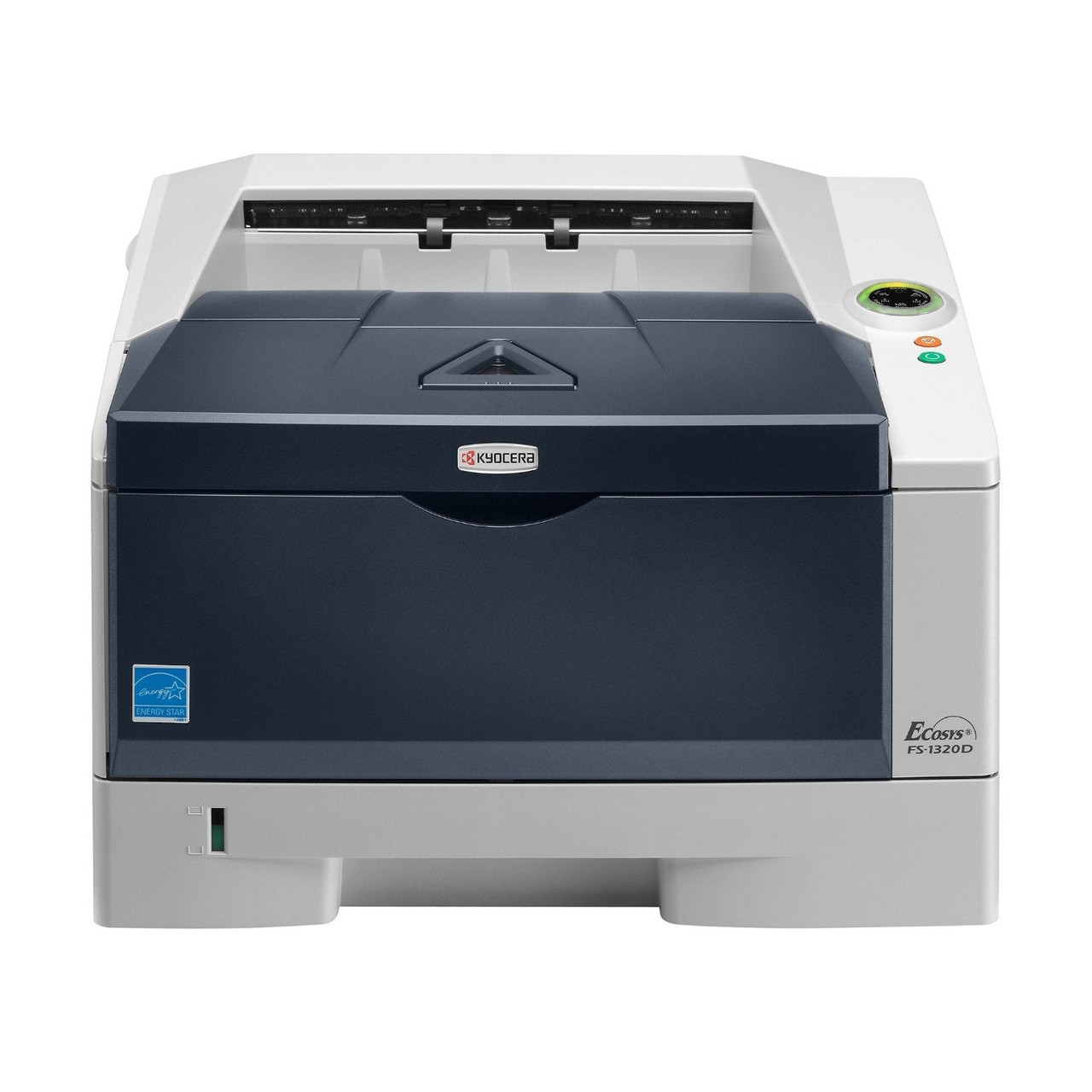
Kyocera's FS-1320D brings automatic two-sided printing to a single desk — the D in the name means the duplexer comes standard rather than as an option you order later. It is a monochrome laser fed by one black cartridge, stocked in the US as the TK-172, Kyocera part number 1T02LZ0US0. Kyocera's European documentation calls the same cartridge the TK-170, and the family is rated for up to 7,200 pages per ISO/IEC 19752, which is generous for a printer of this size.
The appeal is arithmetic. A desktop printer that duplexes by default cuts paper consumption on every report and contract, and a cartridge that runs for thousands of pages keeps the cost of each of those pages low. Under the ECOSYS design philosophy the drum is a long-life component rather than a consumable, so the ownership story stays simple for years: one printer, one cartridge code, no surprise second supply to budget for. It suits the professional desk that prints steadily but has no room — or patience — for a departmental machine.
Toner Cartridges for FS-1320D
| Cartridge | Color | Page Yield |
|---|---|---|
| 1T02LZ0US0 (TK-172) | Black | Up to 7,200 pages |
| 1T02LZ0US0 (TK-172) — 3 Pack | Black | Up to 7,200 pages each |
| 1T02LZ0US0 (TK-172) — 5 Pack | Black | Up to 7,200 pages each |
| 1T02LZ0US0 (TK-172) — Premium 5 Pack | Black | Up to 7,200 pages each |
Which cartridge should you buy?
Every option above is the same cartridge, so the decision is purely about stock depth. A single spare covers most desks: at up to 7,200 pages per cartridge, even a busy personal printer takes months to empty one. The three pack suits an office that shares this machine and cannot pause for a delivery, and the five packs — standard or premium line — fit sites standardizing on this family across several desks. Whichever count you pick, the cartridge is a compatible backed by a 1-year warranty and 1-year returns, and the per-cartridge price improves as the box gets bigger.
Chip, toner and everyday use
A cartridge swap follows the usual Kyocera pattern: front cover up, old unit out, new unit rocked gently side to side to level the toner, then slid in until it seats and the cover closes. Let the machine finish recognizing the chip before you print. Remember that the 7,200-page figure is measured at standard test coverage — contracts and letters track close to it, while dense graphics coverage uses toner noticeably faster. If output fades evenly across the page, that is the cartridge asking to be replaced, not the long-life drum.
Frequently Asked Questions
Which toner does the FS-1320D use?
The cartridge stocked for this printer in the US is the TK-172, Kyocera part number 1T02LZ0US0. Order by either code and you receive the same black cartridge.
Is the TK-172 the same cartridge as the TK-170?
They are the regional names for the same cartridge: TK-172 in North America, TK-170 in Kyocera's European catalog. This page sells the US TK-172 version, which is the one to fit in a US-bought FS-1320D.
How many pages does one cartridge print?
Up to about 7,200 pages at the ISO/IEC 19752 standard coverage. Everyday document printing usually comes close; heavy coverage shortens the run, light text can stretch it.
Does the FS-1320D print on both sides automatically?
Yes. Duplexing is built in as standard equipment — select two-sided printing in the driver and the machine handles the second pass itself, no manual re-feeding and no separate duplexer to purchase.
More printers that use the same cartridges
The same black toner family serves these Kyocera models: