




ML-1667
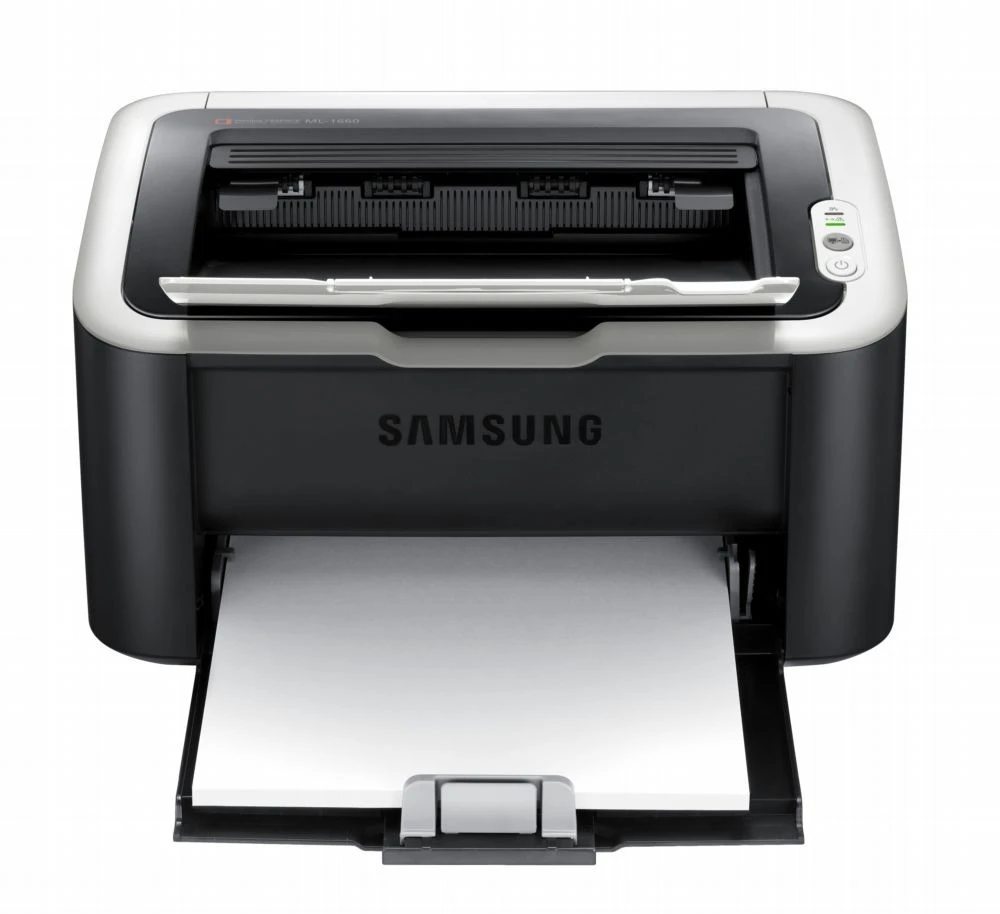
Samsung's ML-1667 is a lesser-known badge in the ultra-compact 1660 mono family, built on the same miniature engine. For occasional home printing, it is as unobtrusive as laser printers get.
The MLT-D104S is its cartridge. Compatible and genuine Samsung OEM versions are in stock, shipping fast from Clever Supplies.
Toner Cartridges for ML-1667
This printer works with the following toner cartridges:
- Samsung MLT-D104S
More Samsung Printers
- ML-1660
- ML-1661
- ML-1665
- ML-1666
- ML-1675
- ML-1860
- ML-1861
- ML-1864
- ML-1865
- SCX-3200
- SCX-3201
- SCX-3205
- SCX-3206
- SCX-3210
- SCX-3217
- SCX-3218
- ML-1660K
- ML-1660N
- ML-1661K
- ML-1665K
- ML-1670
- ML-1865W
- SCX-3200K
- SCX-3200W
- SCX-3205W
- SCX-3205WK
- SCX-3210K
- SCX-3201G
- SCX-3205K
- ML-1676
- ML-1866
- SCX-3206W
Frequently Asked Questions
How should I handle the old cartridge when replacing toner in the ML-1667 — any tricks to keep the powder contained the first time?
Lay newspaper under the ML-1667 first, then remove the old MLT-D104S slowly and keep it level — most spills happen from tilting a used cartridge. Before installing the new cartridge, rock it gently side to side five or six times to distribute the toner evenly inside. Slow and level is the whole secret to a spill-free change.
Why does toner wipe off the page on my ML-1667 — could the paper type be the cause on plain paper?
When toner sits on the surface instead of melting into the fibers, the fuser — the hot roller at the ML-1667's output — is the prime suspect. Test with standard copy paper on the plain setting — if that fuses fine, the issue was the media, not the printer. Correct media settings make the whole problem vanish in most cases.
I put a fresh cartridge in the ML-1667 and it still reports it as empty — could I have bought the wrong code on this model?
Most recognition errors come from simple causes: the cartridge is not fully seated, a seal was left on, or the chip contacts are dirty. Verify the box code matches the MLT-D104S family — a close-but-wrong code is a classic cause of 'incompatible cartridge' messages on the ML-1667. Patience with the reinstall usually pays off immediately.