




SCX-3205WK
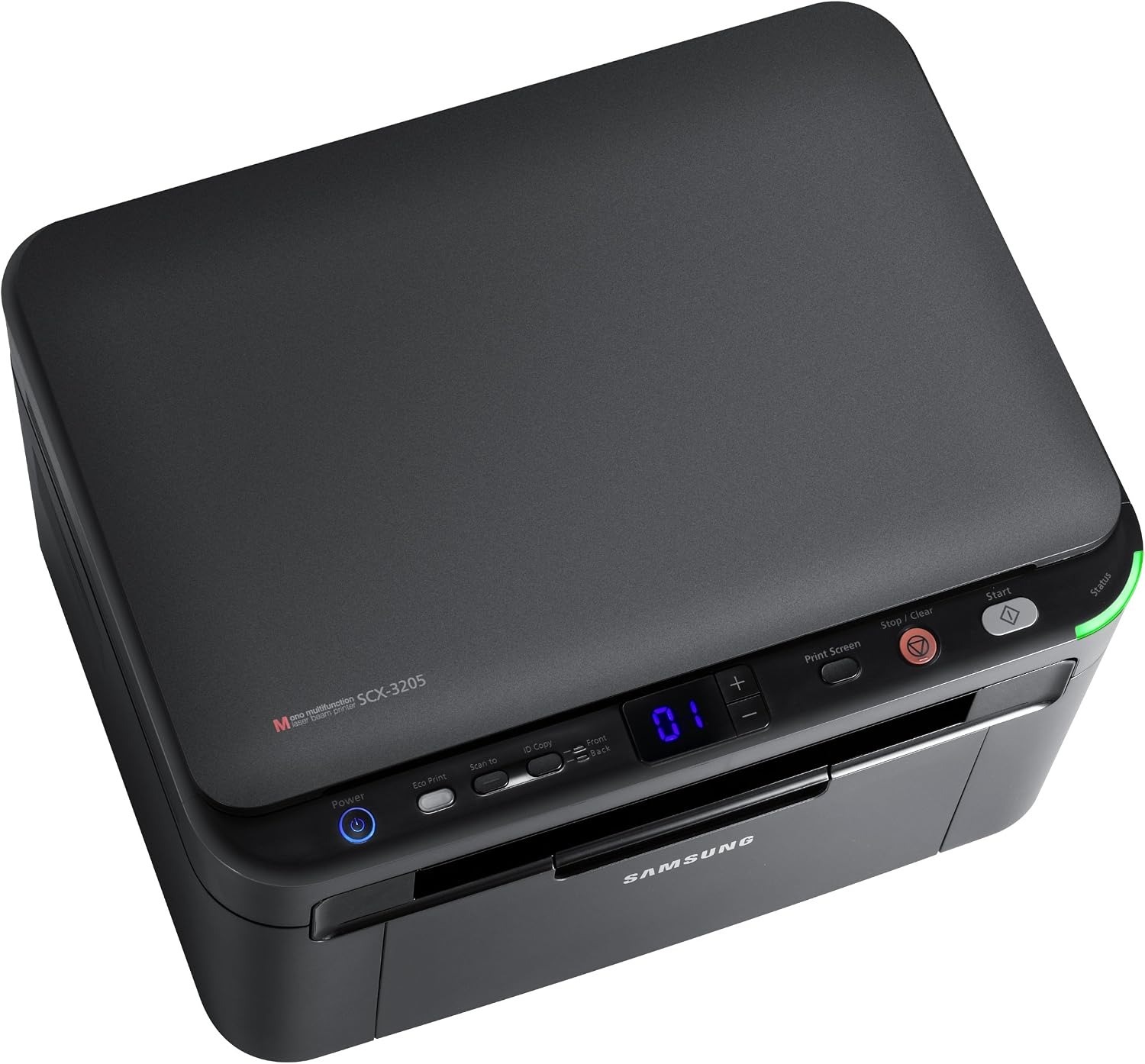
Samsung's SCX-3205WK is the wireless regional configuration of the compact 3205 multifunction, combining Wi-Fi printing with the series' small footprint. Print, scan, and copy from anywhere in the room.
The cartridge is the MLT-D104S. Compatible or genuine OEM, both ship fast from Clever Supplies.
Toner Cartridges for SCX-3205WK
This printer works with the following toner cartridges:
- Samsung MLT-D104S
More Samsung Printers
- ML-1660
- ML-1661
- ML-1665
- ML-1666
- ML-1675
- ML-1860
- ML-1861
- ML-1864
- ML-1865
- SCX-3200
- SCX-3201
- SCX-3205
- SCX-3206
- SCX-3210
- SCX-3217
- SCX-3218
- ML-1660K
- ML-1660N
- ML-1661K
- ML-1665K
- ML-1667
- ML-1670
- ML-1865W
- SCX-3200K
- SCX-3200W
- SCX-3205W
- SCX-3210K
- SCX-3201G
- SCX-3205K
- ML-1676
- ML-1866
- SCX-3206W
Frequently Asked Questions
When should I replace the imaging unit in my SCX-3205WK instead of just the toner — what happens if I ignore it before buying another cartridge?
Think of the drum as the long-life partner to the short-life MLT-D104S: it fades gradually while cartridges come and go. Visually, a worn drum often looks shiny or unevenly coated compared with a fresh one — inspect it under good light. Time the SCX-3205WK's drum replacement to the symptoms, not the calendar, and you will never replace it early.
How do I know whether my SCX-3205WK needs a new drum or just toner — do they get replaced together for everyday printing?
Your SCX-3205WK treats them as two independent consumables: the MLT-D104S runs out of powder, while the drum slowly loses its coating. When a fresh MLT-D104S does not fix streaks, spots, or gray backgrounds, the drum has usually reached the end of its life. Once you know which part does what, the right replacement is obvious.
What precautions keep toner from spilling during a SCX-3205WK cartridge change, and how do I clean up if some escapes the first time?
Keep the old cartridge upright as you remove it, because the waste chamber inside can dump powder if you flip it. Slide the new cartridge into the SCX-3205WK along its rails until it clicks; forcing it means it is misaligned, not stuck. A calm two-minute swap beats a twenty-minute cleanup every time.