




SCX-3206W
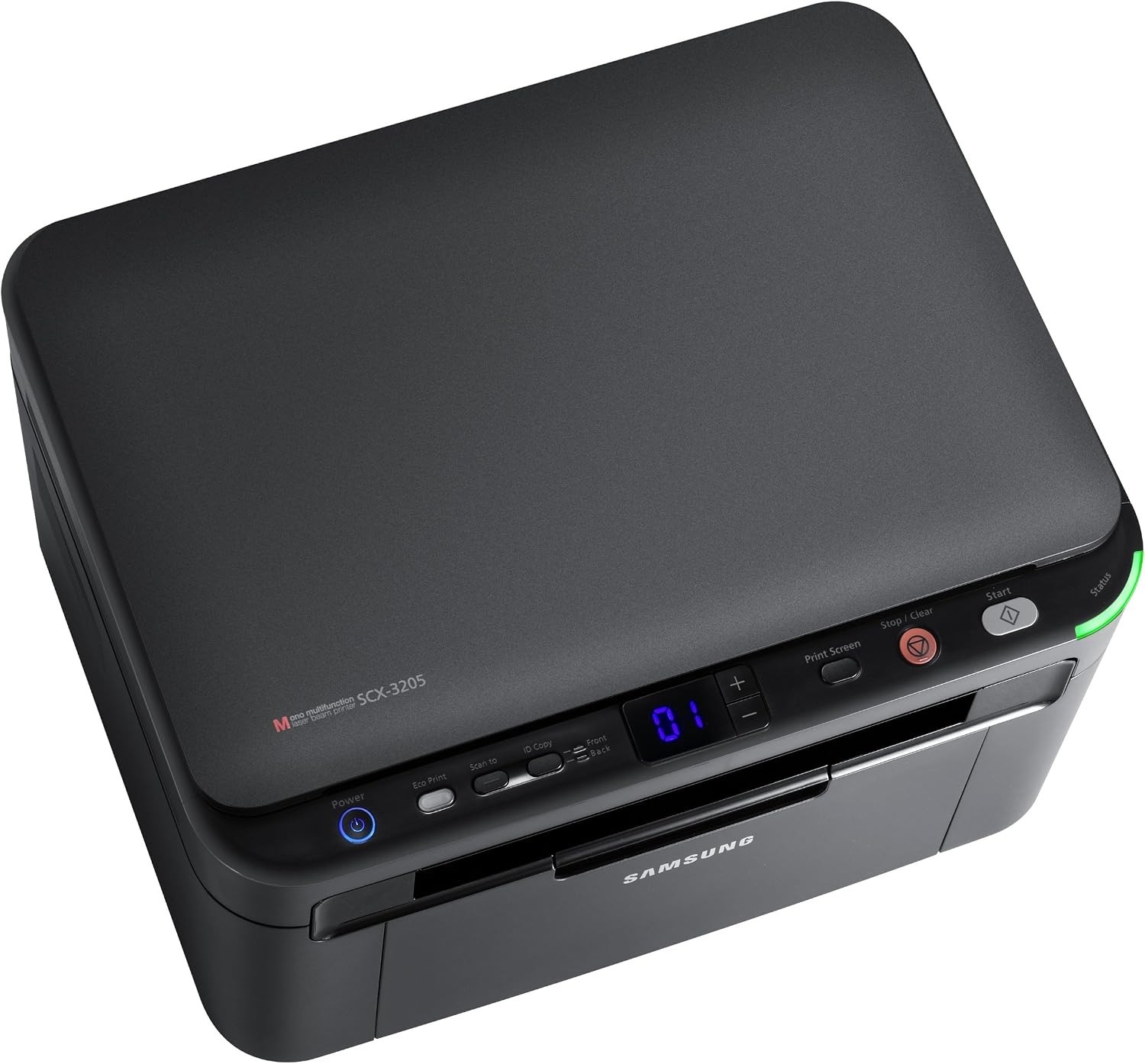
Big convenience from a little box is the whole pitch of the SCX-3206W: Samsung took the compact 3206 multifunction — print, scan, copy — and added wireless, so one small machine serves every phone, laptop and tablet in the house without a cable in sight. It feeds on a single black cartridge, the MLT-D104S. No color slots, no yield ladder, no second guessing: when the pages fade, that one code is the entire reorder.
Household printing is spiky in a way offices never are. A school project, a tax form, a boarding pass, a week of nothing, then a recipe phase where the printer works nightly. A single-cartridge machine matches that rhythm well because there is only one supply to keep an eye on, and the packs on this shelf — from a single up to five cartridges — let a household stock for its real pace instead of treating every reorder as an emergency purchase at whatever price the deadline demands.
Toner Cartridges for SCX-3206W
| Cartridge | Color | Page Yield |
|---|---|---|
| MLT-D104S — Laser Toner Cartridge, single | Black | See product page |
| MLT-D104S — Laser Toner Cartridge, 2 Pack | Black | See product page |
| MLT-D104S — Laser Toner Cartridge, 4 Pack | Black | See product page |
| MLT-D104S Premium — Laser Toner Cartridge, 5 Pack | Black | See product page |
| SCX-3206W — Laser Toner Cartridge, single | Black | See product page |
| SCX-3206W — Laser Toner Cartridge, 5 Pack | Black | See product page |
Which cartridge should you buy?
There is exactly one cartridge code for this machine, so the decision is purely how many to hold. A light household — forms, tickets, the occasional document — should buy the single and keep life simple. A home with students or a home office in it will feel the difference a 2 Pack makes: one in the machine, one in the drawer, and reordering becomes a calm monthly errand instead of a Sunday-night problem. The 4 Pack and 5 Pack suit heavy, steady use. Whichever size you pick, the cartridge is the same; you are buying reorder frequency, nothing else.
Chip, toner and everyday use
This machine reads a small chip on its cartridge, so most post-swap errors trace back to that contact: toner dust on the chip, a pull-tab not fully removed, or a cartridge resting a fraction short of seated. Work through seating and seal checks before anything else. When a cartridge nears its end, gently rolling it back and forth levels the leftover toner and can clear the low-toner stop long enough to finish the job at hand — a modest bonus run of pages, not a second life, so let it buy time while the replacement ships rather than instead of ordering.
Frequently Asked Questions
I swapped the cartridge and now get an error — could I have bought the wrong code?
Check the simple causes first, because they resolve most cases in minutes: verify the box code is the MLT-D104S family, since a close-but-wrong code is a classic source of "incompatible cartridge" messages; then reseat the cartridge and make sure nothing blocks the chip contact. Only after those checks should you suspect the cartridge itself.
How do I squeeze the last pages out of a cartridge, and is it safe?
It is safe and it works, briefly. Remove the cartridge and roll it gently from side to side to redistribute the toner that has settled away from the feed area, then print on. Expect enough pages to finish the current job rather than a fresh lease on life — the right move is to order the replacement while you print on borrowed time.
Pages still print light with a new cartridge — is the drum at fault?
Possibly, and the machine can tell you: it may show a drum-life or imaging-unit warning on the panel or status page, reported separately from toner alerts. A drum is finished when its light-sensitive coating wears thin, which produces defects no cartridge swap cures. Time any drum decision to those symptoms rather than the calendar and you will not replace it early.
Do copies use toner differently than prints from a computer?
Not in any way you need to budget for: a copy is printed by the same engine, and copies made at darker settings lay down more toner per page. If the household copies worksheets and documents heavily, expect the cartridge to empty on the copier's schedule as much as the computer's.
More printers that use the same cartridges
The MLT-D104S is shared across Samsung's compact ML-1600 and ML-1800 printers and the SCX-3200 multifunction family. The complete list: ML-1660, ML-1660K, ML-1660N, ML-1661, ML-1661K, ML-1665, ML-1665K, ML-1666, ML-1667, ML-1670, ML-1675, ML-1676, ML-1860, ML-1861, ML-1864, ML-1865, ML-1865W, ML-1866, SCX-3200, SCX-3200K, SCX-3200W, SCX-3201, SCX-3201G, SCX-3205, SCX-3205K, SCX-3205W, SCX-3205WK, SCX-3206, SCX-3210, SCX-3210K, SCX-3217, SCX-3218 and the Samsung-MLTD104S cartridge family page.