




SCX-3205K
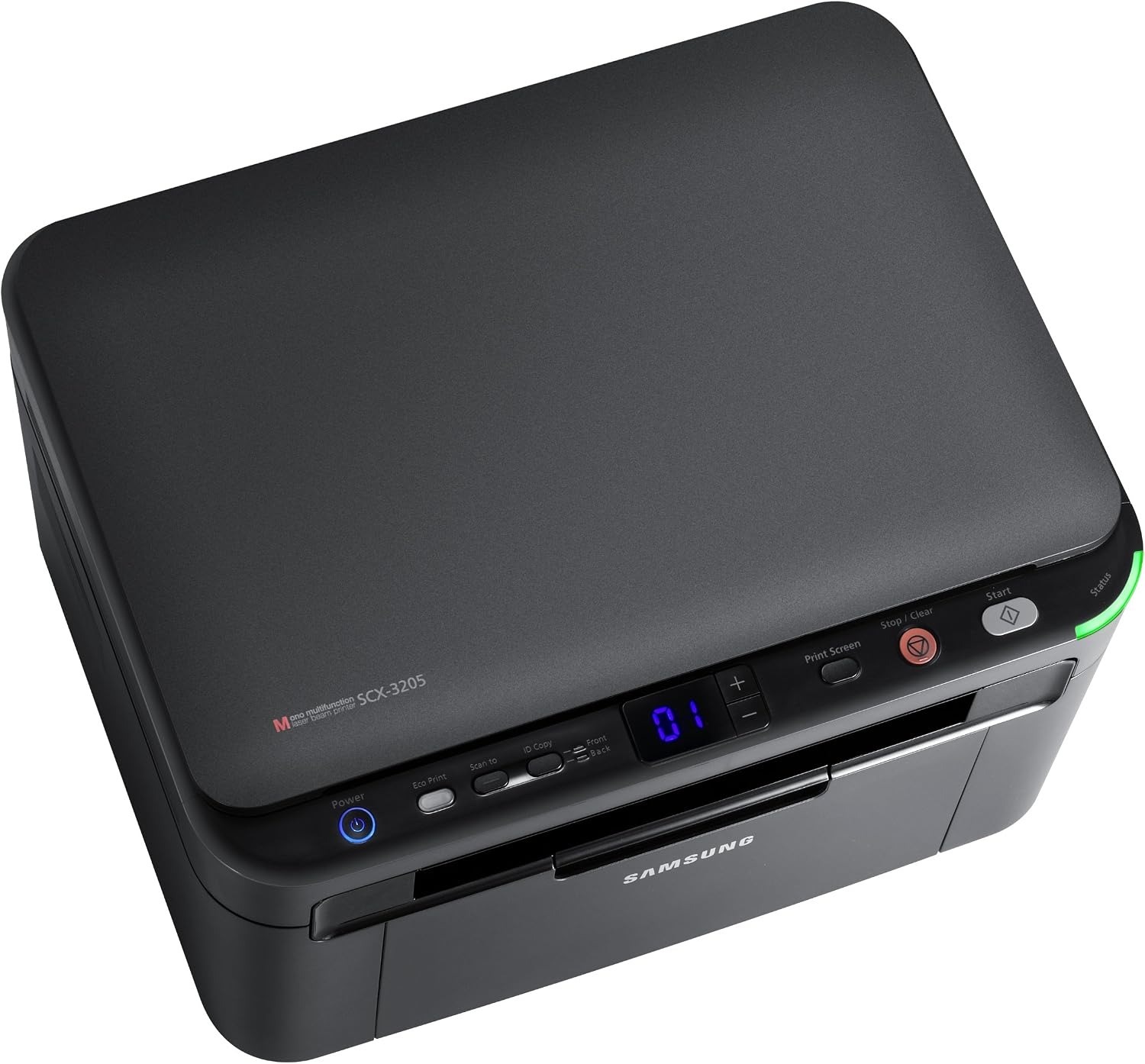
The SCX-3205K is the regional configuration of Samsung's compact 3205 multifunction, offering print, scan and copy from a modest desktop unit. It is the practical all-in-one for tight spaces, and it runs on the MLT-D104S cartridge, which this page sells as singles and multi-packs under the cartridge code and, in two listings, under the printer's own SCX-3205K name.
Tight spaces define this machine's brief: a corner of a small office, a counter, a desk where every square inch is already spoken for. A compact multifunction in that setting is chosen because it does three jobs without demanding room for three devices, and its supplies should be equally undemanding: one black cartridge, widely shared across a large Samsung family, that you can reorder in seconds and stock in a drawer.
Toner Cartridges for SCX-3205K
| Cartridge | Color | Page Yield |
|---|---|---|
| MLT-D104S Black Toner Cartridge, Single | Black | See product page |
| SCX-3205K Black Toner Cartridge, Single | Black | See product page |
| MLT-D104S Black Toner Cartridge, 2 Pack | Black | See product page |
| MLT-D104S Black Toner Cartridge, 4 Pack | Black | See product page |
| SCX-3205K Black Toner Cartridge, 5 Pack | Black | See product page |
| MLT-D104S Premium Quality Toner Cartridge, 5 Pack | Black | See product page |
Which cartridge should you buy?
First, the equivalence: an SCX-3205K-named listing and an MLT-D104S listing are the same cartridge with different labels, so never pay a premium for one name over the other. Size the pack to a compact machine's modest appetite. A single suits occasional printing. The 2 pack is the sweet spot for most owners: one working, one waiting in the drawer the machine's small footprint leaves free. The 4 pack and the 5 packs fit small offices that print daily and prefer to reorder rarely. All compatible cartridges on this page are covered by a 1-year warranty with 1-year returns.
Chip, toner and everyday use
You do not need to print a test page to learn how much toner is left: this machine reports its level through the control panel supplies menu and through Samsung's printer software on your computer. Those estimates are approximate by design, so treat the low zone as the order point and keep a spare once the gauge dips into it. Make a habit of wiping the paper path each time you swap the MLT-D104S, brief and regular attention rather than a rare deep clean, and never put a household vacuum inside the printer: fine toner passes straight through ordinary filters and spreads everywhere.
Frequently Asked Questions
Can I check the remaining toner without printing anything?
Yes. The control panel supplies menu and Samsung's printer software both report the estimated level. Because the figure is an estimate, the sensible routine is a quick monthly check and a spare cartridge on hand once readings reach the low zone.
How should I store a backup cartridge for several months?
Sealed in its original packaging, upright, in a cool dry place out of direct sunlight. Heat is the main enemy, so avoid attics, garages and spots near radiators where warmth can clump the toner. Sealed, upright and room temperature is the whole recipe.
Dust seems to be affecting my print quality. What can I safely clean?
The paper path is the safe territory: grime gathers there slowly and a brief wipe at every cartridge swap keeps it in check. Keep household vacuums out of the machine, since fine toner particles pass through their filters and redeposit across your desk.
More printers that use the same cartridges
This cartridge family is shared by a long list of Samsung models: