




ML-1665K
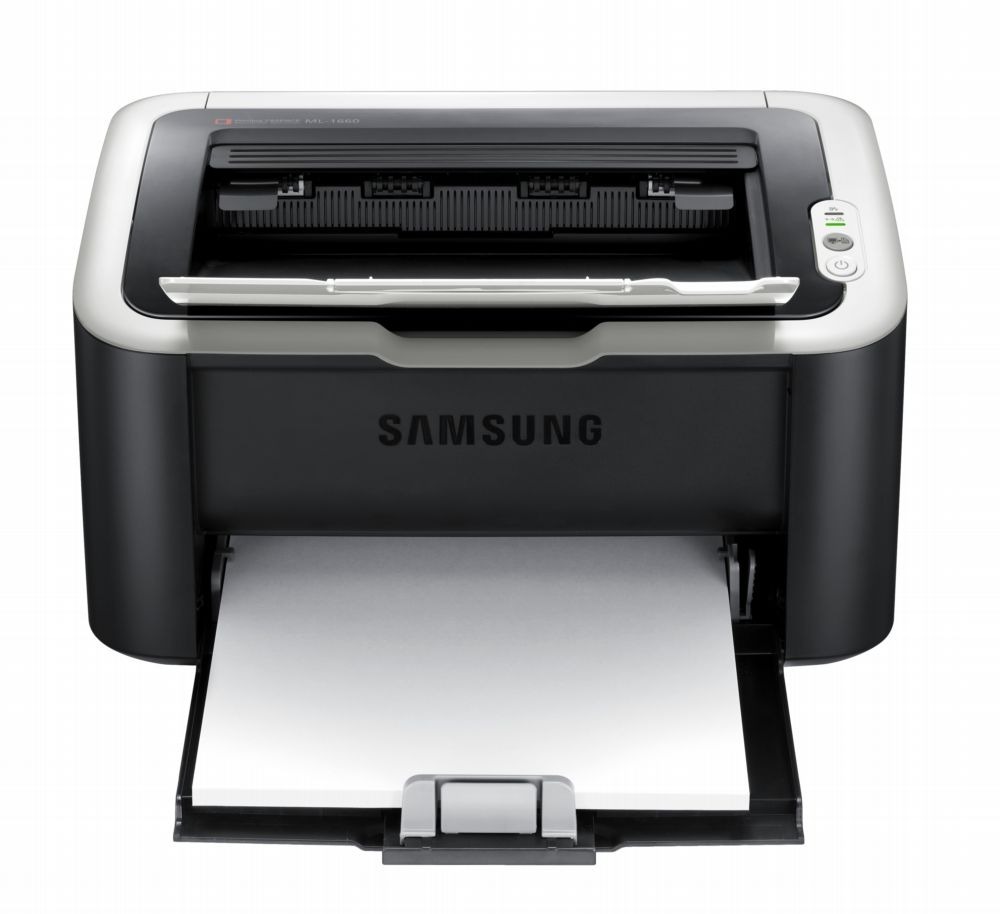
The ML-1665K is Samsung's regional badge on the compact 1665 mono laser — a tiny single-function printer for light home use, same small box, same clean black-and-white pages. It takes one cartridge, the MLT-D104S, and that single fact shapes everything about owning it: no colors to juggle, no drums on a separate schedule, just one black cartridge to watch and replace.
Machines like this live quiet lives. They sit in a corner of a home office or a student's room, print a few pages a week — a return label, a form, a chapter of notes — and then sleep again. Toner lasts a long time at that pace, which is exactly why the end, when it comes, tends to catch owners by surprise. The shelf below offers the cartridge on its own, in multi-packs, and under this model's own name, so restocking is a one-click decision whenever the pages start to fade.
Toner Cartridges for ML-1665K
| Cartridge | Color | Page Yield |
|---|---|---|
| ML-1665K Toner Black | Black | See product page |
| ML-1665K Toner Black 5 Pack | Black | See product page |
| MLT-D104S Toner Black | Black | See product page |
| MLT-D104S Toner Black 2 Pack | Black | See product page |
| MLT-D104S Toner Black 4 Pack | Black | See product page |
| MLT-D104S Premium Toner Black 5 Pack | Black | See product page |
Which cartridge should you buy?
For a light-duty home printer, a single cartridge is the honest default: it may serve you for a very long stretch, and toner does not improve with age on a shelf. Multi-packs only make sense if the printer's workload has quietly grown — a home business, a student printing coursework daily — because the savings come from volume you will actually use. The model-named single on this page is the same cartridge sold under the printer's badge, handy when you are reordering from the machine rather than from the old cartridge. Whichever you pick, the compatible cartridge carries a 1-year warranty and 1-year returns.
Chip, toner and everyday use
The ML-1665K reads a chip on the cartridge to report toner level, so a replacement that is not fully seated can show an error even with plenty of toner inside. Pull the old cartridge straight out, peel every seal off the new one, and slide it in until it clicks. If the first pages look light, the toner has settled during storage — rock the cartridge gently from side to side a few times and reprint. Keep the paper path clean with a soft brush while the cartridge is out; most grime builds slowly, and two minutes of attention at every swap keeps print quality where it should be.
Frequently Asked Questions
Is the ML-1665K's cartridge the same as the one in the standard ML-1665?
Yes. The K is a regional badge on the same compact machine, and both badges take the identical black cartridge listed here. If the code on your old cartridge matches the code on this page, you have the right replacement.
How will I know the cartridge is nearly empty?
The signs arrive gradually: text turns gray instead of black, then pages develop pale bands. A gentle shake of the cartridge redistributes the remaining toner and usually buys a short run of extra pages — use that window to order the replacement rather than waiting for a fully blank page.
The printer will not recognize my new cartridge. What should I check?
Confirm the sealing tape and any chip cover are fully removed, then reseat the cartridge until it clicks into place. Dust on the chip contacts can also block recognition; a dry wipe and a restart of the printer clear most of these cases.
More printers that use the same cartridges
The same single black cartridge also serves these Samsung models:
ML-1660, ML-1660K, ML-1660N, ML-1661, ML-1661K, ML-1665, ML-1666, ML-1667, ML-1670, ML-1675, ML-1676, ML-1860, ML-1861, ML-1864, ML-1865, ML-1865W, ML-1866, SCX-3200, SCX-3200K, SCX-3200W, SCX-3201, SCX-3201G, SCX-3205, SCX-3205K, SCX-3205W, SCX-3205WK, SCX-3206, SCX-3206W, SCX-3210, SCX-3210K, SCX-3217, SCX-3218, Samsung-MLTD104S