




ML-1670
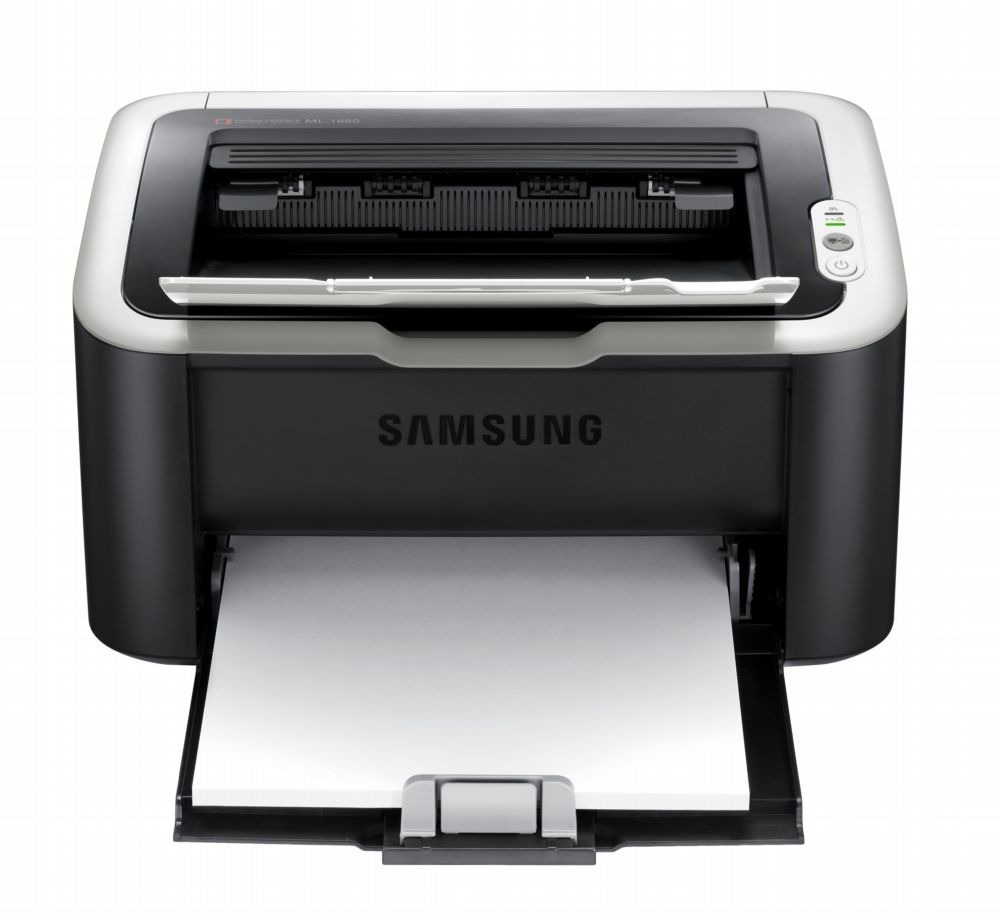
The Samsung ML-1670 is a compact mono laser in the 1660/1670 family line, keeping the series' small footprint for tight desks and shelves. Light-duty black-and-white printing is what it does best.
It runs on the MLT-D104S cartridge. We offer compatible cartridges for savings and genuine OEM cartridges for original supplies, both shipping fast from Clever Supplies.
Toner Cartridges for ML-1670
This printer works with the following toner cartridges:
- Samsung MLT-D104S
More Samsung Printers
- ML-1660
- ML-1661
- ML-1665
- ML-1666
- ML-1675
- ML-1860
- ML-1861
- ML-1864
- ML-1865
- SCX-3200
- SCX-3201
- SCX-3205
- SCX-3206
- SCX-3210
- SCX-3217
- SCX-3218
- ML-1660K
- ML-1660N
- ML-1661K
- ML-1665K
- ML-1667
- ML-1865W
- SCX-3200K
- SCX-3200W
- SCX-3205W
- SCX-3205WK
- SCX-3210K
- SCX-3201G
- SCX-3205K
- ML-1676
- ML-1866
- SCX-3206W
Frequently Asked Questions
My ML-1670 will not print after I changed the toner, and what steps reset the error without forcing anything?
The ML-1670 reads a small chip on the MLT-D104S, so anything blocking that contact — toner dust, a missed pull-tab — triggers an error. Reseating fixes the majority of cases: pull the cartridge out, inspect the slot for obstructions, and slide it back until it clicks. Most of these errors surrender to a calm, methodical reseat.
What makes the ML-1670 produce the same smudge in the same place on each page — is that a toner problem or something else before I buy replacement parts?
Vertical lines and repeating marks almost always come from the drum or a dirty roller, not from low toner in the MLT-D104S. Measure the distance between repeating marks and compare it with the drum circumference noted in the ML-1670 manual; a match confirms the drum. Drum damage is permanent, so once you have confirmed it, a replacement imaging unit is the real fix.
Why would the ML-1670 suddenly start printing faded and washed out even though it was fine last week?
Light prints are the classic sign that toner is running low, yet a worn drum on the ML-1670 produces an almost identical look. Start by checking the toner level on the printer's display or in Samsung's printer software; if it reads low, replace the cartridge. Diagnosing in this order keeps you from replacing the wrong part.