




SCX-3200
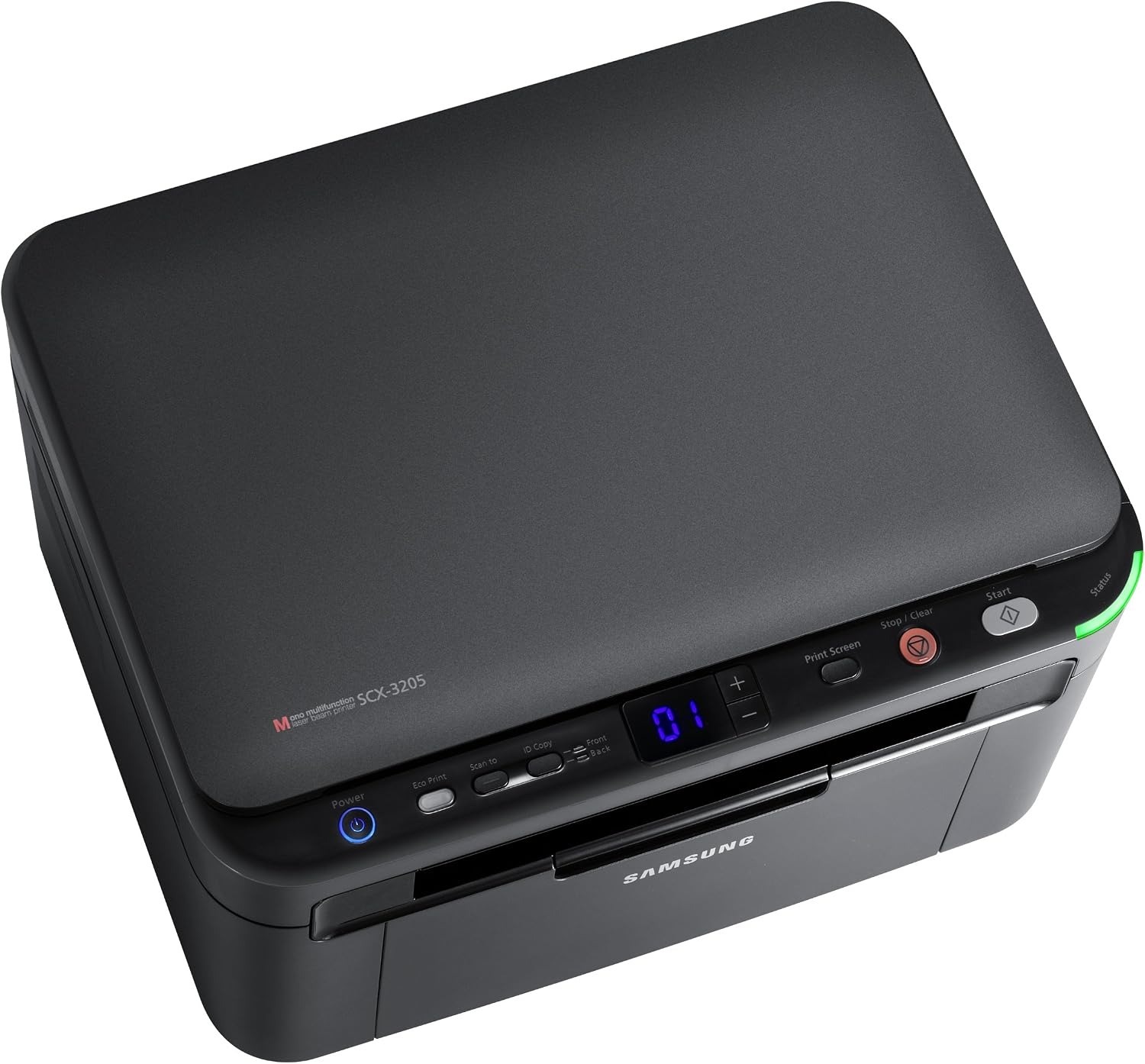
Samsung's SCX-3200 squeezes printing, scanning and copying into one of the smallest monochrome multifunction boxes of its era — three desk-hungry devices replaced by a single compact unit. It runs on one cartridge, the MLT-D104S, and this page stocks that cartridge as singles and multi-packs, under both its MLT-D104S code name and SCX-3200 model name.
The SCX-3200 was aimed at home offices where the desk is also the filing cabinet, the meeting table and the mail room. Owners get a scanner for paperwork, a copier for forms and a laser printer for crisp everyday documents, all without surrendering the workspace those jobs used to occupy. Everything about the machine follows that brief, including the single, easy-to-source black cartridge.
Toner Cartridges for SCX-3200
| Cartridge | Color | Page Yield |
|---|---|---|
| Samsung MLT-D104S Laser Toner Cartridge Black | Black | See product page |
| Samsung MLT-D104S Laser Toner Cartridge Black 2 Pack | Black | See product page |
| Samsung MLT-D104S Laser Toner Cartridge Black 4 Pack | Black | See product page |
| Samsung MLT-D104S Premium Quality Laser Toner Cartridge Black 5 Pack | Black | See product page |
| Samsung SCX-3200 Laser Toner Cartridge Black | Black | See product page |
| Samsung SCX-3200 Laser Toner Cartridge Black 5 Pack | Black | See product page |
Which cartridge should you buy?
There is only one code to get right: every listing in the table is the MLT-D104S cartridge this printer takes. The choice is quantity and naming, not compatibility. The code-named listings and the SCX-3200-named listings are the same cartridge for this machine sold under two labels, so buy whichever you prefer. A single cartridge suits occasional printing. The two-pack keeps a spare ready at a better per-cartridge cost, the four-pack fits homes that print school and work documents weekly, and the five-packs — standard or Premium — are for households that would rather stock up once and forget about toner for a long stretch. Because the same cartridge also serves the wider family listed below, a spare bought for this machine is never stranded if a second Samsung joins the household.
Chip, toner and everyday use
Small machines reward small habits. Every few cartridge changes, give the interior a light clean: power off, let things cool, and wipe rollers and paper guides with a dry microfiber cloth. Skip liquids entirely, and never touch the green drum surface or the fuser rollers — fingerprints and scratches there print forever. When a new MLT-D104S goes in, remove its seals, rock it gently side to side to level the toner, and print a test page. Little and often beats the rare deep clean.
Frequently Asked Questions
Which toner cartridge fits the SCX-3200 — is there really just one?
Just one: the MLT-D104S. Check the code printed on the cartridge you are replacing rather than judging by how a listing looks, because similar Samsung models use different cartridge families that do not interchange. Match the code and the SCX-3200 is fed correctly every time.
Every page has a faint gray film. Is the cartridge overfilling the page?
An all-over gray haze is the classic signature of a tired drum or a failing cleaning blade, not of overfilling. If the installed cartridge is very old, try a fresh one first, since degraded toner can contribute. If the film survives the swap, the drum is the answer, and fixing it at that level restores the crisp white backgrounds this printer should produce.
How do I keep the paper path clean, and with what?
Dust removal is the whole job: a dry microfiber cloth on the rollers and guides every few cartridge changes. Avoid liquids, vacuum attachments not rated for toner, and any contact with the drum or fuser surfaces.
More printers that use the same cartridges
The MLT-D104S is shared across a wide Samsung family:
ML-1660, ML-1660K, ML-1660N, ML-1661, ML-1661K, ML-1665, ML-1665K, ML-1666, ML-1667, ML-1670, ML-1675, ML-1676, ML-1860, ML-1861, ML-1864, ML-1865, ML-1865W, ML-1866, SCX-3200K, SCX-3200W, SCX-3201, SCX-3201G, SCX-3205, SCX-3205K, SCX-3205W, SCX-3205WK, SCX-3206, SCX-3206W, SCX-3210, SCX-3210K, SCX-3217, SCX-3218, Samsung-MLTD104S