




SCX-3218
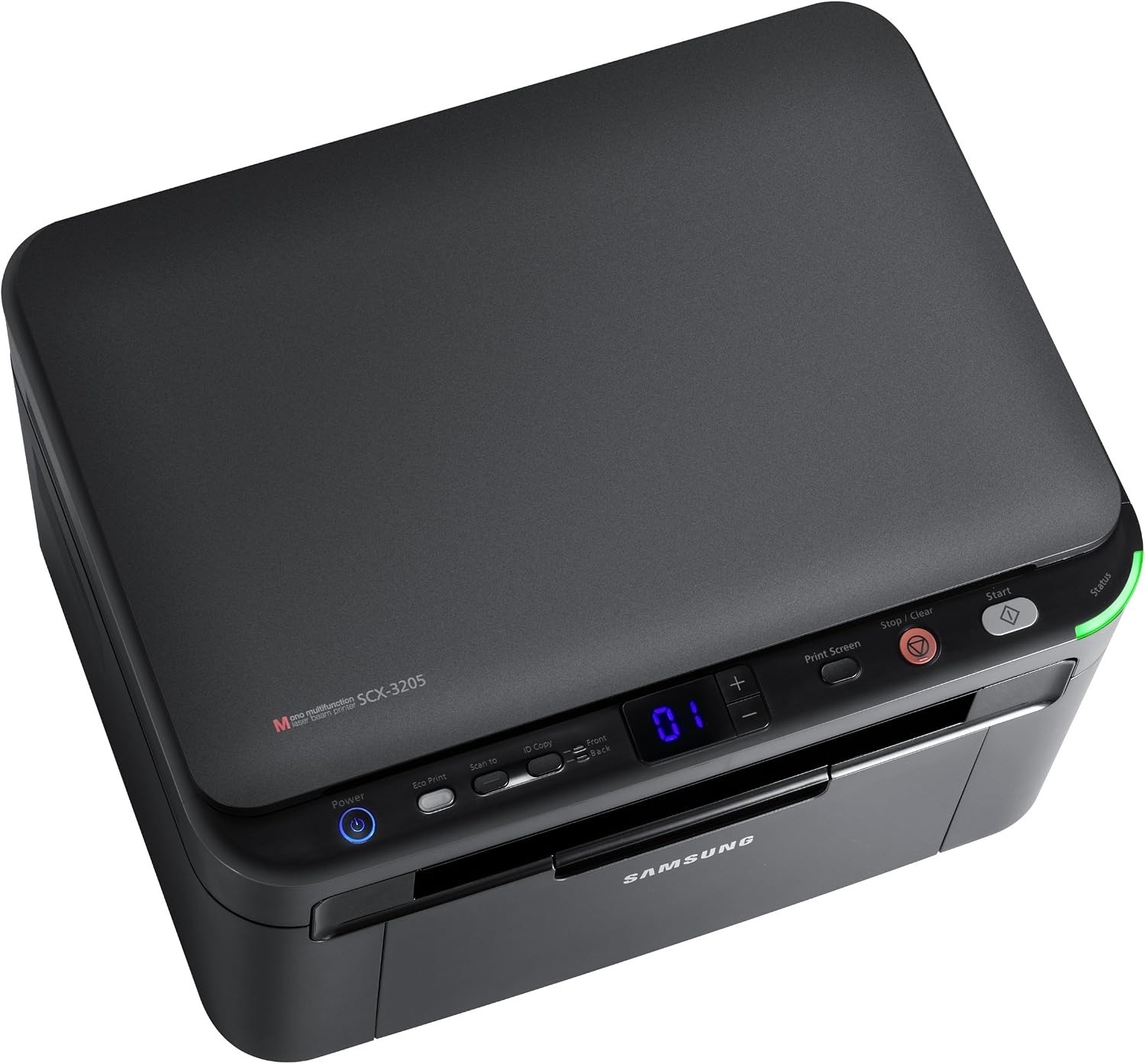
The SCX-3218 rounds out the regional variants of Samsung's compact 3200 multifunction family: printing, scanning and copying in a desktop-friendly monochrome unit built for light, everyday document duty. It takes the MLT-D104S cartridge, and this page carries it as singles, two- and four-packs, a Premium five-pack and SCX-3218-named listings.
Not every printer needs to be a departmental engine. The SCX-3218 is for the steady trickle — a form copied here, a letter scanned there, documents printed as the day asks for them. Machines like this stay in service for years precisely because their demands are modest, and their one demand, toner, is a single cartridge shared across a big Samsung family.
Toner Cartridges for SCX-3218
| Cartridge | Color | Page Yield |
|---|---|---|
| Samsung MLT-D104S Laser Toner Cartridge Black | Black | See product page |
| Samsung MLT-D104S Laser Toner Cartridge Black 2 Pack | Black | See product page |
| Samsung MLT-D104S Laser Toner Cartridge Black 4 Pack | Black | See product page |
| Samsung MLT-D104S Premium Quality Laser Toner Cartridge Black 5 Pack | Black | See product page |
| Samsung SCX-3218 Laser Toner Cartridge Black | Black | See product page |
| Samsung SCX-3218 Laser Toner Cartridge Black 5 Pack | Black | See product page |
Which cartridge should you buy?
There is exactly one cartridge decision: MLT-D104S. The code-named and SCX-3218-named listings are the same cartridge for this machine, so order by whichever name you will recognize next time. Light users can buy singles as needed. Anyone who prints weekly should consider the two-pack, which keeps the replacement on hand for the day the gauge runs low, and the four-pack and five-packs trim the per-cartridge price for busier homes and offices. Check the supplies status page every so often and reorder on evidence rather than surprise — with a cartridge this widely shared across the family below, a spare on the shelf is useful far beyond this single printer.
Chip, toner and everyday use
The SCX-3218's own supplies status page, printed from its menu without a computer, is the most reliable toner gauge — treat it as an estimate, since coverage-heavy pages drain a cartridge faster than the bar suggests. For upkeep, pair each cartridge change with a light interior clean: a dry cloth or a toner-rated vacuum for spills, never a damp cloth, which smears toner. Two minutes of that attention with every swap keeps the paper path clear indefinitely, and a fresh cartridge seated with its seals off and a gentle rock will read correctly the first time.
Frequently Asked Questions
How do I check the toner level, and how much should I trust it?
Print the supplies status page from the printer's menu — no computer needed. Read the gauge as a usage-based estimate rather than a precise count: dense pages consume toner faster than the bar implies, so let it prompt an early reorder instead of a last-minute one.
Why is toner not sticking to the paper?
First check that the paper-type setting matches the loaded stock — heavy or glossy paper run on a plain-paper setting under-fuses every time. If plain paper on the plain setting also rubs off with a fresh MLT-D104S fitted, the fuser becomes the suspect. Rule out the simple causes and the real culprit stands out clearly.
What tools keep the paper path clean without causing harm?
Dry ones. A soft dry cloth for rollers and guides, a toner-rated vacuum for spills, and nothing wet anywhere near toner. A light pass every few cartridge changes is all this machine asks.
More printers that use the same cartridges
All of these Samsung models use the same MLT-D104S cartridge:
ML-1660, ML-1660K, ML-1660N, ML-1661, ML-1661K, ML-1665, ML-1665K, ML-1666, ML-1667, ML-1670, ML-1675, ML-1676, ML-1860, ML-1861, ML-1864, ML-1865, ML-1865W, ML-1866, SCX-3200, SCX-3200K, SCX-3200W, SCX-3201, SCX-3201G, SCX-3205, SCX-3205K, SCX-3205W, SCX-3205WK, SCX-3206, SCX-3206W, SCX-3210, SCX-3210K, SCX-3217, Samsung-MLTD104S