




ML-1676
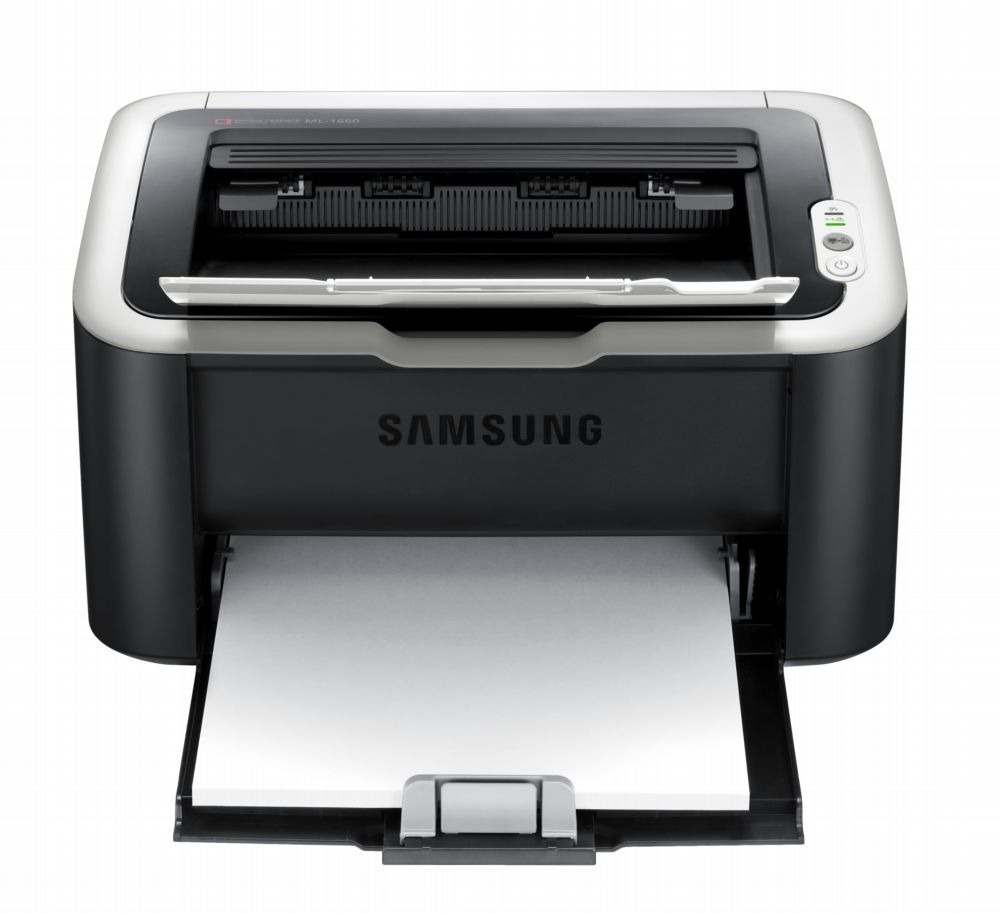
Samsung's ML-1676 is a compact monochrome laser in the 1660/1670 family, keeping the series' ultra-small footprint for crowded desks: clean black-and-white pages while asking for almost no space. It runs on a single cartridge code, the MLT-D104S, which is also sold on this page under the printer's own name. One code, one color, no variants to confuse — the supply side of owning this printer is as small as the machine itself.
A personal desk printer succeeds by disappearing. It sits beside a monitor or on a shelf, prints letters, forms and homework without ceremony, and only asks for attention a few times a year when the cartridge runs down. The ML-1676's design brief was exactly that, and its supplies match: a single cartridge type that comes as singles and multi-packs, so the only decision its owner ever makes is how many to keep in the drawer. For a home office or a student's desk, that simplicity is the feature.
Toner Cartridges for ML-1676
| Cartridge | Color | Page Yield |
|---|---|---|
| MLT-D104S Toner Cartridge | Black | See product page |
| ML-1676 Toner Cartridge | Black | See product page |
| MLT-D104S Toner Cartridge 2 Pack | Black | See product page |
| MLT-D104S Toner Cartridge 4 Pack | Black | See product page |
| MLT-D104S Premium Toner Cartridge 5 Pack | Black | See product page |
| ML-1676 Toner Cartridge 5 Pack | Black | See product page |
Which cartridge should you buy?
There is exactly one cartridge code to get right, so the choice is purely pack size. A single cartridge suits a light-duty desk; the 2-pack is the natural default for anyone who prints weekly, since the second unit waits sealed in a drawer; the 4-pack and 5-pack listings serve small offices that run this model in several spots. The model-named listings and the coded listings are the same fit — buy whichever format is in front of you. Our compatible cartridges for this printer carry a 1-year warranty and 1-year returns.
Chip, toner and everyday use
The printer reads a small chip on the cartridge, so a new unit that reports as empty usually has something simple wrong — a missed pull-tab or toner dust on the contacts — rather than a genuine fault. Levels on this class of printer are estimates by design, best read from a printed supplies status page. Keep the spare sealed, upright and out of heat, and when a cartridge nears its end, rocking it gently side to side redistributes the toner and evens out the last pages. One code and a drawer spare: that is the entire maintenance routine.
Frequently Asked Questions
How do I check the toner level on the ML-1676?
Print the supplies status page from the printer's menu — it needs no computer and gives the most reliable reading the machine offers. The estimate is approximate by design, so once the gauge drops into the low zone, put a spare MLT-D104S in the drawer. Make it routine and you will always print with toner to spare.
I installed a fresh cartridge and the printer still reports it as empty — what is wrong?
Almost always the chip contact. The ML-1676 reads a small chip on the MLT-D104S, and anything blocking that contact — toner dust, a protective tab not fully removed — produces exactly this error. Take the cartridge out, check the contacts and the tab, reseat it firmly, then print a supplies status page to confirm the printer now sees it correctly. A careful reinstall beats a support call nearly every time.
When is it the drum rather than the toner?
When the fault repeats with mechanical regularity. A drum is finished when its light-sensitive coating wears thin, which shows up as defects no cartridge swap can cure; marks that line up with the drum's rotation — measurable by the repeat distance down the page — are the definitive sign on this model. Time the replacement to the symptoms rather than the calendar and you will never change it early.
Is there a high-yield version of this printer's cartridge?
This page lists one cartridge code for the ML-1676, the MLT-D104S, so there is no second yield tier to choose between. The practical lever is pack size instead: singles for occasional printing, multi-packs when the printer works every week. Every listing in the table fits the same slot.
More printers that use the same cartridges
The MLT-D104S also feeds this whole family of Samsung compact lasers and multifunctions: ML-1660, ML-1660K, ML-1660N, ML-1661, ML-1661K, ML-1665, ML-1665K, ML-1666, ML-1667, ML-1670, ML-1675, ML-1860, ML-1861, ML-1864, ML-1865, ML-1865W, ML-1866, SCX-3200, SCX-3200K, SCX-3200W, SCX-3201, SCX-3201G, SCX-3205, SCX-3205K, SCX-3205W, SCX-3205WK, SCX-3206, SCX-3206W, SCX-3210, SCX-3210K, SCX-3217, SCX-3218, Samsung-MLTD104S.