




SCX-3206
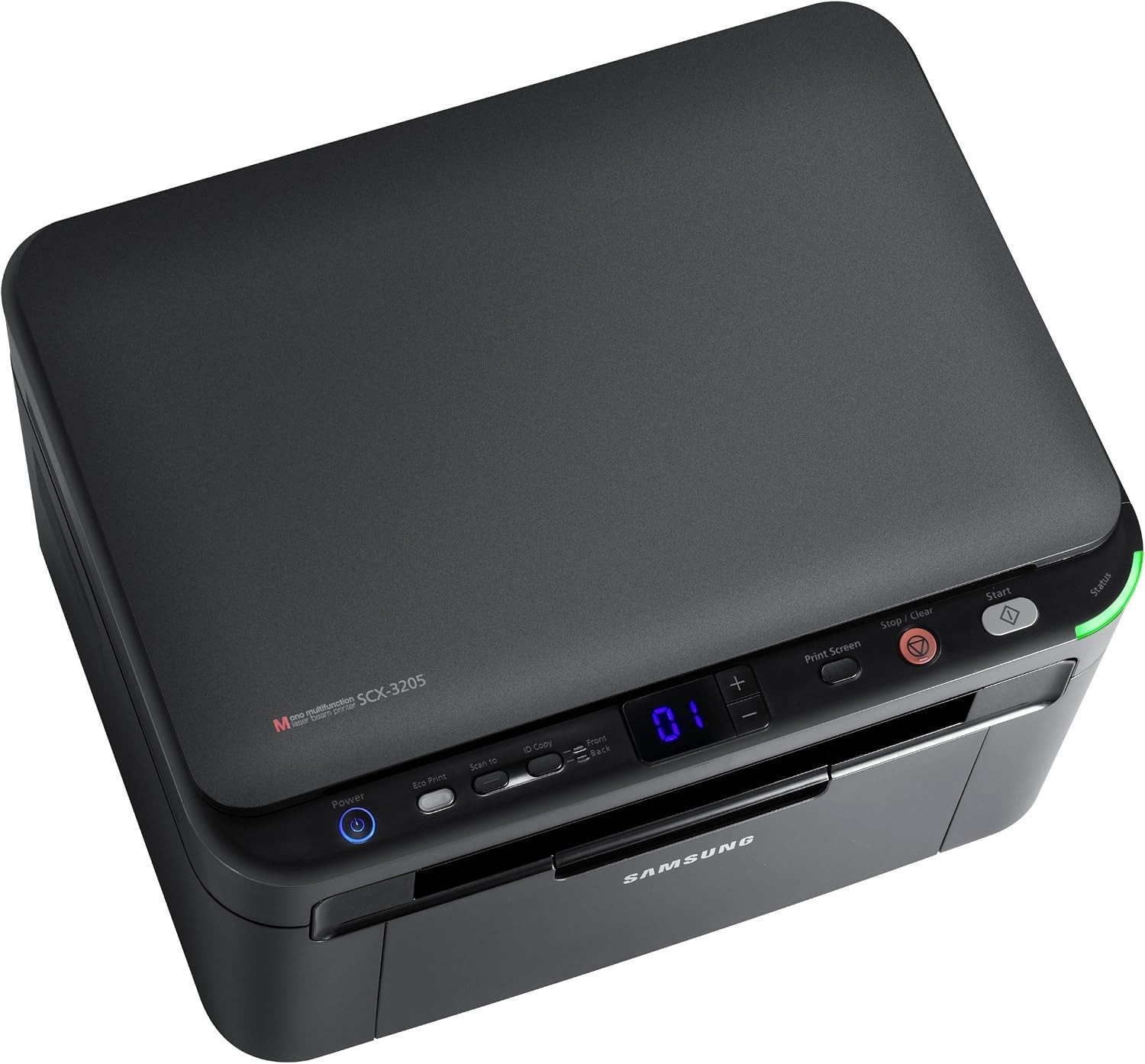
The SCX-3206 is Samsung's regional take on the compact 3205-class multifunction, delivering print, scan, and copy from a small monochrome unit. Home offices and dorms are its sweet spot.
The MLT-D104S cartridge fits the SCX-3206. Compatible or genuine OEM, both are available here with fast shipping from Clever Supplies.
Toner Cartridges for SCX-3206
This printer works with the following toner cartridges:
- Samsung MLT-D104S
More Samsung Printers
- ML-1660
- ML-1661
- ML-1665
- ML-1666
- ML-1675
- ML-1860
- ML-1861
- ML-1864
- ML-1865
- SCX-3200
- SCX-3201
- SCX-3205
- SCX-3210
- SCX-3217
- SCX-3218
- ML-1660K
- ML-1660N
- ML-1661K
- ML-1665K
- ML-1667
- ML-1670
- ML-1865W
- SCX-3200K
- SCX-3200W
- SCX-3205W
- SCX-3205WK
- SCX-3210K
- SCX-3201G
- SCX-3205K
- ML-1676
- ML-1866
- SCX-3206W
Frequently Asked Questions
Why does toner wipe off the page on my SCX-3206 — what should I check first even with a new MLT-D104S?
When toner sits on the surface instead of melting into the fibers, the fuser — the hot roller at the SCX-3206's output — is the prime suspect. Test with standard copy paper on the plain setting — if that fuses fine, the issue was the media, not the multifunction printer. Match the setting to the paper before suspecting hardware — it fixes most cases.
My SCX-3206 prints repeating marks down the length of the sheet — is that a toner problem or something else even on a test page?
When the same mark repeats at regular intervals down the page, the drum surface inside the SCX-3206 is usually damaged or worn. A single hairline line often comes from debris on the drum that a gentle cleaning pass can remove without new parts. Drum damage is permanent, so once you have confirmed it, a replacement imaging unit is the real fix.
What causes a gray haze across prints from the SCX-3206 — could the cartridge be overfilling the page even with fresh paper?
When the whole sheet picks up a faint gray veil, the drum in the SCX-3206 is typically no longer wiping itself clean between pages. First rule out the easy causes: print on fresh, dry paper and make sure the paper-type setting matches what is loaded. Fixing it at the drum level restores the crisp output the SCX-3206 is capable of.