




ML-1660N
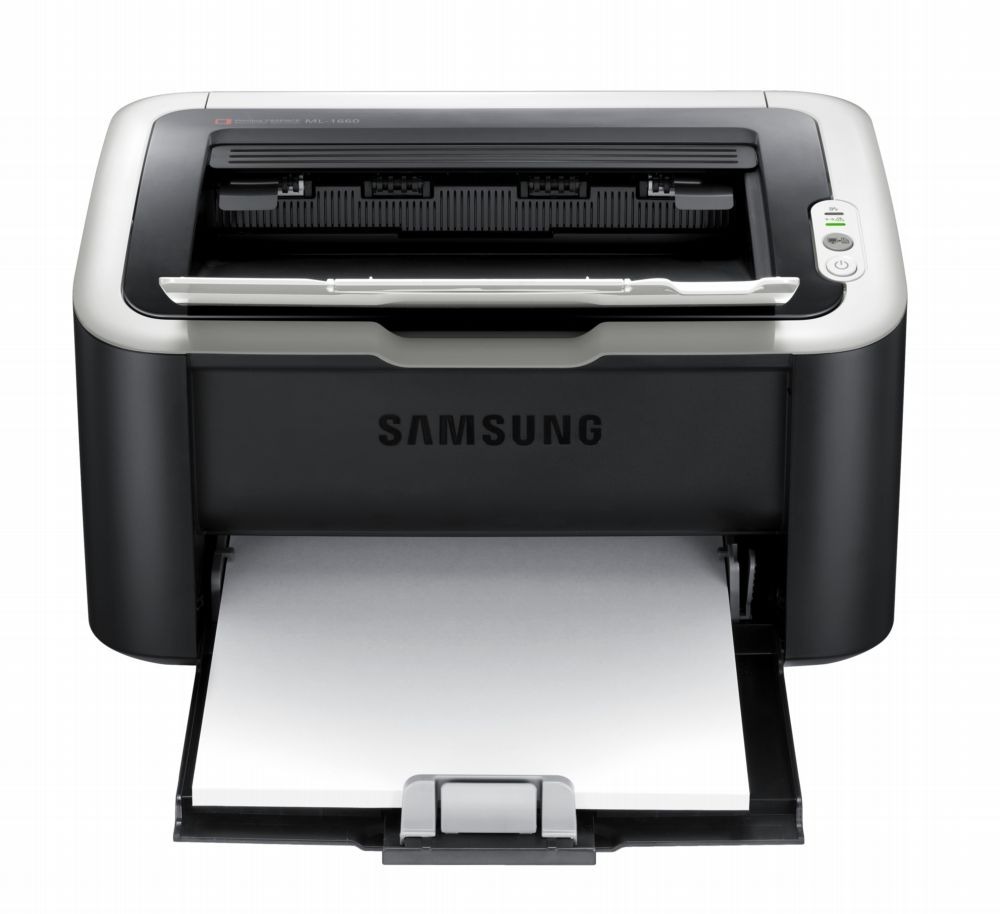
Networking joins the ultra-compact formula in Samsung's ML-1660N, letting the tiny ML-1660 mono laser serve a small wired network instead of a single USB cable. Shared printing from a printer barely bigger than a toaster.
It runs on the MLT-D104S cartridge. We stock compatible cartridges for economy and genuine OEM cartridges for originality, both shipping fast from Clever Supplies.
Toner Cartridges for ML-1660N
This printer works with the following toner cartridges:
- Samsung MLT-D104S
More Samsung Printers
- ML-1660
- ML-1661
- ML-1665
- ML-1666
- ML-1675
- ML-1860
- ML-1861
- ML-1864
- ML-1865
- SCX-3200
- SCX-3201
- SCX-3205
- SCX-3206
- SCX-3210
- SCX-3217
- SCX-3218
- ML-1660K
- ML-1661K
- ML-1665K
- ML-1667
- ML-1670
- ML-1865W
- SCX-3200K
- SCX-3200W
- SCX-3205W
- SCX-3205WK
- SCX-3210K
- SCX-3201G
- SCX-3205K
- ML-1676
- ML-1866
- SCX-3206W
Frequently Asked Questions
My ML-1660N prints look wavy and uneven on damp days — does paper storage really matter that much in a home office?
On humid days the culprit is often the paper stack, not the MLT-D104S — moisture changes how every sheet behaves. In very humid spaces, a resealable bag for the working stack makes a noticeable difference to ML-1660N output. Treat paper storage as part of printer care and half of these mysteries disappear.
I bought a backup cartridge for my ML-1660N, and does heat or light damage it?
An unopened cartridge stores well for a long time as long as it stays sealed, upright, and at normal room temperature. Heat is the main enemy — avoid attics, garages, and spots near radiators, since warmth can clump the toner inside. Good storage means your backup is ready the moment the ML-1660N needs it.
What precautions keep toner from spilling during a ML-1660N cartridge change, and where does the used cartridge go during the swap?
Toner spills are almost always caused by rushing, so give yourself a clear workspace and handle the old cartridge gently. Remove any shipping seals or pull-tabs from the new cartridge before inserting it, following the diagram on the box. That routine keeps both your hands and your ML-1660N clean.