




SCX-3201G
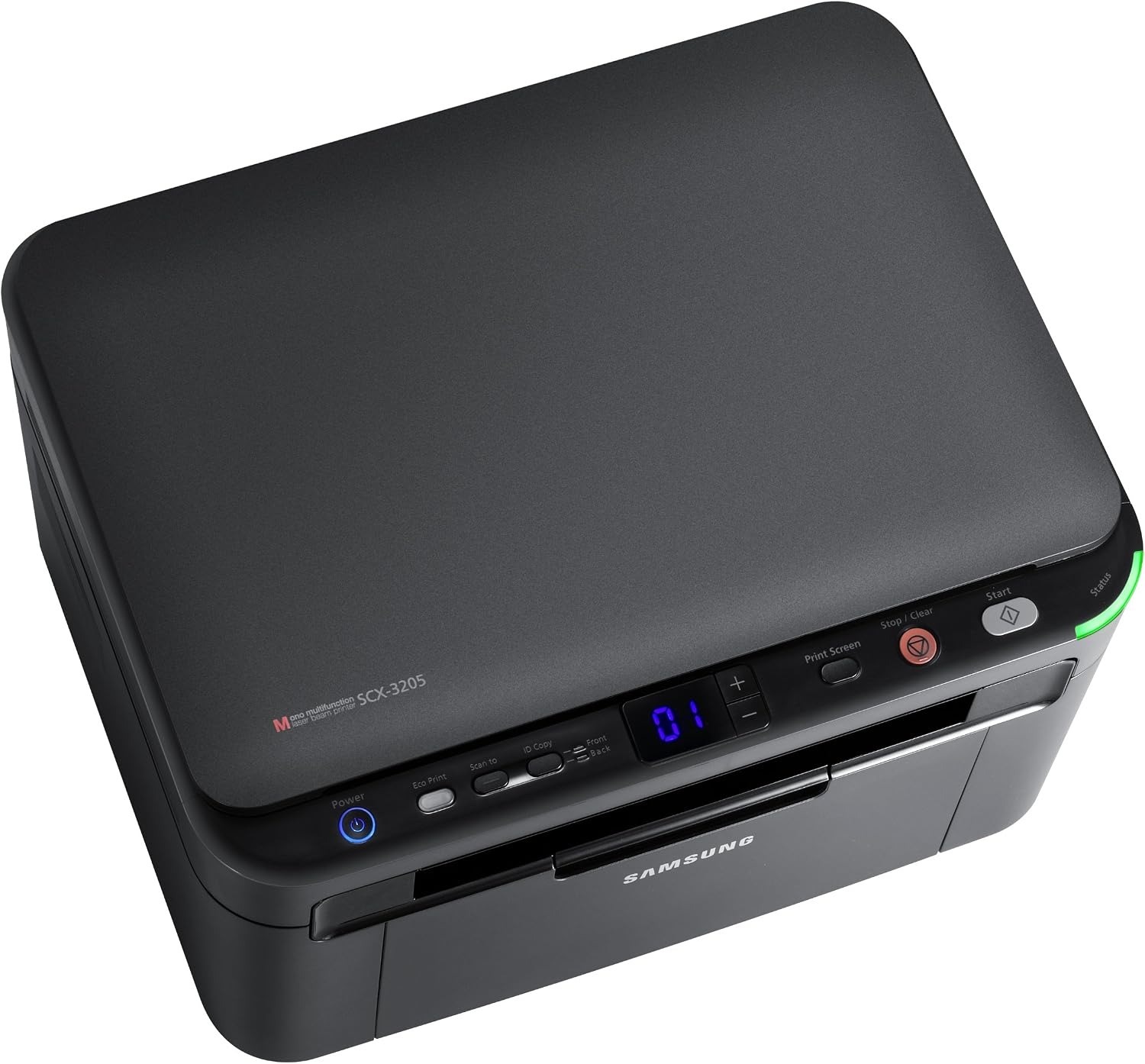
Samsung's SCX-3201G is a regional variant of the compact 3201 multifunction, with the familiar print-scan-copy core in a small monochrome chassis. Built for light home-office duty.
The MLT-D104S cartridge keeps it going. Compatible and genuine OEM versions are stocked here, shipping fast from Clever Supplies.
Toner Cartridges for SCX-3201G
This printer works with the following toner cartridges:
- Samsung MLT-D104S
More Samsung Printers
- ML-1660
- ML-1661
- ML-1665
- ML-1666
- ML-1675
- ML-1860
- ML-1861
- ML-1864
- ML-1865
- SCX-3200
- SCX-3201
- SCX-3205
- SCX-3206
- SCX-3210
- SCX-3217
- SCX-3218
- ML-1660K
- ML-1660N
- ML-1661K
- ML-1665K
- ML-1667
- ML-1670
- ML-1865W
- SCX-3200K
- SCX-3200W
- SCX-3205W
- SCX-3205WK
- SCX-3210K
- SCX-3205K
- ML-1676
- ML-1866
- SCX-3206W
Frequently Asked Questions
How do I know the drum in my SCX-3201G is finished — what happens if I ignore it?
The clearest test is the new-cartridge test — if a brand-new MLT-D104S does not fix the problem, the drum is the remaining suspect. Pattern defects that line up with the drum's rotation are the definitive sign on the SCX-3201G; measure the repeat distance to confirm. That symptom-based timing gets the full value out of every imaging unit.
I put a fresh cartridge in the SCX-3201G and it still reports it as empty — could I have bought the wrong code?
The SCX-3201G reads a small chip on the MLT-D104S, so anything blocking that contact — toner dust, a missed pull-tab — triggers an error. Reseating fixes the majority of cases: pull the cartridge out, inspect the slot for obstructions, and slide it back until it clicks. Check the simple things first and the error usually clears.
How do I squeeze the last pages out of my SCX-3201G cartridge — does shaking it actually work until the replacement arrives?
Yes — removing the MLT-D104S and rocking it gently side to side redistributes the remaining toner and often buys extra pages. Hold the cartridge level and rock it side to side — never up and down or vigorously — then reinstall it in the SCX-3201G and print a test page. A gentle rock now, a fresh cartridge for the SCX-3201G soon: that is the right sequence.