




SCX-3200K
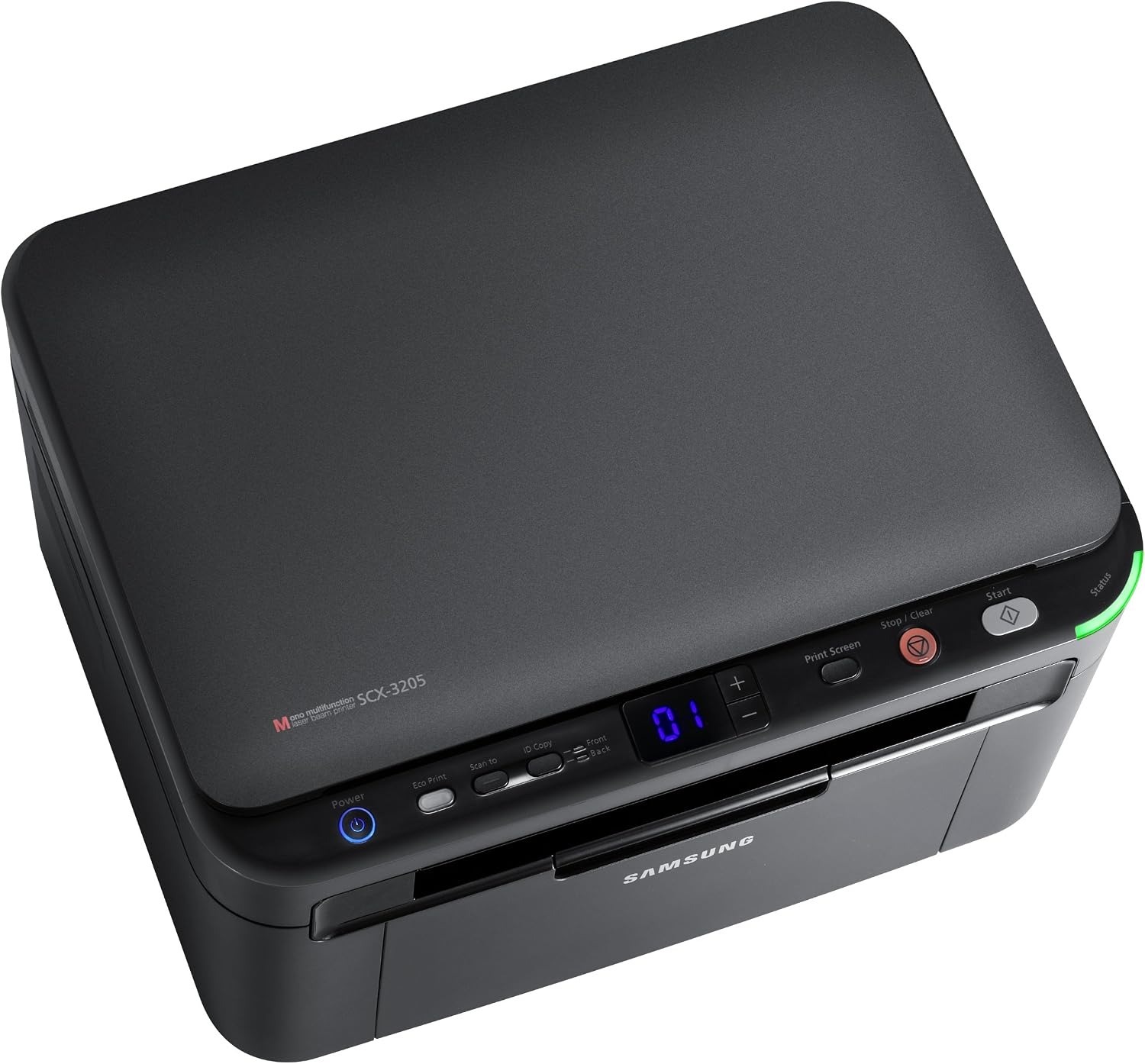
The SCX-3200K is the regional configuration of Samsung's compact SCX-3200 multifunction, with the same print-scan-copy talents in the same small chassis. A true desktop-sized all-in-one.
It takes the MLT-D104S cartridge. Our compatible cartridges keep costs down; genuine OEM cartridges keep it original. Fast shipping from Clever Supplies.
Toner Cartridges for SCX-3200K
This printer works with the following toner cartridges:
- Samsung MLT-D104S
More Samsung Printers
- ML-1660
- ML-1661
- ML-1665
- ML-1666
- ML-1675
- ML-1860
- ML-1861
- ML-1864
- ML-1865
- SCX-3200
- SCX-3201
- SCX-3205
- SCX-3206
- SCX-3210
- SCX-3217
- SCX-3218
- ML-1660K
- ML-1660N
- ML-1661K
- ML-1665K
- ML-1667
- ML-1670
- ML-1865W
- SCX-3200W
- SCX-3205W
- SCX-3205WK
- SCX-3210K
- SCX-3201G
- SCX-3205K
- ML-1676
- ML-1866
- SCX-3206W
Frequently Asked Questions
My SCX-3200K mentions both a drum and a toner cartridge — which replacement should I buy for everyday printing?
Your SCX-3200K treats them as two independent consumables: the MLT-D104S runs out of powder, while the drum slowly loses its coating. The multifunction printer may show a drum-life warning on its panel or status page, separate from any toner-low message. Keep the two roles straight and troubleshooting gets much simpler.
Why would the SCX-3200K suddenly start printing weak and low-contrast?
Fading like that usually points to a cartridge running low, but on the SCX-3200K it can also mean the imaging drum is wearing out. Try the cartridge rock trick first; if darkness returns even briefly, you know the cartridge is spent rather than the drum. That simple sequence usually pinpoints the culprit in a minute or two.
My SCX-3200K says toner is low but I need a few more pages — what is the right way to redistribute the toner?
Gently rolling the cartridge back and forth levels out the leftover toner, which can clear the SCX-3200K's low-toner stop long enough to finish a job. Hold the cartridge level and rock it side to side — never up and down or vigorously — then reinstall it in the SCX-3200K and print a test page. It is a handy emergency move while the replacement ships.