




ML-1665
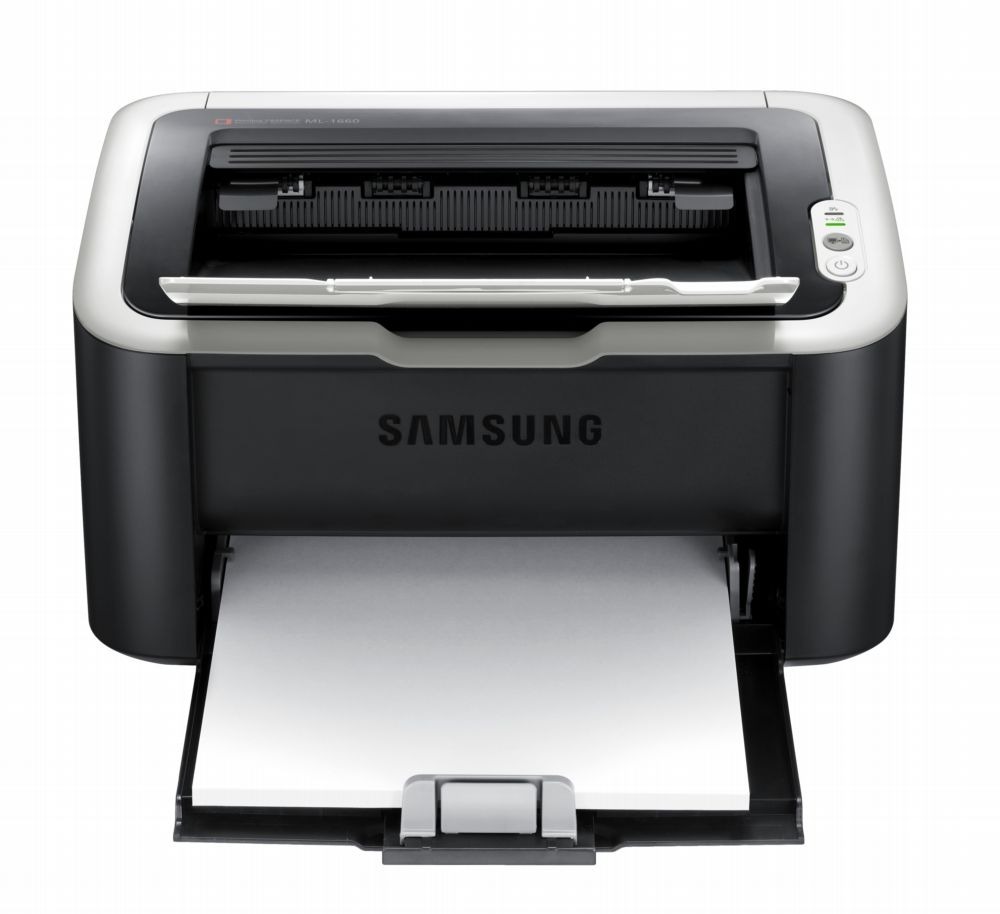
The ML-1665 keeps Samsung's ultra-compact mono formula but with its own regional badge, delivering the same small-footprint black-and-white printing as the ML-1660 family. It is a printer for people who print occasionally and hate clutter.
It runs on the MLT-D104S cartridge. Our compatible version is the economical pick, while the genuine Samsung OEM version suits anyone loyal to original supplies. Both ship fast from Clever Supplies.
Toner Cartridges for ML-1665
This printer works with the following toner cartridges:
- Samsung MLT-D104S
More Samsung Printers
- ML-1660
- ML-1661
- ML-1666
- ML-1675
- ML-1860
- ML-1861
- ML-1864
- ML-1865
- SCX-3200
- SCX-3201
- SCX-3205
- SCX-3206
- SCX-3210
- SCX-3217
- SCX-3218
- ML-1660K
- ML-1660N
- ML-1661K
- ML-1665K
- ML-1667
- ML-1670
- ML-1865W
- SCX-3200K
- SCX-3200W
- SCX-3205W
- SCX-3205WK
- SCX-3210K
- SCX-3201G
- SCX-3205K
- ML-1676
- ML-1866
- SCX-3206W
Frequently Asked Questions
How should I store paper for use in my ML-1665, and what paper conditions cause problems for consistent output?
On humid days the culprit is often the paper stack, not the MLT-D104S — moisture changes how every sheet behaves. Store paper sealed in its original wrapper until loading, and keep only a modest stack in the tray rather than a full ream. Fresh, dry paper lets the ML-1665 show what it can really do.
My ML-1665 picks up dust and it shows on prints — can I use compressed air inside?
The ML-1665 benefits from a light interior cleaning every few MLT-D104S changes — nothing aggressive, just dust removal. Focus on the feed rollers and the transfer area; those are the spots where debris actually touches the page. A two-minute wipe with each cartridge change keeps the path clear indefinitely.
Where does the ML-1665 show its toner level — is there a status page or a software tool?
The ML-1665 reports toner through its control panel supplies menu and through Samsung's printer software on your computer. When the warning first appears you usually still have a useful number of pages left, so it is a heads-up, not a stop sign. Checking monthly takes seconds and prevents mid-job surprises.