




SCX-3200W
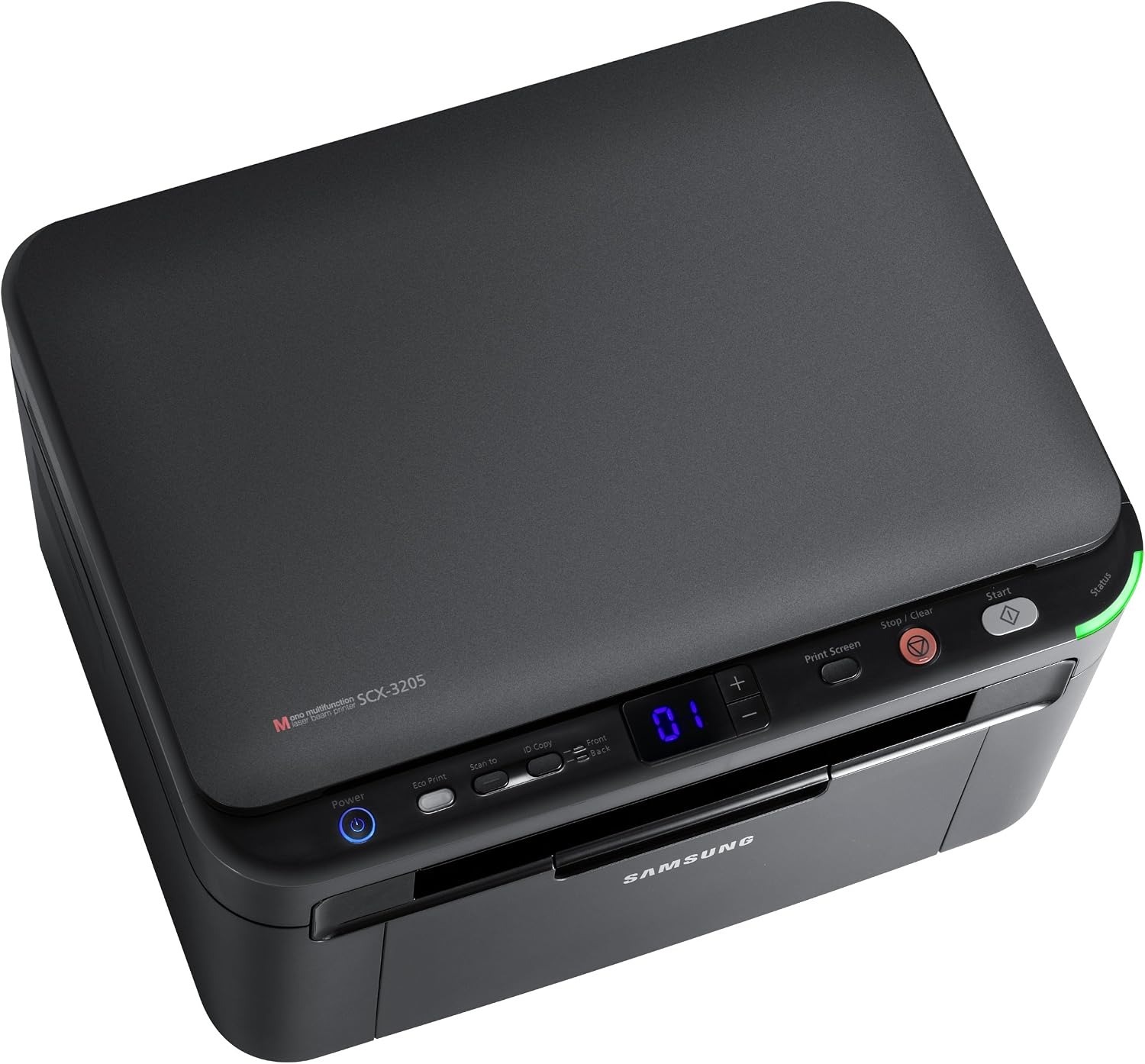
Samsung's SCX-3200W adds Wi-Fi to the tiny SCX-3200 multifunction, letting every device in the house share one compact print-scan-copy machine. No USB cable required, no desk space wasted.
The MLT-D104S cartridge fits the SCX-3200W. Compatible and genuine Samsung OEM versions are both available, shipping fast from Clever Supplies.
Toner Cartridges for SCX-3200W
This printer works with the following toner cartridges:
- Samsung MLT-D104S
More Samsung Printers
- ML-1660
- ML-1661
- ML-1665
- ML-1666
- ML-1675
- ML-1860
- ML-1861
- ML-1864
- ML-1865
- SCX-3200
- SCX-3201
- SCX-3205
- SCX-3206
- SCX-3210
- SCX-3217
- SCX-3218
- ML-1660K
- ML-1660N
- ML-1661K
- ML-1665K
- ML-1667
- ML-1670
- ML-1865W
- SCX-3200K
- SCX-3205W
- SCX-3205WK
- SCX-3210K
- SCX-3201G
- SCX-3205K
- ML-1676
- ML-1866
- SCX-3206W
Frequently Asked Questions
Why would the SCX-3200W suddenly start printing pale with thin-looking text?
This symptom sits at the crossroads of two consumables: the MLT-D104S toner cartridge and the imaging drum inside the SCX-3200W. Pull the cartridge out and give it a gentle side-to-side rock to redistribute the remaining toner, then print a test page to compare. That simple sequence usually pinpoints the culprit in a minute or two.
Does a spare MLT-D104S for my SCX-3200W go bad sitting in a closet, and does heat or light damage it in a home office?
The original sealed bag protects the toner from humidity and light, so do not open it until installation day. When you finally install the stored cartridge in the SCX-3200W, rock it gently side to side first to redistribute any settled toner. Good storage means your backup is ready the moment the SCX-3200W needs it.
Why are there vertical streaks on every print from the SCX-3200W, and what should I check first?
When the same mark repeats at regular intervals down the page, the drum surface inside the SCX-3200W is usually damaged or worn. Print a solid black page and a blank page; marks on both narrow it to the drum, while marks only on the black page suggest the cartridge. That diagnosis keeps the repair focused on the part that is actually failing.