




| Family · codes | Printer models | Page yield (our store’s field) | What our product pages say about chips | Documented message path |
|---|---|---|---|---|
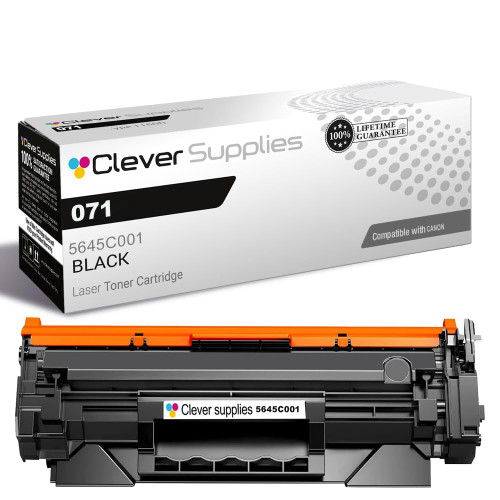
| 071 · 071 (5645C001) + high-yield tier | MF273dw, MF275dw, LBP122dw | 1,200 std / 2,500 high (our store’s field) | Nothing about chips | Close / OK dismissal documented for this platform class |
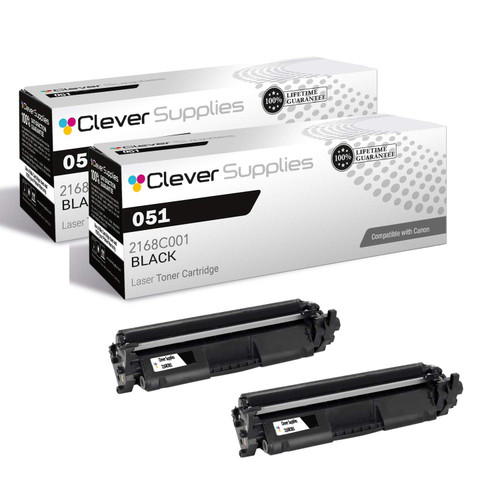
| 051 · 051 (2168C001) + high-yield tier | LBP162dw, MF264dw, MF267dw, MF269dw | 1,700 std / 4,100 high (our store’s field) | Nothing about chips | Communication-error and separate-drum messages documented (MF260-line manual) |
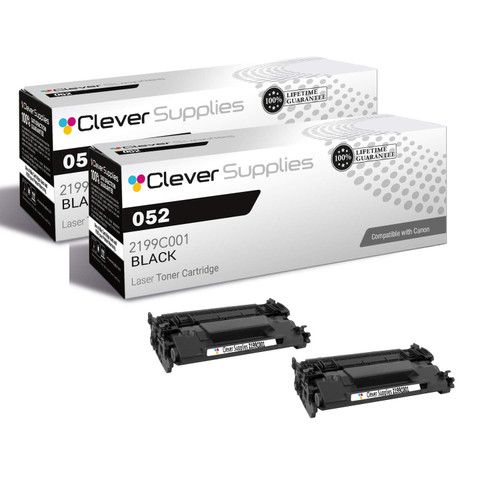
| 052 · 052 (2199C001) + high-yield tier | LBP214dw, LBP215dw, MF424dw, MF426dw, MF429dw | 3,100 std / 9,200 high (our store’s field) | Nothing about chips | Canon’s imageCLASS message family; no family-specific manual captured |
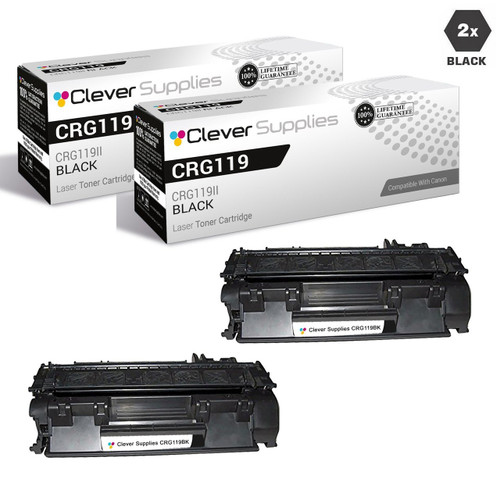
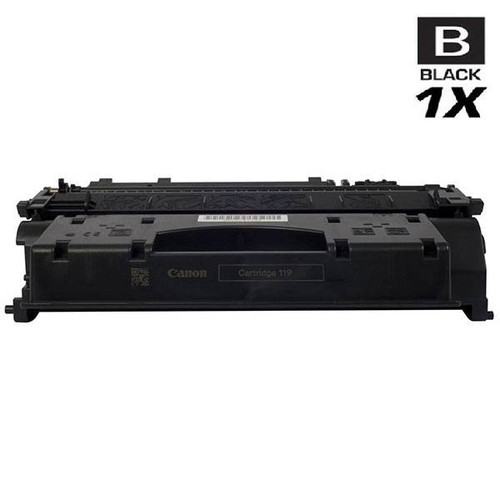
| 119 · CRG-119 (3479B001AA) · CRG-119 II (3480B001AA) | LBP6300dn, LBP6650dn, LBP251dw, LBP253dw, MF6180dw and more | 2,100 std / 6,400 II (our store’s field) | Parts-list mention on some listings | Canon’s imageCLASS message family; no family-specific manual captured |
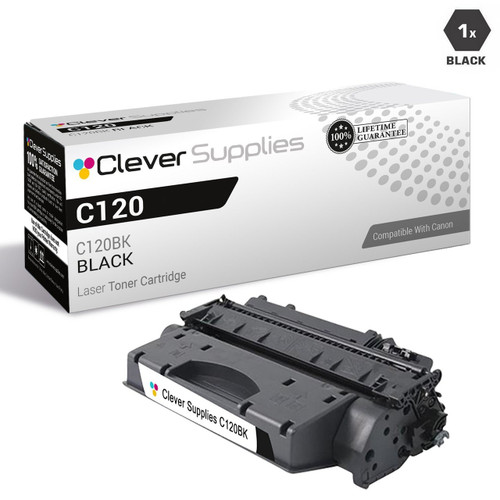
| 120 · 120 (2617B001AA) | imageCLASS D1150–D1370 line, C120–C130F line and more | 5,000 (our store’s field) | Parts-list mention on some listings | Canon’s imageCLASS message family; no family-specific manual captured |
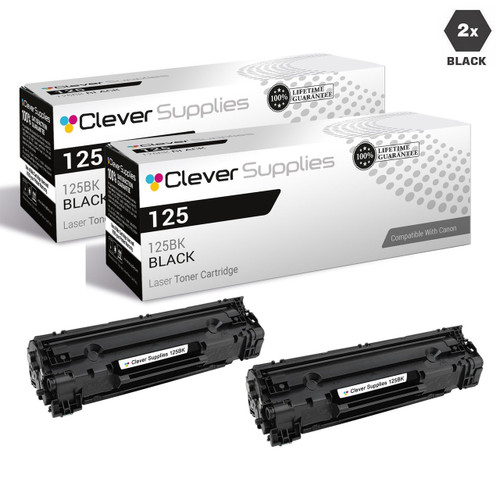
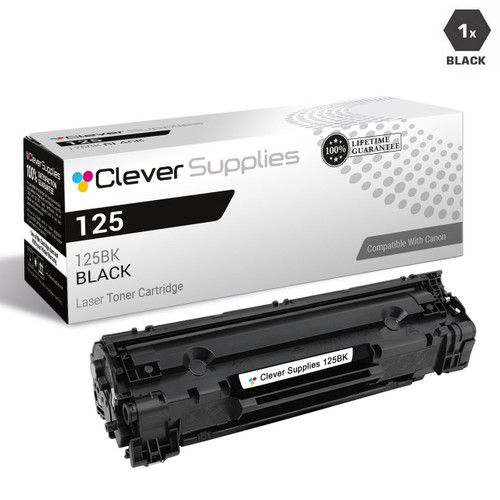
| 125 · CRG-125 (3484B001AA) | LBP6000, LBP6030, LBP6030W, MF3010 | 1,600 (our store’s field) | Parts-list mention on some listings | Canon’s imageCLASS message family; no family-specific manual captured |
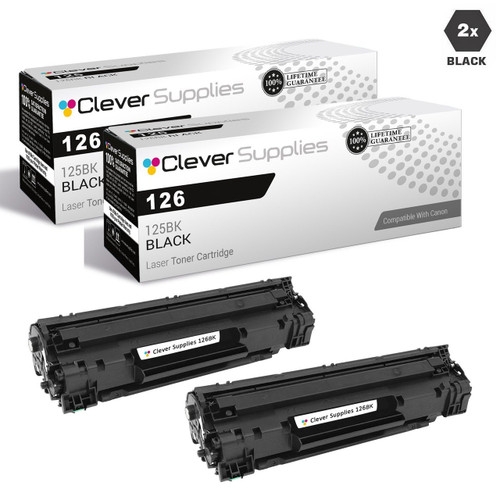
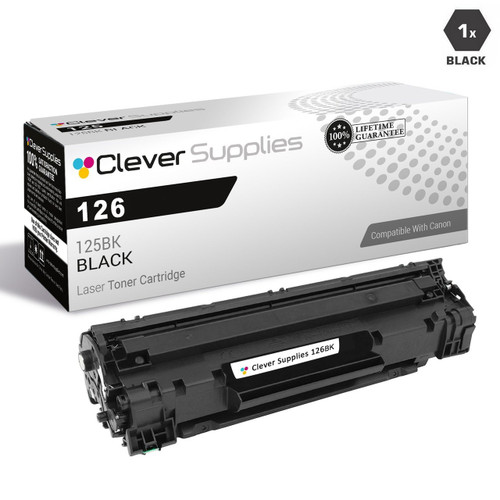
| 126 · 126 (126BK) | LBP6200, LBP6200d, LBP6230, LBP6230dn, LBP6230dw | 2,100 (our store’s field) | Parts-list mention on some listings | Canon’s imageCLASS message family; no family-specific manual captured |
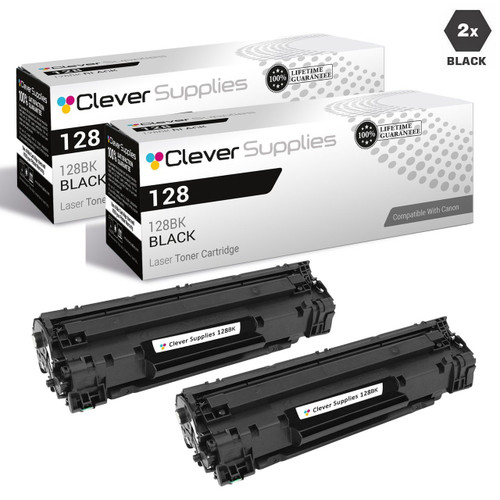
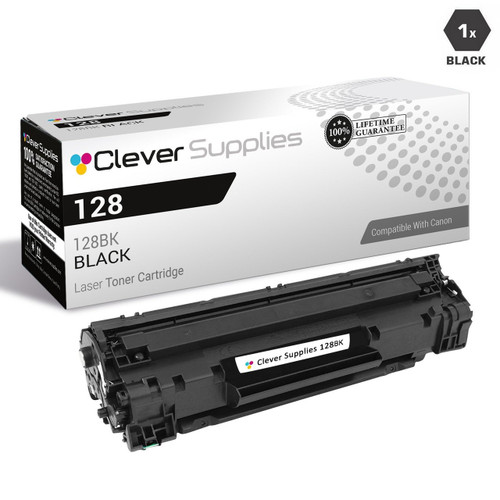
| 128 · 128 (3500B001AA) | FAXPHONE L100, FAXPHONE L190, D520–D580 line, MF4890 and more | 2,100 (our store’s field) | Parts-list mention on some listings | Canon’s imageCLASS message family; no family-specific manual captured |
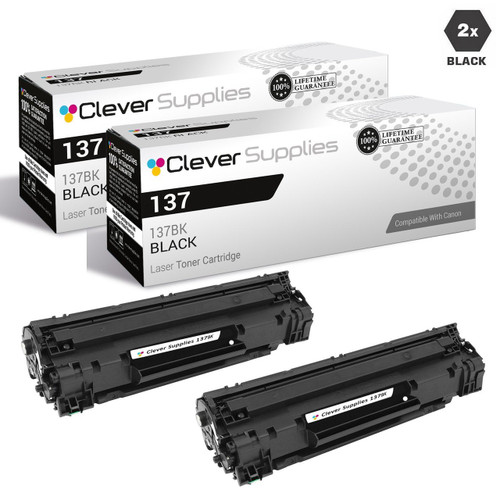
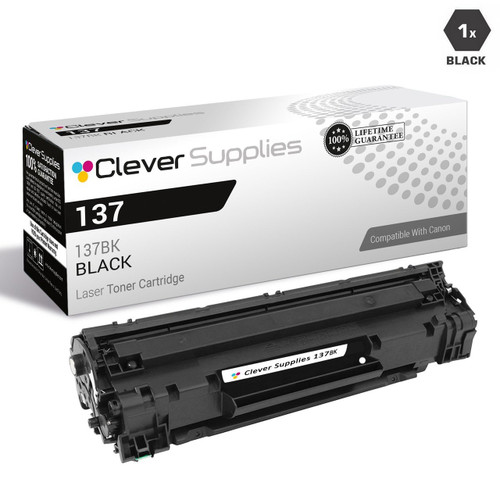
| 137 · 137 (137BK / 9435B001) | D570, LBP151dw, MF212–MF229 line | 2,400 (our store’s field) | Parts-list mention on some listings | Canon’s imageCLASS message family; no family-specific manual captured |
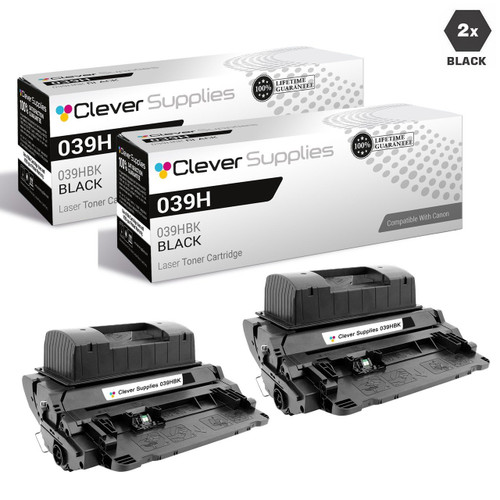
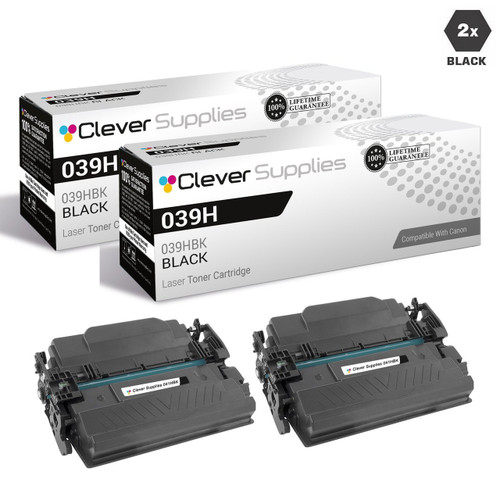
| 039 · 039H (039HBK) — high-yield only | LBP351dn, LBP352dn | 25,000 (our store’s field) | Parts-list mention | Canon’s imageCLASS message family; no family-specific manual captured |
| 041 · 041H (041HBk) — high-yield only | LBP312dn | 20,000 (our store’s field) | Parts-list mention | Canon’s imageCLASS message family; no family-specific manual captured |
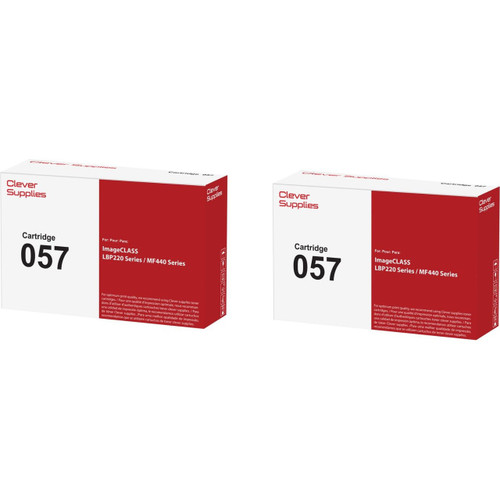
| 057 · 057 + high-yield tier | LBP226dw, LBP227dw, LBP228dw, MF445dw, MF448dw, MF449dw | 3,100 std / 10,000 high (our store’s field) | Nothing about chips | The <Canon Genuine Mode> setting appears in this line’s manuals |
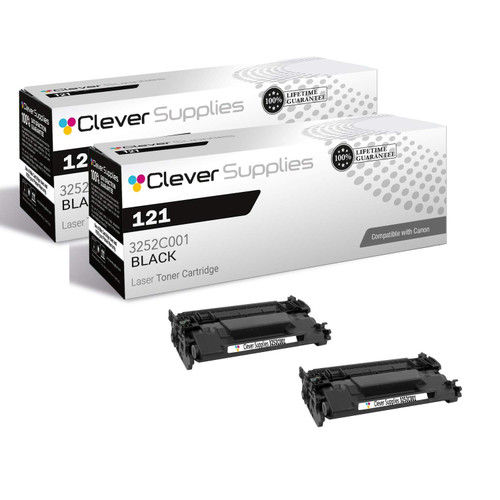
| 121 · 121 (3252C001) | D1620, D1650 | 5,000 (our store’s field) | Nothing about chips | Canon’s imageCLASS message family; no family-specific manual captured |
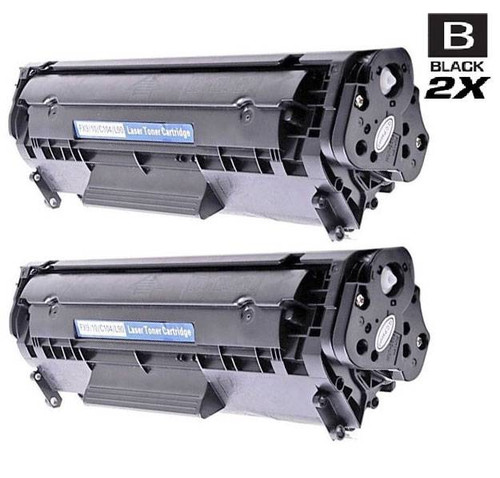
| 104 · 104 / FX-9 platform (0263B001AA) | FAX L90–L160 line, i-Sensys MF4010 and more | — our field contradicts itself (see section) | Nothing about chips | Legacy line; no Canon message document captured |
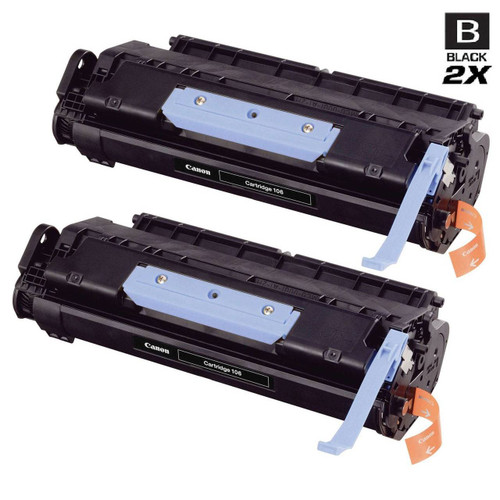
| 106 · 106 (0264B001AA) | MF6500 line, LASERCLASS 830 | 5,000 (our store’s field) | Nothing about chips | Legacy line; no Canon message document captured |
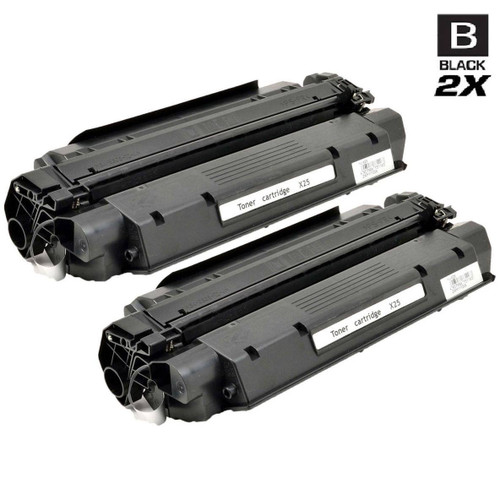
| X25 · X25 (8489A001AA) | MF3110–MF3240 line, MF530 and more | 2,500 (our store’s field) | Nothing about chips | Legacy line; no Canon message document captured |
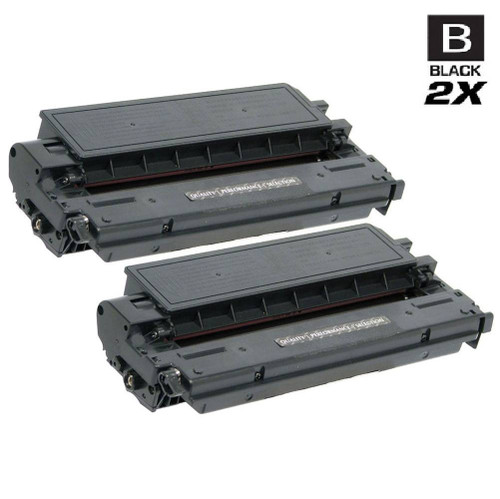
| E40 · E40 (1491A002AA) | FC and PC personal copiers | 4,000 (our store’s field) | Nothing about chips | Legacy line; no Canon message document captured |
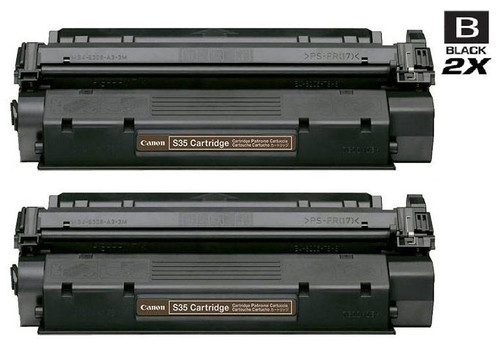
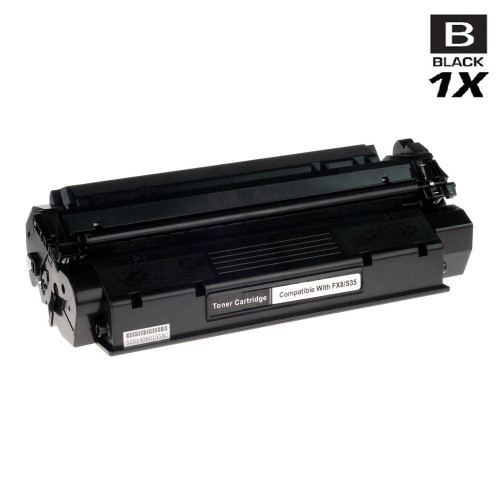
| S35 · S35 (7833A001AA) | FAX L170, FAX L360, FAX L380, FAX L390 | 3,500 (our store’s field) | Nothing about chips | Legacy fax line; no Canon message document captured |
| FX-3 · FX-3 (1557A002BA) | FAX L3500 and L4000 lines, LASERCLASS models | 3,500 (our store’s field) | Nothing about chips | Legacy fax line; no Canon message document captured |
| FX-4 · FX-4 (1558A002AA) | FAX L800, FAX L900 | 4,000 (our store’s field) | Nothing about chips | Legacy fax line; no Canon message document captured |
| FX-6 · FX-6 (1559A002AA) | FAX L1000, LaserClass 3170 line | 5,000 (our store’s field) | Nothing about chips | Legacy fax line; no Canon message document captured |
| FX-7 · FX-7 (7621A001AA) | FAX L2000, LaserClass 710 and 720 | 4,500 (our store’s field) | Nothing about chips | Legacy fax line; no Canon message document captured |
| FX-8 · FX8 (8955A001AA) | FAXPHONE L400, LaserClass 310, LaserClass 510 | 3,500 (our store’s field) | Nothing about chips | Legacy fax line; no Canon message document captured |
| 117 · 117 (2578B001AA) | MF8450, MF8450C | 6,000 (our store’s field) | Nothing about chips | Platform unconfirmed — see the note under this table |
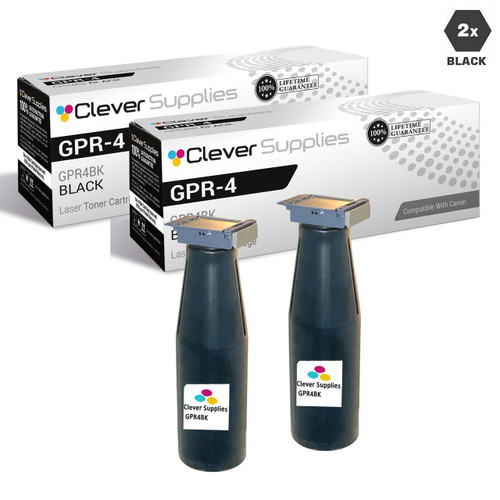
| GPR-4 · GPR-4 (4234A003AA) | imageRUNNER 5000 line | 33,000 (our store’s field) | Parts-list mention on some listings | No Canon message document captured for GPR platforms |
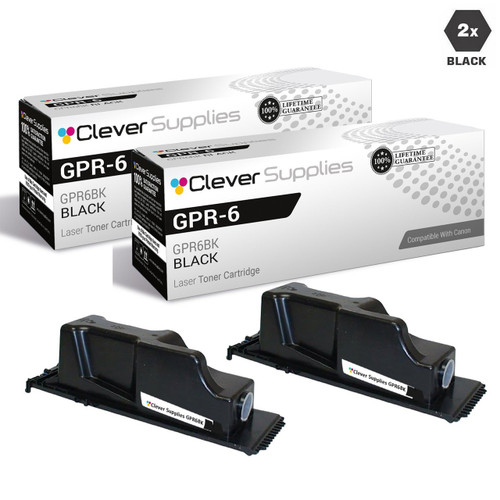
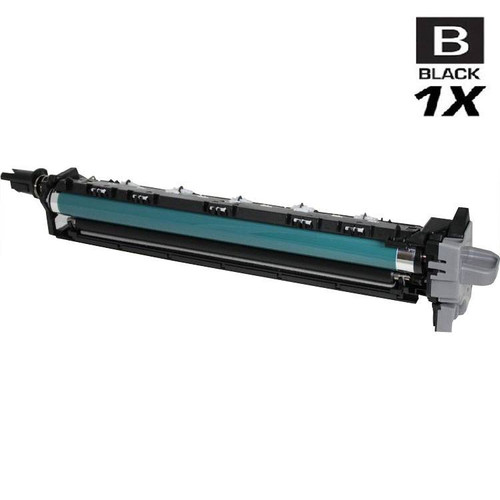
| GPR-6 · GPR-6 (6647A003AA) + drum (6648A004AA) | imageRUNNER 2200 and 3300 lines | 15,000 (our store’s field) | Parts-list mention on some listings | No Canon message document captured for GPR platforms |
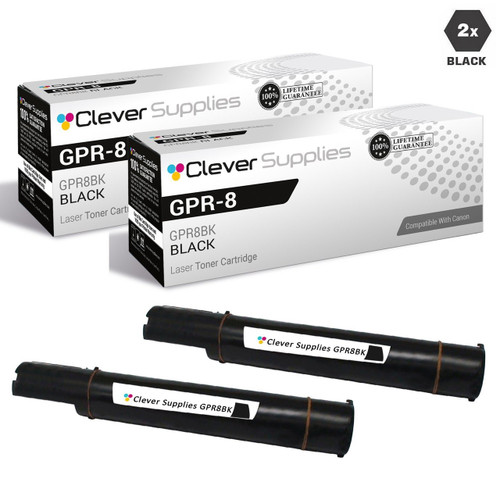
| GPR-8 · GPR-8 (6836A003AA) | imageRUNNER 1600 and 2000 lines | 7,850 (our store’s field) | Parts-list mention on some listings | No Canon message document captured for GPR platforms |
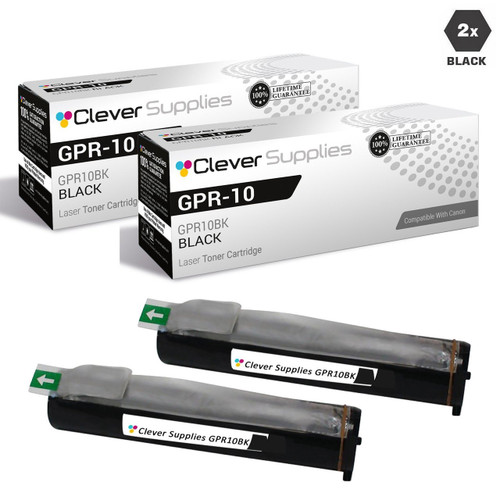
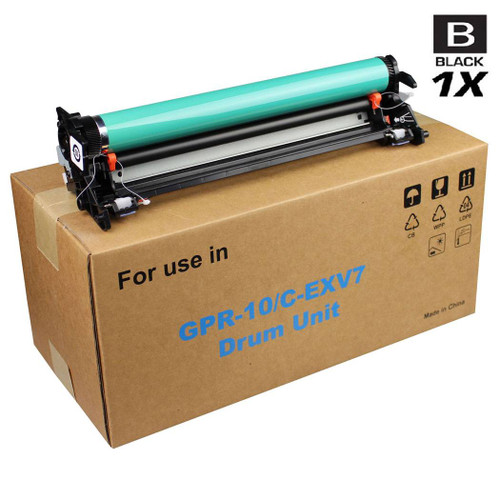
| GPR-10 · GPR-10 (7814A003AA) + drum (7815A004AB) | imageRUNNER 1210 and 1300 lines | 5,300 (our store’s field) | Parts-list mention on some listings | No Canon message document captured for GPR platforms |
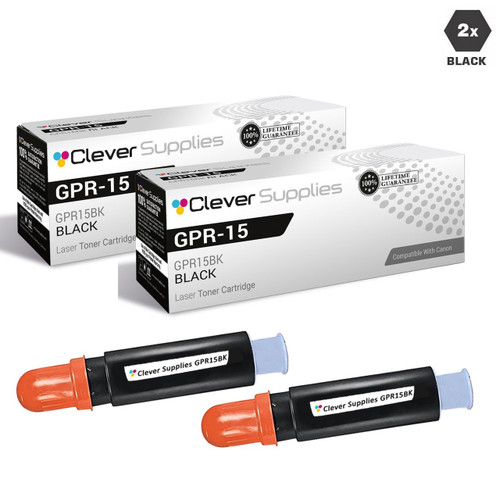
| GPR-15 · GPR-15 (9629A003AA) | imageRUNNER 2230, 2270, 2830, 2870 and more | 21,000 (our store’s field) | Parts-list mention on some listings | No Canon message document captured for GPR platforms |
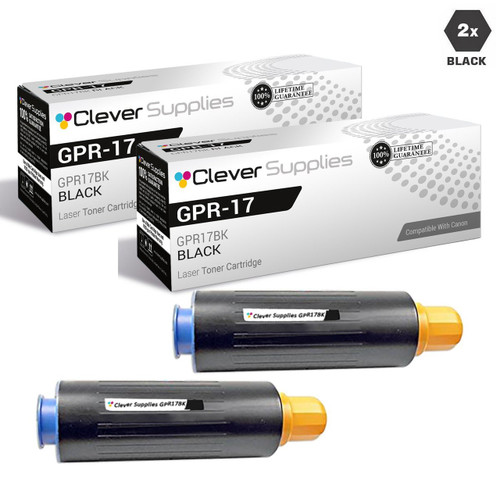
| GPR-17 · GPR-17 (0279B003AA) | imageRUNNER 5070, 5570, 6570 | 45,000 (our store’s field) | Parts-list mention on some listings | No Canon message document captured for GPR platforms |
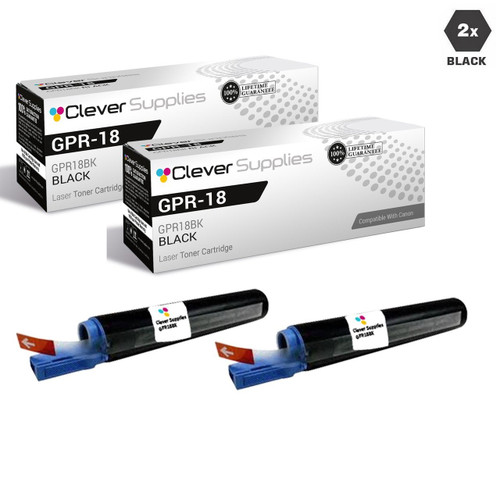
| GPR-18 · GPR-18 (0384B003AA) | imageRUNNER 2016 and 2018 lines | 8,300 (our store’s field) | Parts-list mention on some listings | No Canon message document captured for GPR platforms |
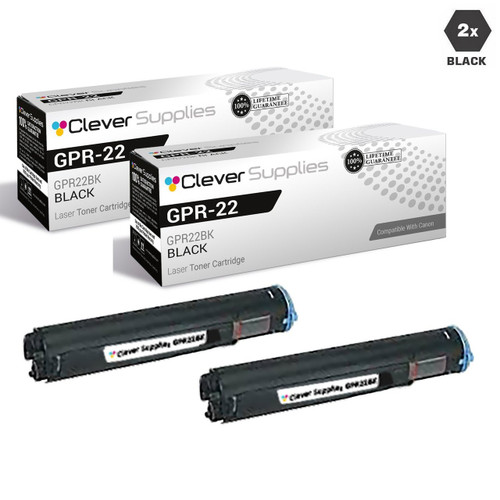
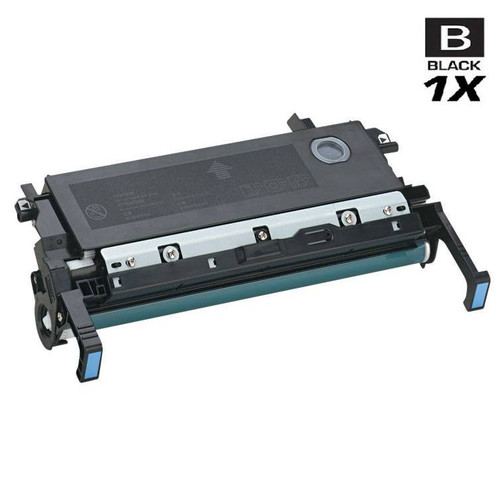
| GPR-22 · GPR-22 (0386B003AA) + drum (0388B003AA) | imageRUNNER 1018 and 1022 lines | 8,400 (our store’s field) | Parts-list mention on some listings | No Canon message document captured for GPR platforms |
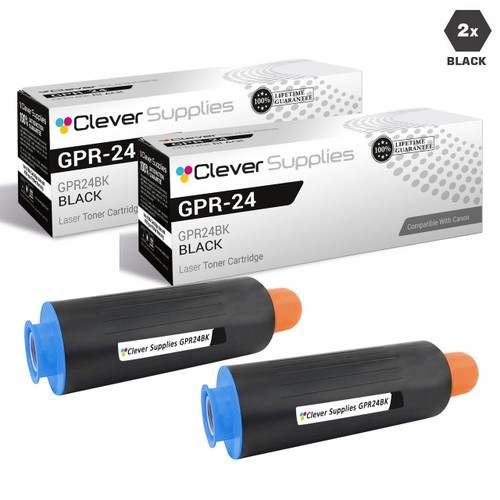
| GPR-24 · GPR-24 (1872B003AA) | imageRUNNER 5050, 5065, 5075 | 48,000 (our store’s field) | Parts-list mention on some listings | No Canon message document captured for GPR platforms |
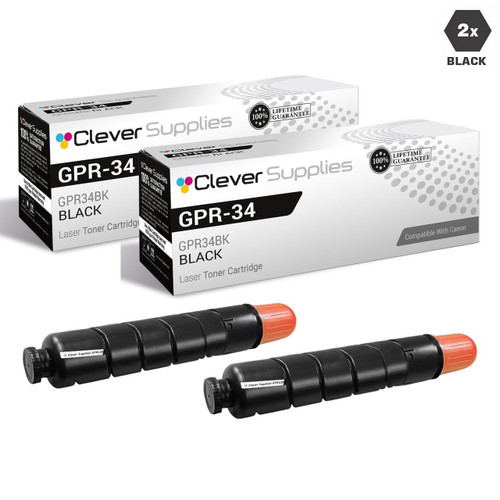
| GPR-34 · GPR-34 (2786B003AA) | imageRUNNER 2535, 2545 | 19,400 (our store’s field) | Parts-list mention on some listings | No Canon message document captured for GPR platforms |
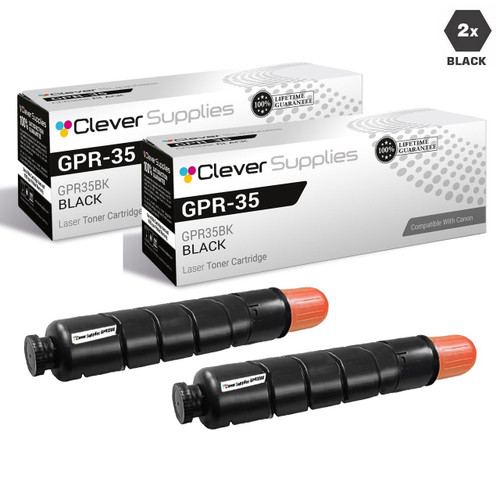
| GPR-35 · GPR-35 (2785B003AA) | imageRUNNER 2520, 2525, 2530 | 14,600 (our store’s field) | Parts-list mention on some listings | No Canon message document captured for GPR platforms |
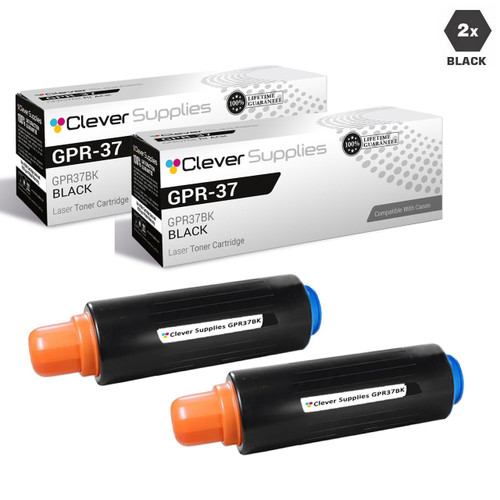
| GPR-37 · GPR-37 (3764B003AA) | imageRUNNER ADVANCE 8085, 8095, 8105 | 70,000 (our store’s field) | Parts-list mention on some listings | No Canon message document captured for GPR platforms |
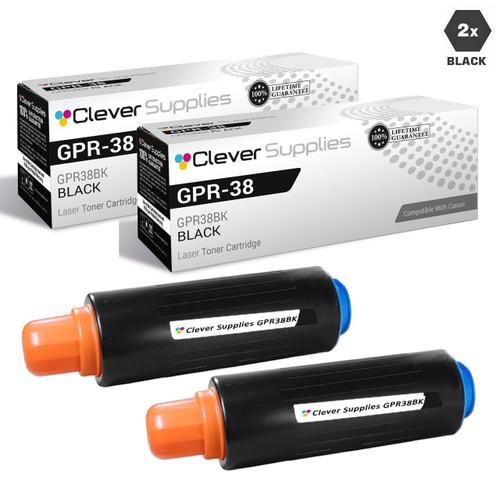
| GPR-38 · GPR-38 (3766B003AA) | imageRUNNER ADVANCE 6055, 6065, 6075 | 56,000 (our store’s field) | Parts-list mention on some listings | No Canon message document captured for GPR platforms |
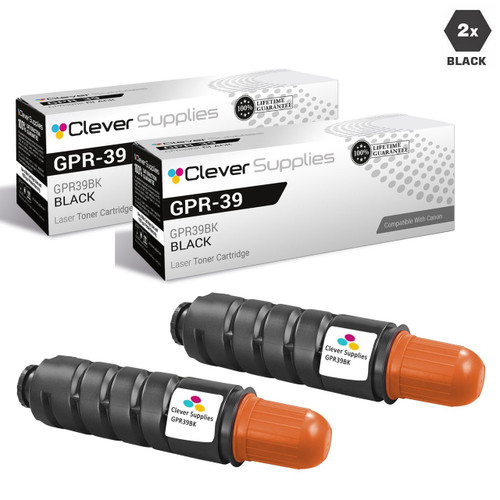
| GPR-39 · GPR-39 (2787B003AA) | imageRUNNER 1730 and 1740 lines | 15,100 (our store’s field) | Parts-list mention on some listings | No Canon message document captured for GPR platforms |
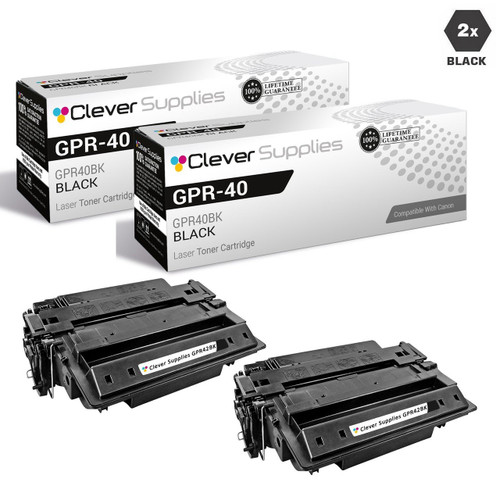
| GPR-40 · GPR-40 + GPR-40 H (3482B005AA) | imageRUNNER LBP3560, LBP3580 | — our field gives three conflicting figures (see section) | Parts-list mention on some listings | No Canon message document captured for GPR platforms |
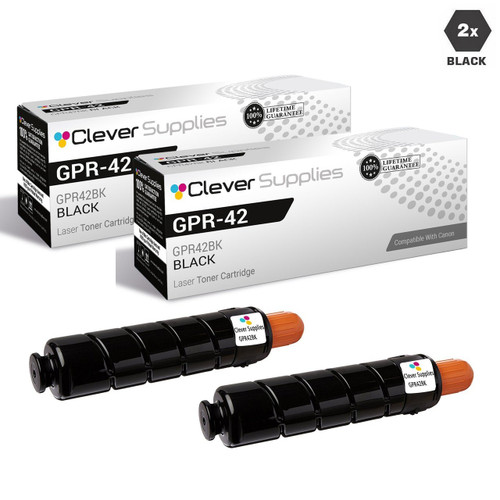
| GPR-42 · GPR-42 (4791B003AA) | imageRUNNER ADVANCE 4045, 4051, 4245, 4251 | 34,200 (our store’s field) | Parts-list mention on some listings | No Canon message document captured for GPR platforms |
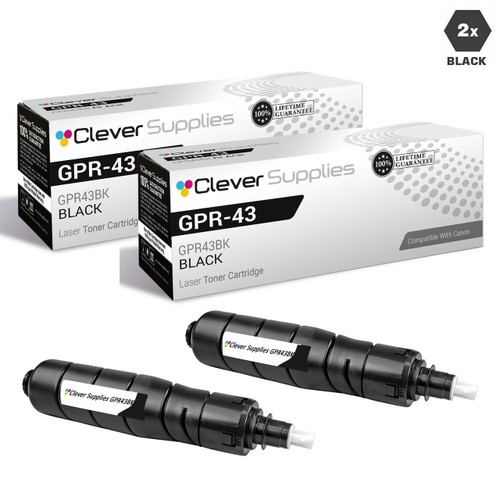
| GPR-43 · GPR-43 (4792B003AA) | imageRUNNER ADVANCE 4025, 4035, 4225, 4235 | 30,200 (our store’s field) | Parts-list mention on some listings | No Canon message document captured for GPR platforms |
| GPR-54 · GPR-54 (9436B003) | imageRUNNER 1435 line | 17,600 (our store’s field) | Nothing about chips | No Canon message document captured for GPR platforms |




The printer cannot get a clean read from the cartridge. Canon’s support text gives the first remedy before anything else: the cartridge may not be installed correctly or may be faulty — re-install it. If re-installing fails to clear the message, Canon’s text contemplates a faulty cartridge and directs you to the store where you bought it. First step: one careful reseat; this is the one message in the set that is often about seating rather than identity.
The hard wording — documented in Canon USA’s support article for the MF740 series, whose IMPORTANT note reads: “When this message is displayed, you cannot continue printing. Check the setting for <Canon Genuine Mode>.” Canon’s manuals define that setting in a single line — “the mode for when Canon genuine toner cartridges are used” — and publish no procedure beyond it. This card documents the MF740-class path; it does not project that path onto other lines.
The current compact machines — the LBP122dw class that takes the 071 cartridge — print the blocking wording with its dismissal built in: “Close: Press OK.” The same manual’s communication-error entry prescribes reinstalling or replacing the cartridge, and its “Prepare a cartridge” entry documents a Continue Printing option. On this class, Canon’s documented response to the warning is to close it and print. Neither [I Agree] nor the Genuine Mode pointer appears in this manual.
The informational warning. Canon’s wording ties it to a cartridge “whose print quality cannot be guaranteed”: the machine cannot read the cartridge’s level data, so the remaining amount is not displayed correctly. It is a display statement, not a stop — and Canon’s own January 2022 instructions for its chip-less genuine cartridges treat an unreliable level display (it “may jump from OK to Empty”) as the known side effect of a cartridge the machine cannot read.
The routine end-of-life notice: “It is nearing the time to replace the toner cartridge.” The compact-generation manual documents a [Continue Printing] option for finishing the job in hand, and its companion message, “End of Cart. Lifetime,” marks the cartridge as spent. A level-related message on a cartridge the machine cannot read should be read alongside the card above — an untrustworthy level reading is a documented side effect, not a second fault.
Documented in the MF260-line manual, because that line’s Drum 051 is a separate supply with its own message set: a drum version of the cannot-display warning, and end-of-life notices (“Drum cart. life end. Replcmt. recommended.”). If your MF264dw or MF267dw is asking about a drum, it is asking about Drum 051 — a supply we do not sell, as the 051 section states plainly. The only separate Canon drums on our shelf are the three legacy imageRUNNER units carded in the GPR-6, GPR-10 and GPR-22 sections.
Canon’s imageRUNNER C3125i manual documents the office line’s override verbatim: “A malfunction may occur. A non-Canon toner cartridge or a toner cartridge of the wrong color may be inserted. To use this cartridge, press [I Agree]” — with the stated condition that if you select it, “the operation of the machine is not guaranteed,” and <Cancel> as the replace path. Scope limit, stated as Canon’s documentation leaves it: this prompt is captured on an imageRUNNER office MFP manual. No imageCLASS manual captured for this page shows it, and no Canon document captured here documents it for the GPR toner platforms — so this page does not promise it on either.
We found no statement of that kind in Canon’s published documentation — no named program comparable to the firmware policies other brands publish, and no Canon FAQ saying updates disable third-party cartridges. What Canon publishes is message-level documentation: communication errors, a cannot-display warning, a Genuine Mode setting its support text points at, and documented dismissals on the compact generation and the imageRUNNER office line. That is recorded exactly as it stands — an absence in Canon’s published documentation, searched on November 11, 2026 — and not as a guarantee about any individual model or firmware version.
What Canon’s own text says to do first: take the cartridge out and re-install it. Canon’s support wording treats incorrect installation as the first suspect, ahead of a faulty cartridge; only if re-installing fails to clear the message does its text move to “the toner cartridge may be faulty” and direct you to the store where you purchased it. One careful reseat, before money changes hands.
That message is about the display, not a stop. Canon’s wording says the remaining amount is not correctly displayed because the cartridge’s print quality cannot be guaranteed — the machine cannot read the cartridge’s level data. The separate “Cannot print” wordings are different messages with different paths, decoded in the cards above. Canon’s own 2022 experience underlines the point: shipping genuine cartridges it could not read either, it told owners the level display might jump from OK to Empty — and to keep printing.
Our product pages make no such claim, and this page exists partly to keep that answer exact. Across all 868 Canon toner descriptions in our store, the word “firmware” appears zero times; the word “chip” appears only inside one legacy sentence listing a smart chip among a cartridge’s all-new components — a parts list that rides on the older listing waves — while the newer families’ listings say nothing about chips at all. Whether a given compatible cartridge physically carries a chip is not something our listings state, so we do not state it either. What we stand behind is the cartridge itself and the warranty behind it.
No — and it is better said here than discovered at checkout. Canon’s design for the MF260 line separates Drum 051 from the 051 toner cartridge, and the line’s manual gives the drum its own messages. We sell the 051 toner cartridge in singles and two-packs; we do not sell Drum 051. The only separate Canon drum units in our store are three legacy imageRUNNER copier drums — GPR-6, GPR-10 and GPR-22 — carded in their family sections above.
During the semiconductor shortage, Canon delivered genuine toner cartridges without the semiconductor component used for functions such as remaining-toner detection, saying so in its own statement: there was “no negative impact on print quality,” though functions like level detection “may be impaired.” Its per-model instructions for the affected imageRUNNER machines were to press Close, I Agree or OK and continue printing. We cite the episode for exactly what it is — Canon’s documented handling of cartridges its own machines could not read — and not as a statement about third-party cartridges generally.