




SCX-4623FW
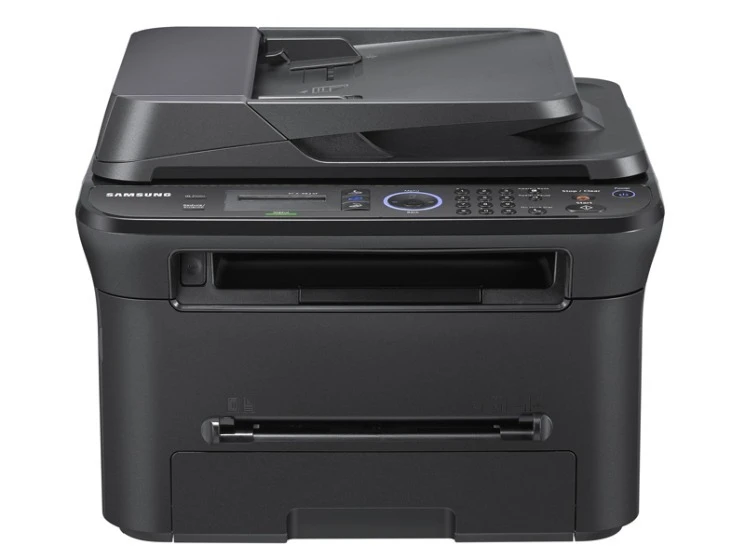
Samsung's SCX-4623FW is the fully connected fax multifunction: wireless networking plus print, scan, copy, and fax in one workgroup-grade unit. It is built for offices that want every function available to every desk.
It takes the MLT-D105S standard cartridge or MLT-D105L high-yield. Compatible or genuine OEM, both are available here with fast shipping from Clever Supplies.
Toner Cartridges for SCX-4623FW
This printer works with the following toner cartridges:
- Samsung MLT-D105S
- Samsung MLT-D105L
More Samsung Printers
- ML-1910
- ML-1915
- ML-2525
- ML-2525W
- ML-2545
- ML-2580N
- SCX-4600
- SCX-4623F
- SCX-4623FN
- SF-650
- SF-650P
- ML-2526
- ML-2581
- SCX-4623
- ML-2580
- ML-2540
- ML-2540R
Frequently Asked Questions
What causes a gray haze across prints from the SCX-4623FW, and which part of the printer causes it on text documents?
A gray background — sometimes called backgrounding — usually means the drum's cleaning blade is worn and leaving stray toner on the page. Try a new MLT-D105S if the current one is very old, since degraded toner can contribute — but if the haze survives a cartridge swap, the drum is the answer. Fixing it at the drum level restores the crisp output the SCX-4623FW is capable of.
I put a fresh cartridge in the SCX-4623FW and it still reports it as empty, and what steps reset the error?
The SCX-4623FW reads a small chip on the MLT-D105S, so anything blocking that contact — toner dust, a missed pull-tab — triggers an error. After reinstalling, print a supplies status page to confirm the SCX-4623FW now sees the cartridge correctly. Most of these errors surrender to a calm, methodical reseat.
My SCX-4623FW is producing prints that seem faded and washed out on every document now?
Fading like that usually points to a cartridge running low, but on the SCX-4623FW it can also mean the imaging drum is wearing out. Print a supplies status page from the SCX-4623FW panel to see the remaining toner before spending money on a new cartridge. Either way, keep a spare MLT-D105S on hand so fading output never stalls your printing.