




ML-2581
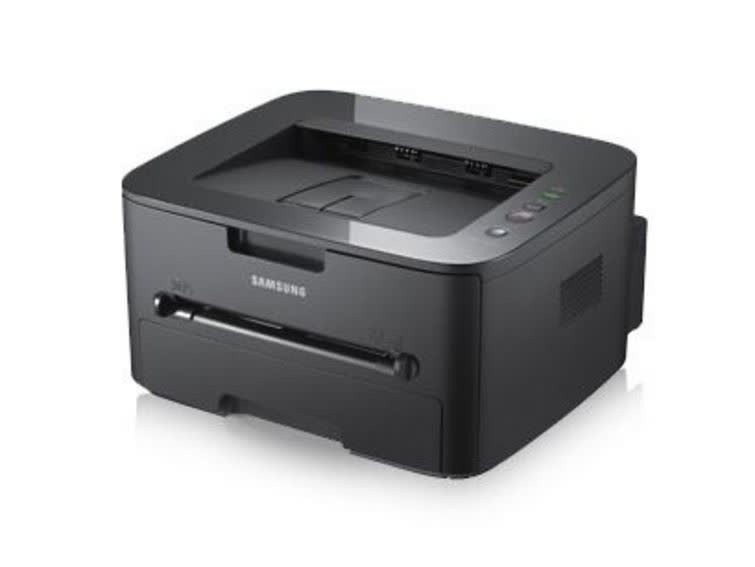
Samsung's ML-2581 is a regional badge on the 2580-series workgroup mono laser, a single-function printer built for steady small-office output. Different model code, same reliable engine.
It takes the MLT-D105S or the longer-running MLT-D105L. We offer compatible cartridges for value and genuine OEM cartridges for originality, both shipping fast from Clever Supplies.
Toner Cartridges for ML-2581
This printer works with the following toner cartridges:
- Samsung MLT-D105S
- Samsung MLT-D105L
More Samsung Printers
- ML-1910
- ML-1915
- ML-2525
- ML-2525W
- ML-2545
- ML-2580N
- SCX-4600
- SCX-4623F
- SCX-4623FN
- SCX-4623FW
- SF-650
- SF-650P
- ML-2526
- SCX-4623
- ML-2580
- ML-2540
- ML-2540R
Frequently Asked Questions
How should I store a spare MLT-D105S for my ML-2581, and what conditions keep it fresh in a home office?
An unopened cartridge stores well for a long time as long as it stays sealed, upright, and at normal room temperature. When you finally install the stored cartridge in the ML-2581, rock it gently side to side first to redistribute any settled toner. Good storage means your backup is ready the moment the ML-2581 needs it.
Should I buy the standard or high-yield cartridge for my ML-2581 — what actually differs inside the cartridge?
Both cartridges in the MLT-D105S / MLT-D105L family work in the ML-2581; the L-suffixed MLT-D105L just holds more toner than the S-suffixed MLT-D105S. Offices that print daily usually standardize on the high-yield MLT-D105L to cut down on reordering chores. It is purely a capacity question, not a quality question.
Text from my ML-2581 smudges when I rub it, and how do I tell which part is failing?
Toner that sits on the surface instead of melting into the fibers points at the fuser — the hot roller at the ML-2581's output. If plain paper smudges even with a fresh MLT-D105S installed, the fuser itself is probably failing and needs service or replacement. That said, correct media settings make the whole problem disappear in most cases.