




ML-2525
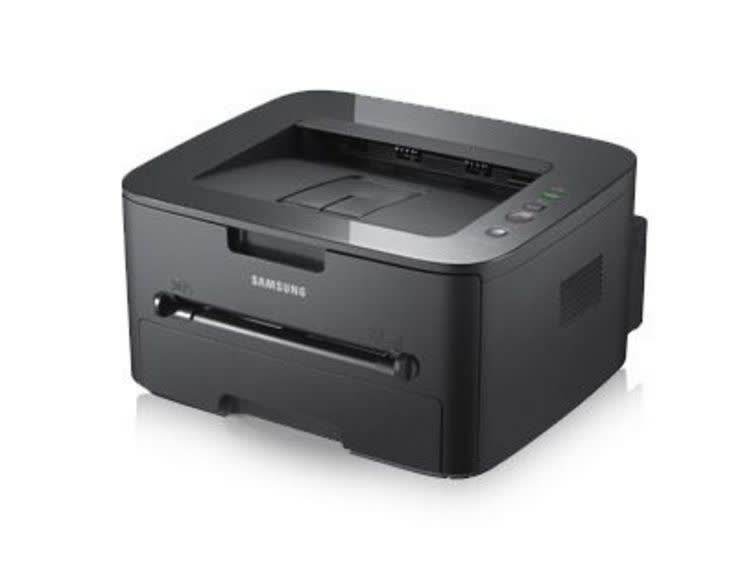
The Samsung ML-2525 steps up to small-workgroup duty with a sturdier mono laser engine and a more office-ready presence than the 1910 series. It is built for shared use: dependable, quick, and economical to run.
Feed it the MLT-D105S standard cartridge or the MLT-D105L high-yield when the queue grows. Our compatible cartridges are the value route; genuine OEM cartridges are the factory route. Fast shipping from Clever Supplies.
Toner Cartridges for ML-2525
This printer works with the following toner cartridges:
- Samsung MLT-D105S
- Samsung MLT-D105L
More Samsung Printers
- ML-1910
- ML-1915
- ML-2525W
- ML-2545
- ML-2580N
- SCX-4600
- SCX-4623F
- SCX-4623FN
- SCX-4623FW
- SF-650
- SF-650P
- ML-2526
- ML-2581
- SCX-4623
- ML-2580
- ML-2540
- ML-2540R
Frequently Asked Questions
My ML-2525 is producing prints that seem faint, especially on solid areas on every document now?
When output goes pale, the first suspect is low toner in the MLT-D105S, though an aging drum gives the same symptom. Print a supplies status page from the ML-2525 panel to see the remaining toner before spending money on a new cartridge. Matching the symptom to the right consumable saves both time and money.
Does a spare MLT-D105S for my ML-2525 go bad sitting in a closet — should it stay sealed until use?
The original sealed bag protects the toner from humidity and light, so do not open it until installation day. When you finally install the stored cartridge in the ML-2525, rock it gently side to side first to redistribute any settled toner. Store it right and the spare prints like new when its turn comes.
What makes the ML-2525 produce the same smudge in the same place on each page, and can a cartridge swap fix it?
A defect that lands in the identical spot on every sheet is a fingerprint of one damaged roller — most often the imaging drum. Measure the distance between repeating marks and compare it with the drum circumference noted in the ML-2525 manual; a match confirms the drum. Catching it early with a visual check beats guessing between a new MLT-D105S and a new drum.