




ML-2850N
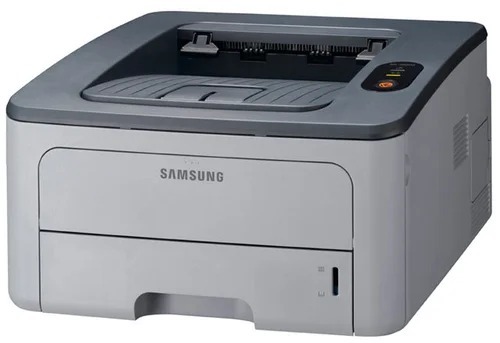
The Samsung ML-2850N brought Ethernet to the 2850 line — the networked version of the small-office mono laser, ready to serve several users from one machine.
It prints with ML-D2850A or ML-D2850B cartridges. Both compatible and genuine OEM toner for the ML-2850N is available here.
Toner Cartridges for ML-2850N
This printer works with the following toner cartridges:
- Samsung ML-D2850A
- Samsung ML-D2850B
More Samsung Printers
Frequently Asked Questions
Do I need to shake a brand-new ML-D2850A before installing it in the ML-2850N?
The top reason a fresh ML-D2850A prints blank in the ML-2850N is a sealing tape that was only half removed — pull it out completely. One end of the tape usually has a pull tab. After it is out, rock the cartridge gently before installing.
Why does the ML-2850N stop printing over the network every few days?
The ML-2850N stops printing over the network every few days most often because the router keeps reassigning its IP address. Reserve a fixed address for the printer in the router's DHCP settings so the driver port stays valid. This is purely a network symptom and has nothing to do with the ML-D2850A toner level.
Why is the ML-2850N asking for a toner replacement right after I installed a fresh cartridge?
A non-genuine message on the ML-2850N means the cartridge chip does not match what the printer expects - it can appear with compatible cartridges or a poorly seated chip. Remove the ML-D2850A and reinstall it firmly so the contacts meet. If the message persists, the chip itself may be faulty and the seller can usually replace the cartridge.