




SCX-4623FN
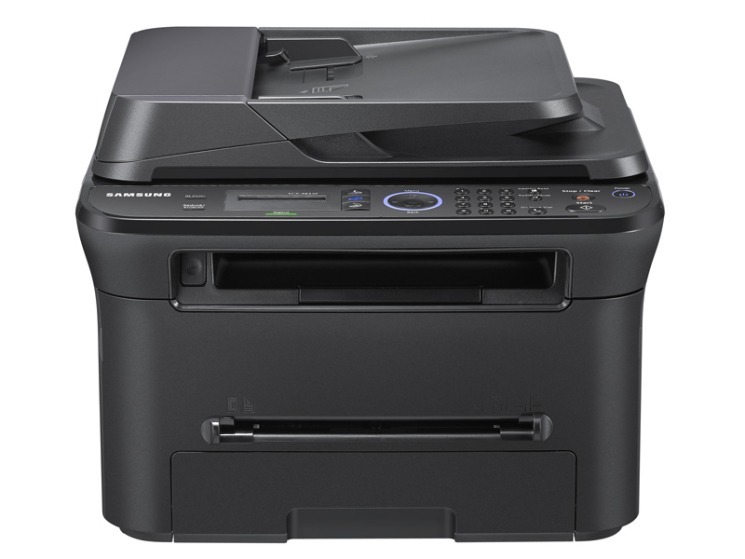
The SCX-4623FN adds networking to the fax-equipped multifunction formula, giving Samsung's workgroup MFP print, scan, copy, fax, and shared access. A complete paper station for a connected small office.
The MLT-D105S standard or MLT-D105L high-yield cartridge fits. We carry both as compatibles and as genuine Samsung OEM stock, shipping fast from Clever Supplies.
Toner Cartridges for SCX-4623FN
This printer works with the following toner cartridges:
- Samsung MLT-D105S
- Samsung MLT-D105L
More Samsung Printers
- ML-1910
- ML-1915
- ML-2525
- ML-2525W
- ML-2545
- ML-2580N
- SCX-4600
- SCX-4623F
- SCX-4623FW
- SF-650
- SF-650P
- ML-2526
- ML-2581
- SCX-4623
- ML-2580
- ML-2540
- ML-2540R
Frequently Asked Questions
My SCX-4623FN still prints light after a new MLT-D105S, and can I keep printing with a tired drum before buying another cartridge?
Yes, the drum in the SCX-4623FN is designed to outlast several toner cartridges, so most of your purchases will just be the MLT-D105S or MLT-D105L. Visually, a worn drum often looks shiny or unevenly coated compared with a fresh one — inspect it under good light. Let the pages tell you when the drum is done — they always do.
How should I store a spare MLT-D105S for my SCX-4623FN — any special handling before installing it later in a home office?
Keep the spare MLT-D105S for your SCX-4623FN sealed in its original packaging, stored upright in a cool, dry place away from direct sunlight. When you finally install the stored cartridge in the SCX-4623FN, rock it gently side to side first to redistribute any settled toner. Store it right and the spare prints like new when its turn comes.
Is gently rocking the cartridge a real fix for my SCX-4623FN — does shaking it actually work without making a mess?
Rocking the MLT-D105S is a well-known stopgap that Samsung owners have used for years to stretch a cartridge. Hold the cartridge level and rock it side to side — never up and down or vigorously — then reinstall it in the SCX-4623FN and print a test page. Use the borrowed pages wisely — the new MLT-D105S should already be on its way.