




ML-2525W
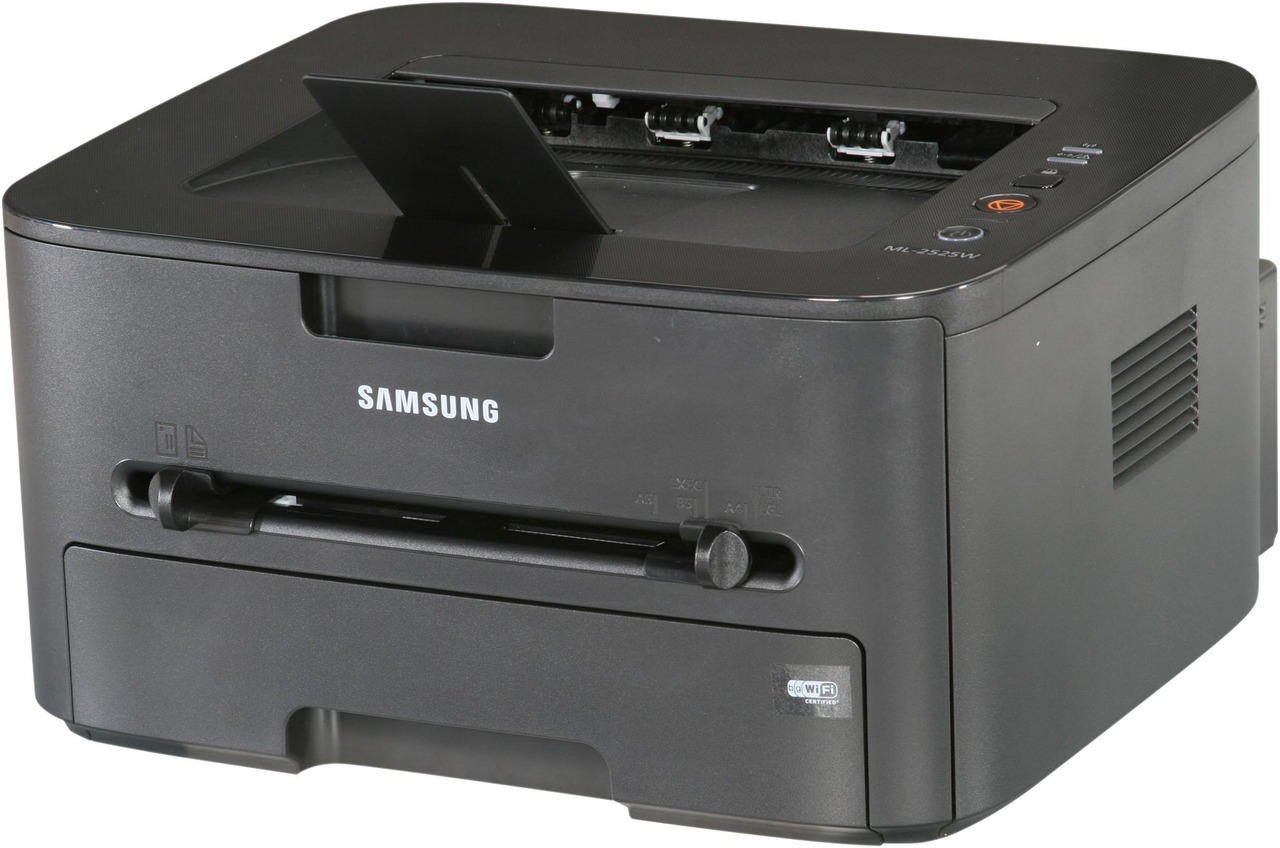
Wireless networking turns the ML-2525 into the Samsung ML-2525W, a small-workgroup mono laser that the whole office can share without running cables. It keeps the series' sturdy build and adds genuine placement freedom.
It takes the MLT-D105S or the longer-running MLT-D105L. Compatible and genuine Samsung OEM cartridges are both stocked, shipping fast from Clever Supplies.
Toner Cartridges for ML-2525W
This printer works with the following toner cartridges:
- Samsung MLT-D105S
- Samsung MLT-D105L
More Samsung Printers
- ML-1910
- ML-1915
- ML-2525
- ML-2545
- ML-2580N
- SCX-4600
- SCX-4623F
- SCX-4623FN
- SCX-4623FW
- SF-650
- SF-650P
- ML-2526
- ML-2581
- SCX-4623
- ML-2580
- ML-2540
- ML-2540R
Frequently Asked Questions
Why does my ML-2525W print pages that look weak and low-contrast on every document now?
This symptom sits at the crossroads of two consumables: the MLT-D105S toner cartridge and the imaging drum inside the ML-2525W. Start by checking the toner level on the printer's display or in Samsung's printer software; if it reads low, replace the cartridge. Matching the symptom to the right consumable saves both time and money.
What toner do I need for my ML-2525W, and how do I avoid buying the wrong one so I do not make a mistake?
Only the MLT-D105S or MLT-D105L codes are made for the ML-2525W; cartridges for other Samsung families will not seat correctly. Check the code on the cartridge you are replacing rather than going by printer looks alone, since similar Samsung models use different families. One careful look at the code saves the hassle of a wrong-cartridge return.
What is the cleanest way to replace the MLT-D105S in the ML-2525W — should I shake the new cartridge first?
Toner spills are almost always caused by rushing, so give yourself a clear workspace and handle the old cartridge gently. Seal the old cartridge in the new one's bag immediately so stray toner cannot spread across your desk. That routine keeps both your hands and your ML-2525W clean.