




ML-2540
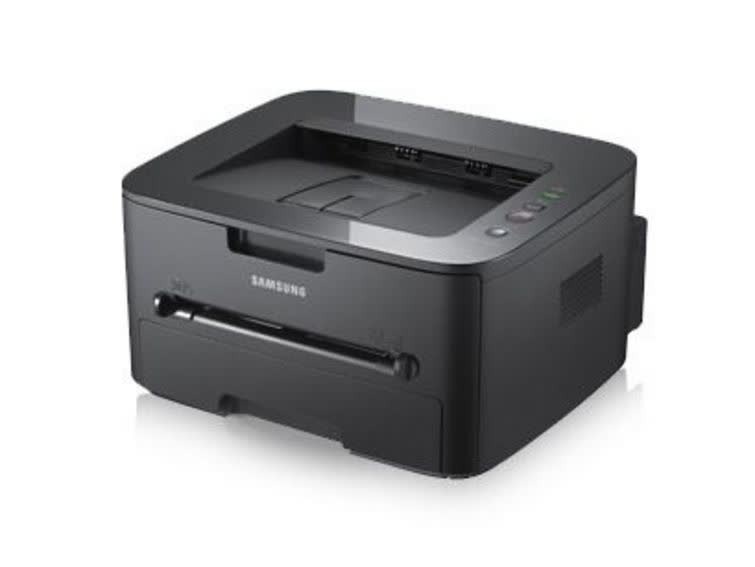
The Samsung ML-2540 is a small-workgroup mono laser in the 2540/2545 family, built for steady black-and-white output in a compact office footprint. Reliable and economical is the brief, and it meets it.
The MLT-D105S standard or MLT-D105L high-yield cartridge fits the ML-2540. Compatible and genuine Samsung OEM options are stocked, shipping fast from Clever Supplies.
Toner Cartridges for ML-2540
This printer works with the following toner cartridges:
- Samsung MLT-D105S
- Samsung MLT-D105L
More Samsung Printers
- ML-1910
- ML-1915
- ML-2525
- ML-2525W
- ML-2545
- ML-2580N
- SCX-4600
- SCX-4623F
- SCX-4623FN
- SCX-4623FW
- SF-650
- SF-650P
- ML-2526
- ML-2581
- SCX-4623
- ML-2580
- ML-2540R
Frequently Asked Questions
Does humidity affect print quality on the ML-2540, and what paper conditions cause problems before I blame the cartridge?
On humid days the culprit is often the paper stack, not the MLT-D105S — moisture changes how every sheet behaves. In very humid spaces, a resealable bag for the working stack makes a noticeable difference to ML-2540 output. Start with the paper and work inward from there.
Which toner cartridges fit the ML-2540, and how do I avoid buying the wrong one?
Samsung built the ML-2540 around the MLT-D105S / MLT-D105L cartridge, so MLT-D105S or MLT-D105L is the code to shop for. Keep the empty box until the new cartridge is installed and printing, in case the code needs double-checking. Exact-code shopping keeps the whole process painless.
What makes text from the ML-2540 come out weak and low-contrast?
Fading like that usually points to a cartridge running low, but on the ML-2540 it can also mean the imaging drum is wearing out. Start by checking the toner level on the printer's display or in Samsung's printer software; if it reads low, replace the cartridge. Once you know which part is tired, the fix is straightforward.