




LaserClass 1300
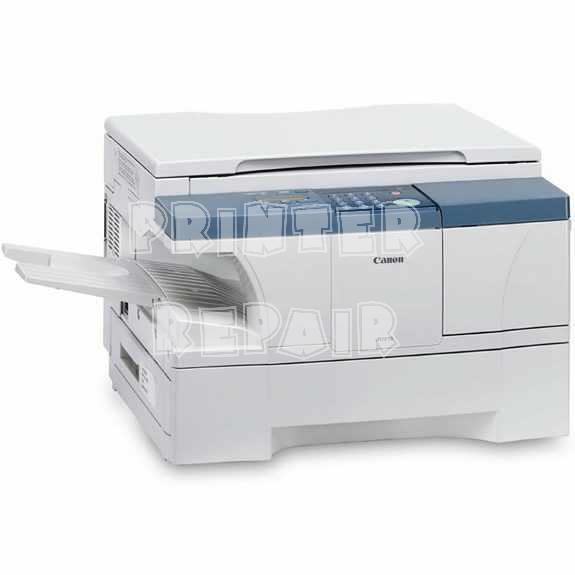
The Canon LaserClass 1300 sits at the top of the small 6-ppm-class fax group on this shelf, a plain-paper laser fax whose detailed specifications were never widely published. What the compatibility charts do record clearly is its supply: the Canon FX-3 toner cartridge, rated for 2,700 pages. For a machine like this, that shared cartridge is the specification that decides whether it stays in service.
The 1300's angle is continuity. It belongs to the same FX-3 family as scores of Canon faxes from the L, CFX and MultiPass lines, so an office running several of these machines stocks a single cartridge for all of them. A 1300 that still answers its line every morning does not need replacing — it needs its toner shelf kept full, and that is a far cheaper habit than a new machine.
Toner Cartridges for LaserClass 1300
| Cartridge | Color | Page Yield |
|---|---|---|
| Canon FX-3 Black Toner Cartridge | Black | 2,700 pages |
| Canon FX-3 Black Toner Cartridges — 2 Pack | Black | 2,700 pages per cartridge |
| Canon FX-3 Black Toner Cartridges — 3 Pack | Black | 2,700 pages per cartridge |
| Canon FX-3 Black Toner Cartridges — 5 Pack | Black | 2,700 pages per cartridge |
| Canon FX-3 Premium Quality Black Toner Cartridges — 5 Pack | Black | 2,700 pages per cartridge |
Which cartridge should you buy?
There is one FX-3 yield — 2,700 pages — and no larger high-yield variant to hunt for, so the choice reduces to how many cartridges your fax traffic justifies. A single serves a lightly used 1300. Daily faxers save money per cartridge with the 2 pack or 3 pack, and the two 5 packs suit desks where an empty machine would stall signed paperwork; the premium quality version offers the same yield in a premium-grade build. Each compatible FX-3 on this page is protected by a 1-year warranty and 1-year returns.
Chip, toner and everyday use
Seat the replacement properly and the 1300 asks for nothing else: front cover up, old cartridge out, new cartridge rocked a few times to loosen the toner, seal removed, unit slid in until it stops. Because the rating assumes roughly 5% coverage, offices faxing dark, form-heavy pages should expect somewhat fewer pages per cartridge and plan spares accordingly. When output turns pale, the rock-the-cartridge trick recovers density temporarily — use that window to get the next FX-3 ordered rather than waiting for a fully blank page.
Frequently Asked Questions
Does the LaserClass 1300 take the same toner as the LaserClass 1100?
It does. Both machines run on the Canon FX-3, along with the rest of the family listed below, so one cartridge stock serves every FX-3 fax you own.
How many pages should I expect from one FX-3 in the 1300?
Around 2,700 pages at the standard 5% coverage. Real life varies with what you fax: short cover sheets stretch a cartridge, while dense contracts and shaded forms shorten its life noticeably.
Are these compatible FX-3 cartridges covered if something goes wrong?
Yes — the compatible cartridges on this page carry a 1-year warranty and 1-year returns, so a cartridge that misbehaves can be sent back rather than written off.
More printers that use the same cartridges
Grouped by line, here is the full FX-3 family the 1300 belongs to — L-series machines first, then its fellow LaserClass models, then the rest of the clan: L200, L250, L260, L260I, L280, L300, L350, L3500, L4000, L4500, L4500IF, L60, L75, L80, LaserClass 1050, LaserClass 1060, LaserClass 1060P, LaserClass 1100, LaserClass 2050, LaserClass 2050P, LaserClass 2060, LaserClass 2060P, LaserClass 3500, LaserClass 4000, LaserClass 4500, LaserClass 6000L, LaserClass L4000, LaserClass L4500, C100, CFX-2060, CFX-L3500, CFX-L3500IF, CFX-L4000, CFX-L4000IF, CFX-L4500, CFX-L4500IF, CFX-LC2050, FaxPhone L75, FaxPhone L80, ImageClass 1100, ImageClass 1100P, MultiPass L60, MultiPass L600, MultiPass L6000, MultiPass L90.